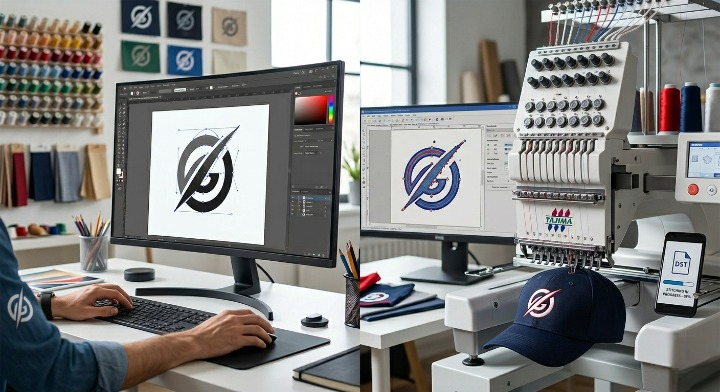
In the world of custom branding and apparel production, terms like vector conversion and embroidery digitizing are often used interchangeably by newcomers. However, while both processes involve transforming an image from one digital state to another, they serve completely different purposes and require distinct technical skill sets.
Understanding these differences is crucial for business owners, designers, and hobbyists to ensure their logos look crisp on a website and flawless on a garment. Below, we break down the mechanics, outputs, and applications of both services.
Vector conversion is the process of taking a “raster” image (made of pixels, like a JPG or PNG) and recreating it using mathematical paths. These paths consist of points, lines, and curves.
If you are wondering what is a vector file or why it’s necessary for your brand, it’s essentially the “blueprint” of your logo that remains sharp at any resolution.
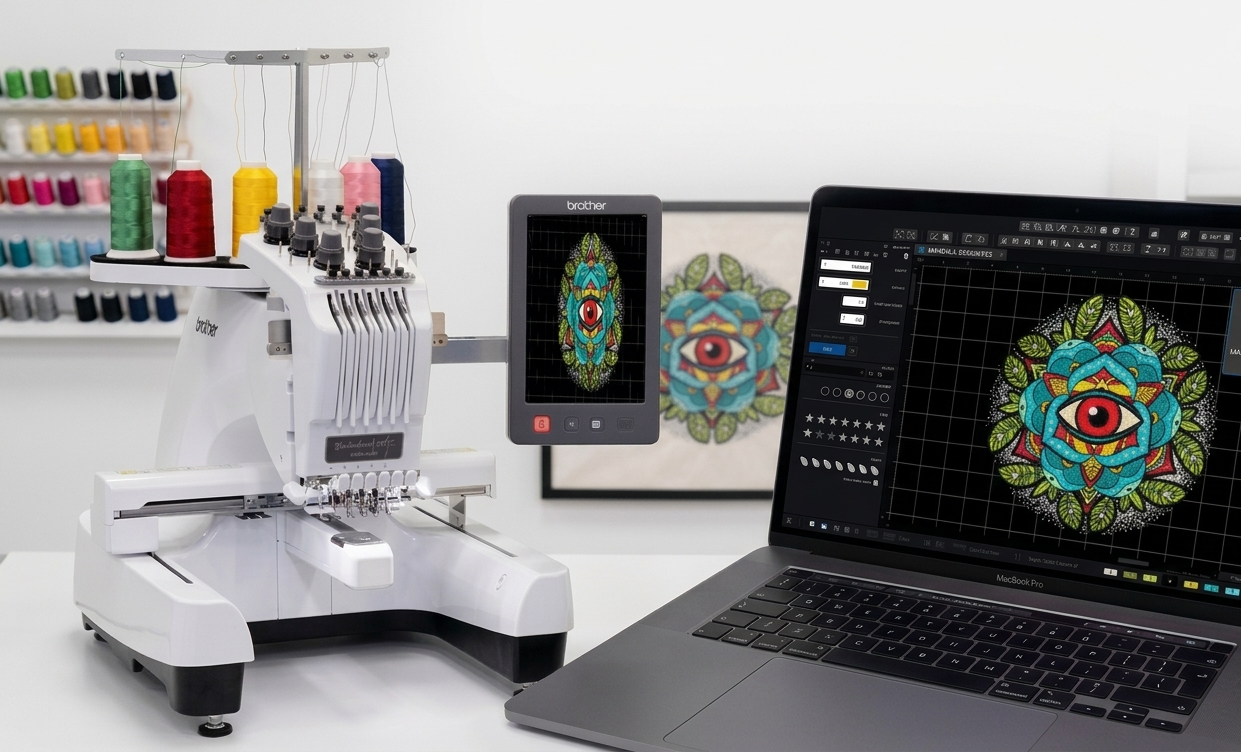
Embroidery digitizing is the specialized process of converting a 2D artwork (usually a vector or high-res raster) into a “stitch file” that an embroidery machine can understand. It isn’t just a format change; it’s a translation of visual art into physical movement.
A digitizer essentially “tells” the needle where to go, when to trim the thread, and how dense the stitching should be. Without a proper stitch file for embroidery, a machine simply cannot function.
| Feature | Vector Conversion | Embroidery Digitizing |
| Primary Goal | Resolution-independent 2D art | Machine-readable stitch paths |
| Software Used | Adobe Illustrator, CorelDRAW | Wilcom, Pulse, Hatch |
| Output Format | AI, SVG, EPS | DST, PES, EXP |
| Physical Factors | None (Digital/Ink Printing) | Fabric type, thread weight, needles |
| Scalability | Infinite without re-work | Limited (requires re-digitizing for size) |
Many clients believe that providing a high-quality vector art conversion service output is enough to start embroidery. Unfortunately, embroidery machines do not read “lines and curves”; they read “coordinates and stitch commands.”
If you send a vector file to a machine, it won’t know if a shape should be a flat fill or a 3D puff embroidery design. Digitizing adds the three-dimensional logic required to turn a flat image into a textured, durable piece of embroidery.
While there are “auto-digitizing” tools available, they often produce poor results with thread breaks and bird-nesting. For professional quality, you typically need to convert image to embroidery file through a manual digitizing process to ensure the machine runs smoothly.
Embroidery involves physical thread and fabric. Small details or very thin lines in a vector may need to be slightly thickened or simplified during logo digitizing explained to ensure they are actually “stitchable” without ruining the fabric.
No, it is not. If you are asking is a tiff file a vector format, the answer is that TIFF is a raster-based format used for high-quality photography. It must be converted into a vector (AI/SVG) before it can be scaled infinitely or easily digitized.
For industrial machines, the DST format is the universal standard. For home machines, like Brother, the PES format is most common. Many people look for a dst to pes conversion when moving designs between commercial and home setups.
If you are printing (business cards, banners, t-shirt screen printing), you need Vector Art. If you are sewing a logo onto a garment (caps, hoodies, uniforms), you need Embroidery Digitizing.
Unlike vectors, digitized files have a “density” setting. If you blow up a design by 200%, the stitches will spread out, leaving gaps. Significant resizing usually requires the file to be re-processed by an embroidery digitizing studio.
Standard digitizing lays stitches flat against the fabric. What is 3d puff embroidery digitizing involves creating specific paths that sew over foam, giving the design a raised, three-dimensional look commonly seen on baseball caps.
Yes, but it will look like an illustration. Photorealistic images are raster files. Converting them to vectors simplifies the colors into shapes. This is often the first step before using photo embroidery digitizing software to create a stitched portrait.
A poorly digitized file can break needles, cause thread loops, and puckered fabric. Professional embroidery digitizing services in USA optimize the “pathing” of the needle to minimize trims and ensure the design lasts as long as the garment.
For vectoring, Adobe Illustrator is the industry leader. For digitizing, professional-grade software for embroidery digitizing like Wilcom or Pulse is preferred because they offer granular control over stitch physics.