
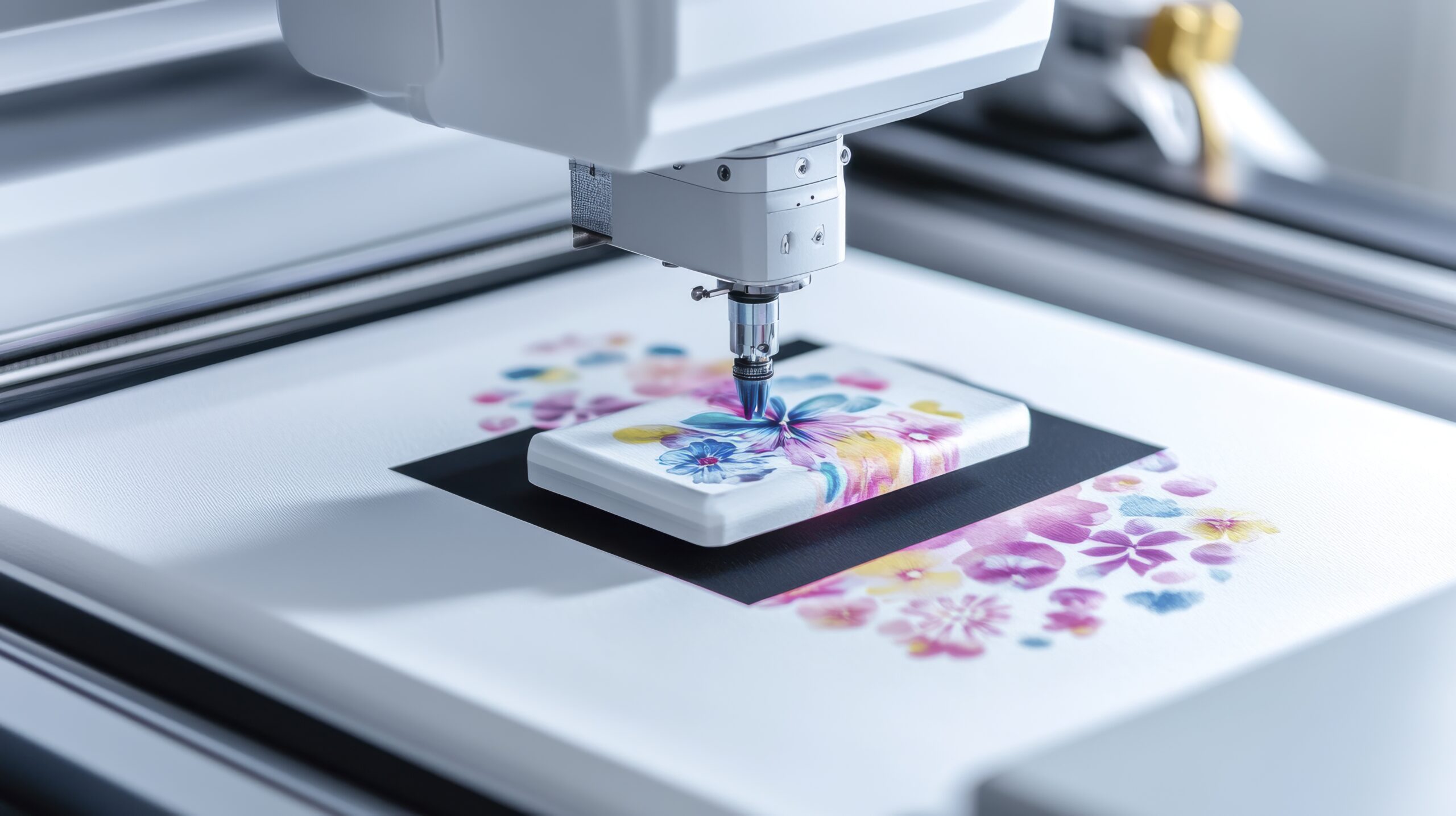

Embroidery digitizing has become an essential part of modern textile and custom apparel businesses. Whether you are running a small embroidery setup or managing large-scale production, choosing the right software for embroidery digitizing can directly impact the quality, efficiency, and profitability of your work.
With increasing demand for detailed designs and faster turnaround times, digitizing software must offer precision, flexibility, and ease of use. This guide explores what makes thebest software for embroidery digitizing, key features to look for, and how the right tool can elevate your embroidery results.
Why Choosing the Right Digitizing Software Matters
Embroidery digitizing is not just about converting images into stitch files. It requires proper stitch planning, fabric understanding, and design optimization. The right software helps you:
- Create clean and accurate stitch paths
- Reduce thread breaks and machine errors
- Improve production speed
- Maintain consistent design quality
Without proper tools, even a good design can result in poor embroidery output.
Key Features of the Best Software for Embroidery Digitizing
When selecting digitizing software, focus on features that support both creativity and technical control:
- Auto and Manual Digitizing Options
Allows beginners to start quickly while giving professionals full control. - Advanced Stitch Editing Tools
Helps adjust stitch density, direction, and underlay settings. - File Format Compatibility
Supports multiple embroidery machine formats like DST, PES, and EXP. - Lettering and Monogram Tools
Essential for custom embroidery projects. - Preview and Simulation Mode
Lets you visualize the final stitched design before production.
Comparison Table: Key Capabilities in Digitizing Software
| Feature | Basic Software | Advanced Software | Professional Level Software |
| Auto Digitizing | Yes | Yes | Yes |
| Manual Stitch Control | Limited | Moderate | Full Control |
| Editing Tools | Basic | Advanced | Highly Detailed |
| File Format Support | Limited | Multiple | Extensive |
| Design Preview | Basic | Realistic | High Precision Simulation |
| Learning Curve | Easy | Medium | Advanced |
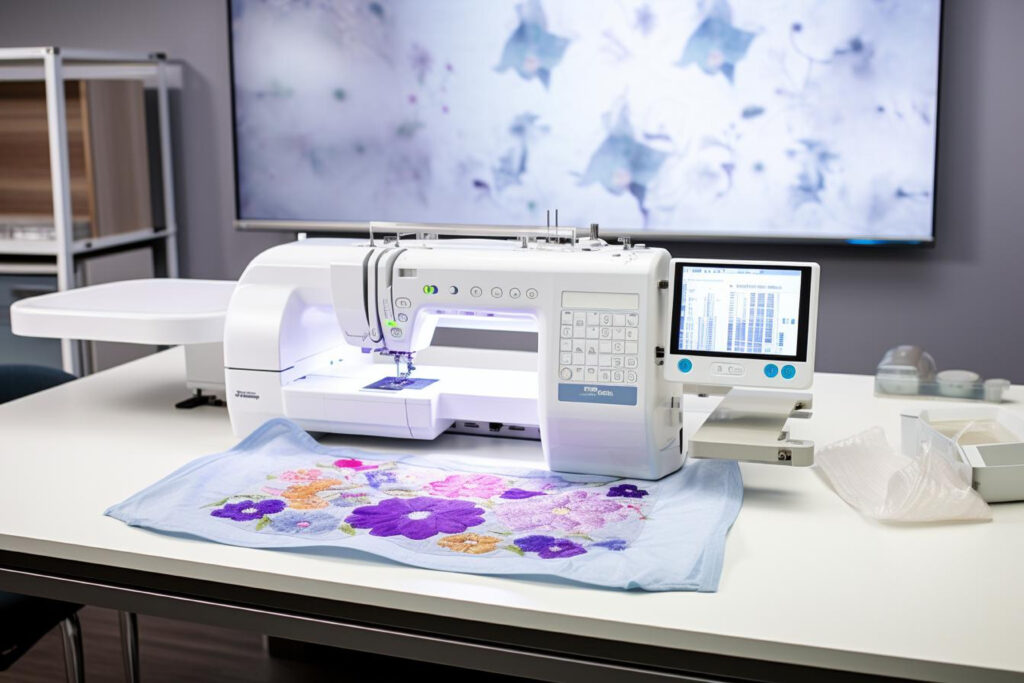
Pros and Cons of Using Digitizing Software
Pros
- Improves design accuracy and stitch quality
- Saves time compared to manual digitizing methods
- Reduces production errors and material waste
- Offers flexibility for custom designs
- Helps scale embroidery business operations
Cons
- Advanced software may require training
- Initial cost can be high for beginners
- Some tools may have limited features in basic versions
- Compatibility issues with older machines in rare cases
How to Choose the Best Software for Your Needs
Not every business requires the same level of software. Your choice should depend on:
- Skill Level – Beginners should start with user-friendly tools, while professionals can opt for advanced systems.
- Business Size – Small businesses may not need complex features initially.
- Type of Designs – Detailed artwork requires more advanced digitizing capabilities.
- Budget – Invest in software that offers long-term value rather than short-term savings.
Choosing the best software for embroidery digitizing is about balancing performance with usability.
Tips for Better Embroidery Digitizing Results
Even with the right software, results depend on how you use it. Here are some practical tips:
- Always clean and simplify artwork before digitizing
- Use proper stitch types for different fabric materials
- Avoid excessive stitch density to prevent fabric damage
- Test designs on sample fabric before final production
- Continuously update your skills with practice
Common Mistakes to Avoid
- Relying only on auto-digitizing without manual adjustments
- Ignoring fabric type while setting stitch parameters
- Using incorrect thread paths and stitch directions
- Skipping test runs before final embroidery
Avoiding these mistakes can significantly improve your output quality.
FAQs
1. What is embroidery digitizing software?
It is a tool that converts artwork into stitch files that embroidery machines can read and execute.
2. Which is the best software for embroidery digitizing?
The best software depends on your needs, but professional tools offer advanced editing,
multiple formats, and high accuracy.
3. Can beginners use embroidery digitizing software?
Yes, many software options include auto-digitizing features designed for beginners.
4. How long does it take to learn digitizing?
Basic skills can be learned in a few weeks, while mastering advanced techniques may take months.
5. Is expensive software always better?
Not always. The best choice depends on your requirements and how effectively you use the features.
6. Can digitizing software improve embroidery quality?
Yes, it helps create cleaner stitch patterns and reduces machine errors.
7. Do I need different software for different machines?
Most modern software supports multiple file formats compatible with various machines.
8. What file formats are commonly used?
Common embroidery file formats include DST, PES, EXP, and JEF, each designed to work with different machine brands and stitching requirements.
9. Is manual digitizing better than auto-digitizing?
Manual digitizing offers better control and quality, especially for complex designs.
10. Can I upgrade my software later?
Yes, many providers offer upgrades with additional features as your needs grow.
Conclusion
Selecting the right software for embroidery digitizing is a crucial step for anyone serious about embroidery design and production. The right tool not only improves efficiency but also enhances the quality of every stitch. By focusing on features, usability, and long-term value, you can find the best software for embroidery digitizing that aligns with your goals. With the right approach and consistent practice, your embroidery work can reach a professional level that stands out in a competitive market.


