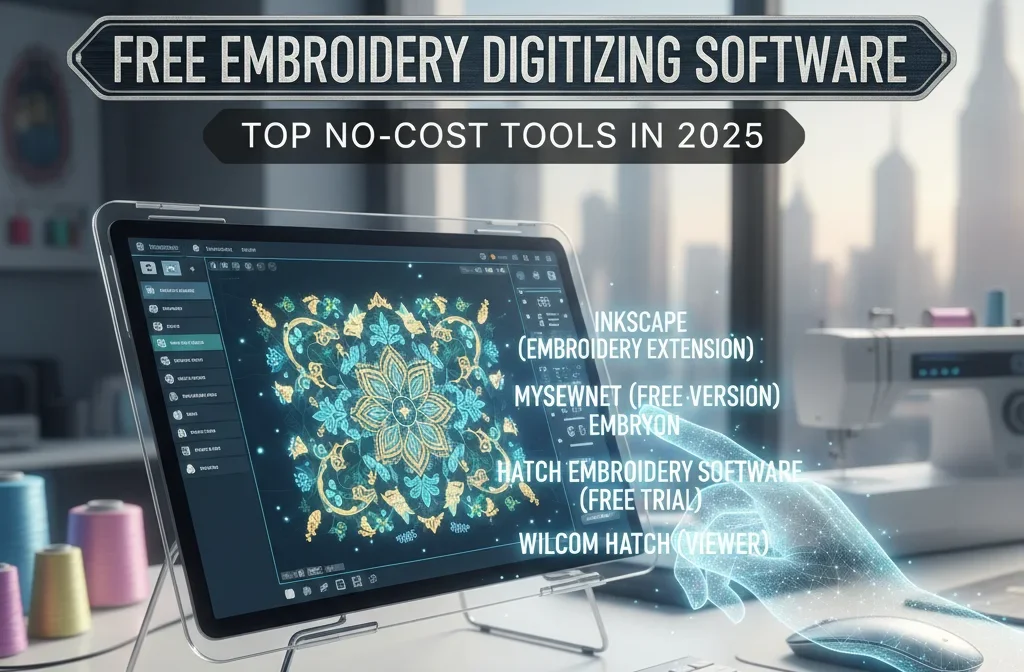

Digital embroidery digitizing is now one of the primary processes to create high-end designs for patches, caps, shirts, jackets as well as other items. However, for those just starting out, investing in expensive programs for digitizing such as Wilcom or Hatch may be overwhelming. Many new artists look for free embroidery digitizing software to get started and without the expense of a purchase.
What’s good? There are many free embroidery digitizing tools, free digitizing programs, and beginner-friendly embroidery software that provide advanced features, user-friendly interfaces, as well as enough flexibility for you to develop, practice or even create real stitch file.
In this post we will go over Free Embroidery Digitizing Software choices, look into their primary capabilities, and assist you choose the right option for your digital journey.
Why Free Digitizing Software Is Great for Beginners
If you’re a novice to embroidery, the process of learning to digitize could be as if you’re learning a new terminology. The stitches, the paths, the densities of underlays, pull-pull effects, and push-pull It’s all there to learn.
Beginning by using free embroidery digitizing software will allow beginners to:
You can learn with no cost
Learn the stitch logic
Experiment freely
Try converting your images into embroidery
Make sure you are confident before changing to paid software
The free software doesn’t come with the features of premium software, such as advanced options professional tools have, but they’re more than adequate for logo digitizing basics, patch designs, text embroidery, basic designs.
Top Features to Look for in Free Embroidery Digitizing Software
If you are deciding on The Most Effective Free Embroidery Digitizing Software, make sure that your software has:
Basic tools for digitizing
You must be able to make manually
- Satin stitching
- Sew stitches
- Run stitches
Image import
Incorporating PNG, JPG, SVG or BMP documents is crucial in tracing or automatic digitizing.
Auto-digitizing options
This makes it possible for beginners to transfer images onto embroidery just by one mouse click (even although manual digitizing yields more outcomes).
Multiple file formats
Search for formats like PES, DST, EXP, JEF, and VP3 — according to your device.
Editing features
Resize, color and trim, and then adjust the densities.
User interface
The free tools aren’t always easy to use. Choose one that has clear buttons, easy-to-read panels.
Top Free Embroidery Digitizing Software for Beginners (2025)
Below are the most effective free digitizing software that has been helpful to new users who want to get started with digitizing embroidery.
1. Ink/Stitch — Best Overall Free Digitizing Software
Ink/Stitch plugin is to the well-known vector application Inkscape. After installation, it transforms into an extremely powerful digitizer for embroidery tool.
Why it’s one of The Best Free Embroidery Digitizing Software:
- Open-source and free for all.
- The system supports fill, satin run, zigzag as well as manual stitching tracks
- Exports in multiple styles of embroidery
- Great for SVG artwork
- Ideal for those who are just beginning to learn stitches techniques.
Best For:
Students who are just beginning to understand the art of digitizing rather than the auto tool.
2. SophieSew — Best for Learning Manual Stitch Creation
SophieSew is an older program, however it is still highly regarded by novices due to its ease of use.
Key Features:
- Manual stitch drawing
- Many types of stitch
- Autotrace tools
- Applique creation
- System requirements for low systems
Best For:
Users who are looking for a light, easy tool that does not require any effort.
3. Embrilliance Express — Best Free Tool for Lettering
Although it isn’t a full-featured digitizing program, Embrilliance Express gives beginners the capability to design and modify the embroidery letters without cost.
Features:
- Text for the embroidery
- Alter spacing, fonts, alphabets, formatting
- Files can be saved in various formats
- Great for monograms, names or phrases
Best For:
The first timers who make name badges, cap, school uniforms and more.
4. SewArt (Free Trial) — Best Auto-Digitizing Experience
SewArt isn’t completely free… however, its free trial lets you digitize unlimited using watermarks. The majority of novices still utilize SewArt for learning the basics of auto-digitizing.
Its benefits:
- Great image-to-stitch converter
- Beginner-friendly
- Converts cartoons, photos, as well as logos
- It is very simple compared to Stitch/Ink
Best For:
Learners who want to understand the way auto-digitizing is working before deciding to upgrade.
5. Hatch by Wilcom (Free 30-Day Trial) — Best Professional-Level Experience
Hatch is an excellent software, however its trial version for free provides beginners with access to all features for thirty days.
Features:
- Auto-digitizing + manual digitizing
- Clear interface
- Top-tier stitch quality
- Professional editing tools
Best For:
Beginning users who wish to test premium software prior to making a decision to invest.
6. My Editor by Wings — Best Free Embroidery File Editor
This isn’t a fully digitizing software, however it is extremely helpful.
Features:
- Resize embroidery designs
- Adjust density
- Change colors
- Re-sequenced objects
- Convert formats of files
Best For:
Beginning users who wish to alter the designs they have already created or download embroidery designs.
Which Free Digitizing Tool Should You Choose?
Here’s a quick comparison table:
| What You Need | Best Option |
|---|---|
| Free digitizing | Ink/Stitch |
| Most easy to learn curve | SophieSew |
| Text-only embroidery | Embrilliance Express |
| Auto-digitizing practice | SewArt trial |
| Professional digitizing | Hatch test |
| Editing the files | My Editor |
If you’re interested in learning digitizing completely from scratch, Ink/Stitch is an excellent place to begin since it will teach you the real art of stitch construction.
If you want to design rapid designs without acquiring a deep understanding of math, you can start by using SewArt.
Tips for Learning Embroidery Digitizing Faster
Begin with logos that are simple — Do not start with detailed images
Find out about stitch density and pull compensation
You can watch three or four YouTube tutorials for the software you pick
Do some practice with small hoops (4″x4″)
Do not use fonts with thin lines while digitizing text
Always conduct a test with scrap fabric before you start final sewing
It’s a talent — however, with the help of free software, you can learn without limitations.
Final Thoughts
The choice of Free Embroidery Digitizing Software is based on the goals you have in mind. Certain tools are ideal for novices, whereas others are ideal for practice or even professional results. Beginning with an easy stitch, explore different types of stitch, gradually building your confidence.
No matter if you’re making caps, patches, shirts or your own custom designs, free digitizing software gives all the tools you require to get started on your journey to embroidery with no cost.