
Want to turn your logo into a crisp embroidery design? Digitizing makes it simple to stitch your brand on shirts, hats, or bags. This guide shows you easy steps to digitize logo online free—no fancy skills needed. You’ll get pro results fast.
A digitized logo looks sharp on fabric and lasts wash after wash. It saves you cash compared to hiring out. Perfect for small shops or hobbyists starting embroidery work. Use it to build custom gear that grabs eyes.
| Aspect | Pros | Cons |
| Cost | Free tools mean zero spend upfront. | Time to learn the ropes. |
| Control | Tweak every stitch your way. | Tricky for busy patterns. |
| Quality | Clean looks with practice. | May need fixes on complex art. |
| Speed | Quick for simple logos. | Slower than pros at first. |
DIY wins for basic needs like text logos. Pros shine for detailed work.
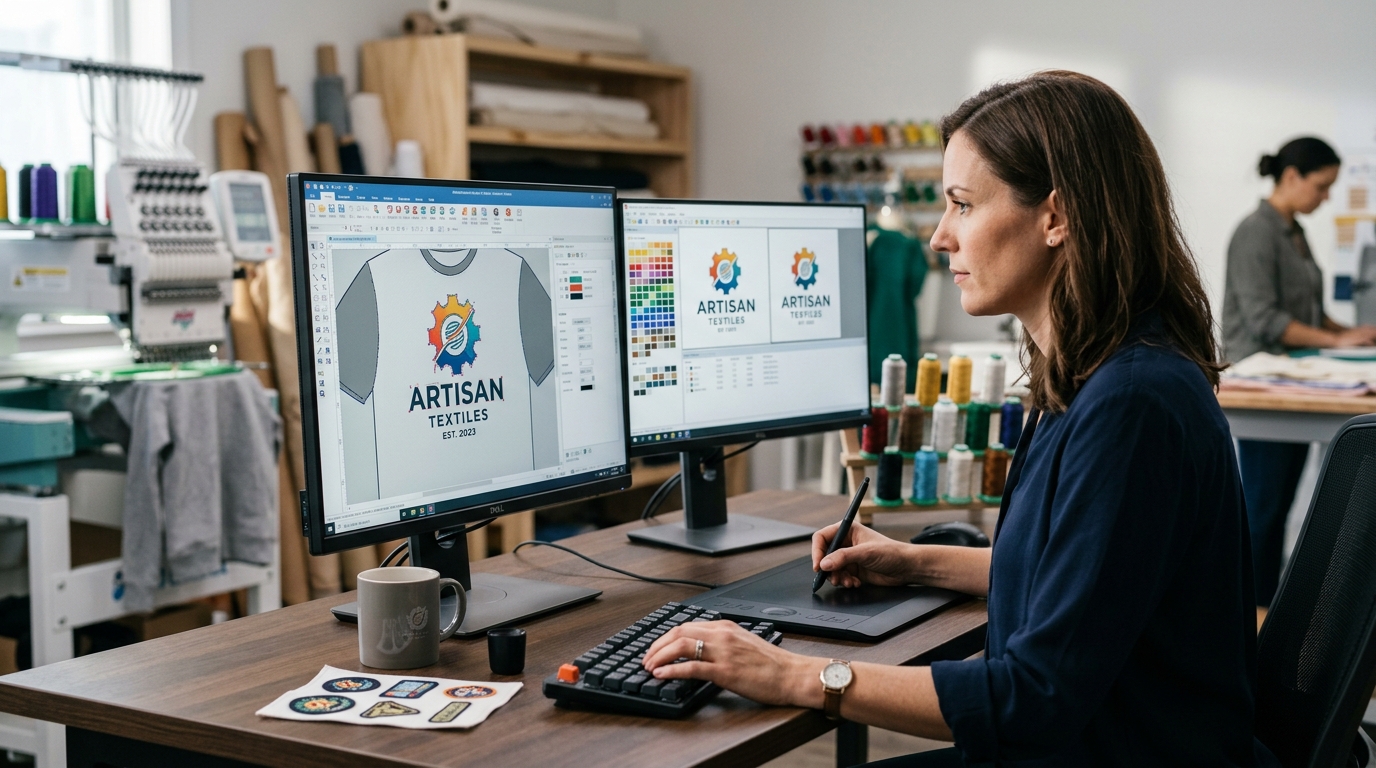
Grab free picks like Ink/Stitch or online converters. They handle JPG or PNG files well. No downloads for web options—digitize logo online free in minutes. Start with high-res images for best output.
Scan or snap a clear pic of your logo. Crop tight—no extra space. Boost contrast so edges pop. Aim for simple colors, under 8 max.
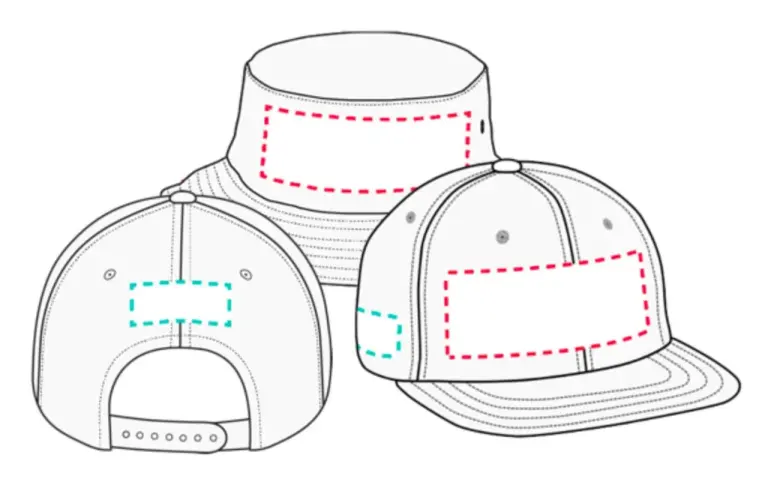
Load Ink/Stitch (Inkscape add-on) or a web converter. Upload your file. Set size—like 3×3 inches for chest logos.
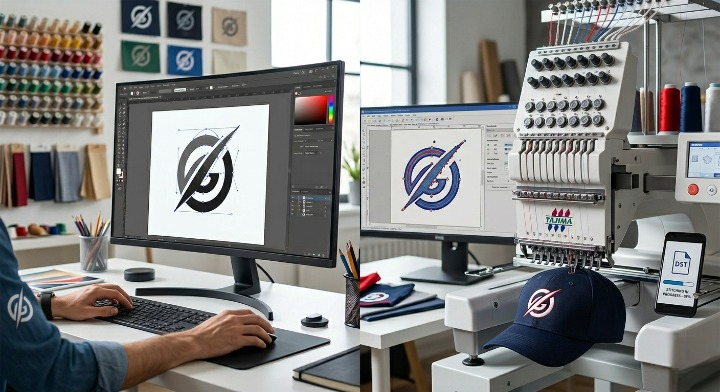
Use auto-trace to outline shapes. Adjust nodes for smooth curves. Break complex parts into fills and sats.
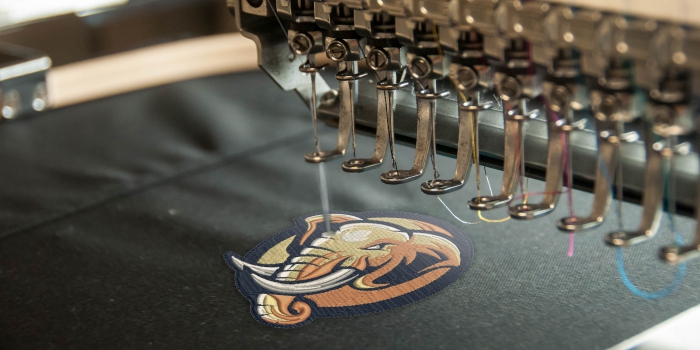
Pick fill for big areas, satin for edges. Set underlay to stop puckers. Test stitch paths to cut jumps.
Match your logo shades. Lock size to fit your item. Preview in slow motion to spot gaps.
Save as DST or PES file. Stitch a sample on scrap fabric. Tweak pulls or density as needed.
Follow these to digitize logo online without hassle. Real tests beat guesswork every time.
Start with vectors if you can—SVG beats PNG. Cut colors to 6-8. High contrast helps software “see” lines. Fix blurry scans first.
Quick changes save redo time. Always sample first.
Skip DIY for gradients or tiny text. Pros handle it clean for $10-30. Good for one-offs or rush jobs.
Digitizing your logo opens doors to custom embroidery that sells. Practice these steps, and you’ll crank out pro designs fast. Save money, own the process—start today and watch orders roll in.