
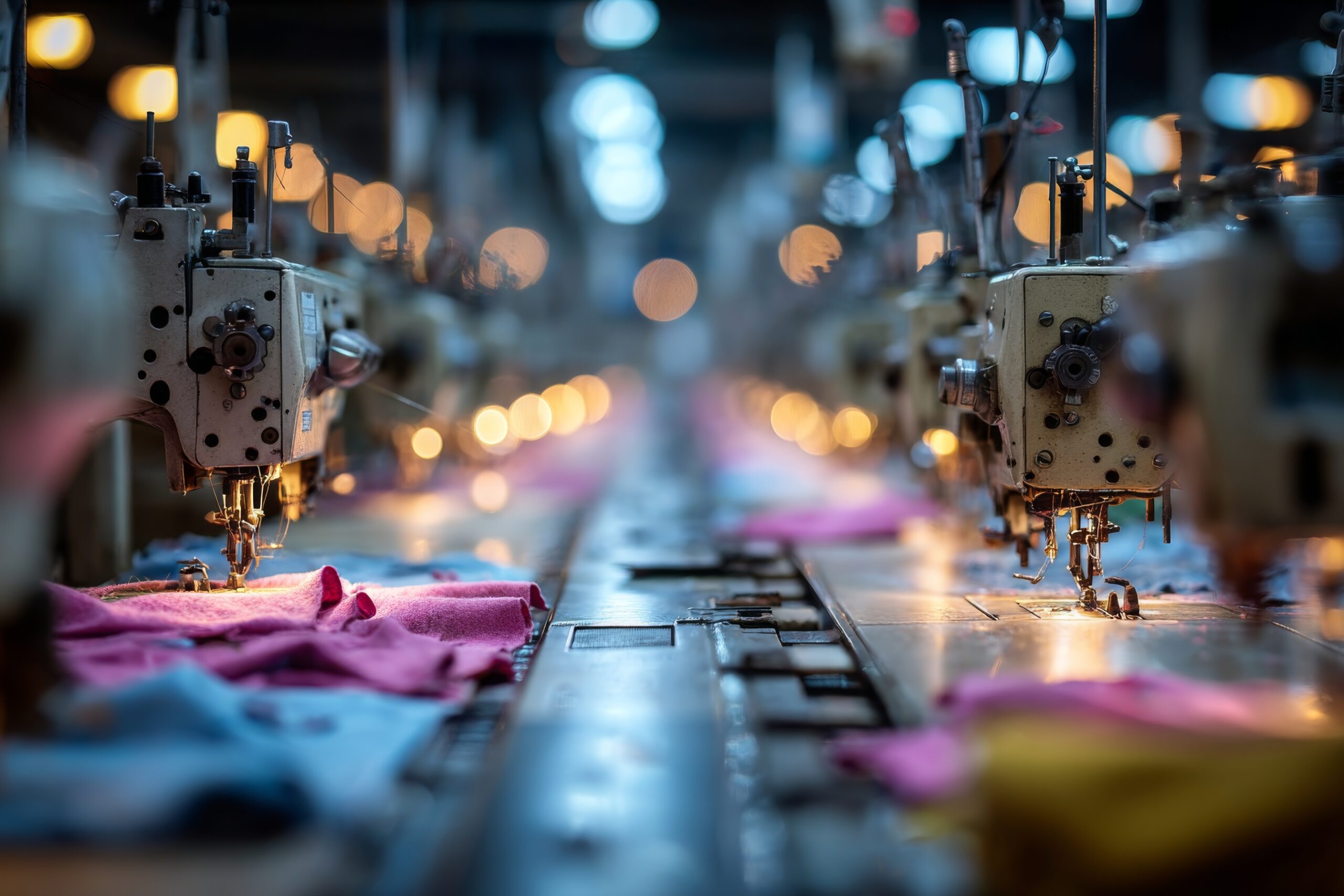

Embroidery has evolved from hand-stitched artwork to precision-based digital production. At the center of this transformation is the DST file format, one of the most widely used machine embroidery formats in the industry. Whether you’re a hobbyist or running a commercial embroidery setup, understanding DST embroidery can save time, reduce errors, and improve stitch quality.
Many embroiderers search for free DST embroidery designs or DST embroidery designs free download options online. While free resources can be helpful, knowing how DST files work — and how they compare to custom design methods — makes a big difference in results.
This guide explains what embroidery designs are, how they compare with manual design approaches, and how to choose the best files for your embroidery machine.
What Are DST Embroidery Designs?
DST refers to Data Stitch Tajima, a widely used embroidery file format created specifically for Tajima embroidery machines.Today, it is supported by most commercial and home embroidery machines.
A DST file contains:
- Stitch coordinates
- Stitch types
- Thread color change commands
- Trim and stop instructions
Unlike image files (JPG, PNG), DST files don’t store visual graphics. Instead, they store stitch instructions that tell your machine exactly how to sew the design.
This makes DST embroidery designs highly precise and machine-ready.
Free DST Embroidery Designs vs Custom Design Creation
Some embroidery blogs focus on teaching users how to design their own patterns from scratch using drawing tools and digitizing software. Those approaches are excellent for creative control and learning the craft. However, they require:
- Design skills
- Digitizing knowledge
- Time investment
- Professional software
In contrast, downloading ready-made DST embroidery designs free download files offers:
- Immediate usability
- Faster production
- No digitizing software required
- Consistent stitch quality (if professionally made)
If your goal is creativity and experimentation, designing your own pattern is rewarding. But if your focus is production speed and client orders, ready-to-use DST embroidery designs are far more efficient.
Benefits of Using DST Embroidery Designs
1. Machine Compatibility
DST files are widely supported, making them a safe format choice.
2. Production Efficiency
You can upload the file directly to your machine and start stitching.
3. Consistent Stitch Quality
Professional digitized DST files include optimized stitch density and underlay settings.
4. Commercial Use Potential
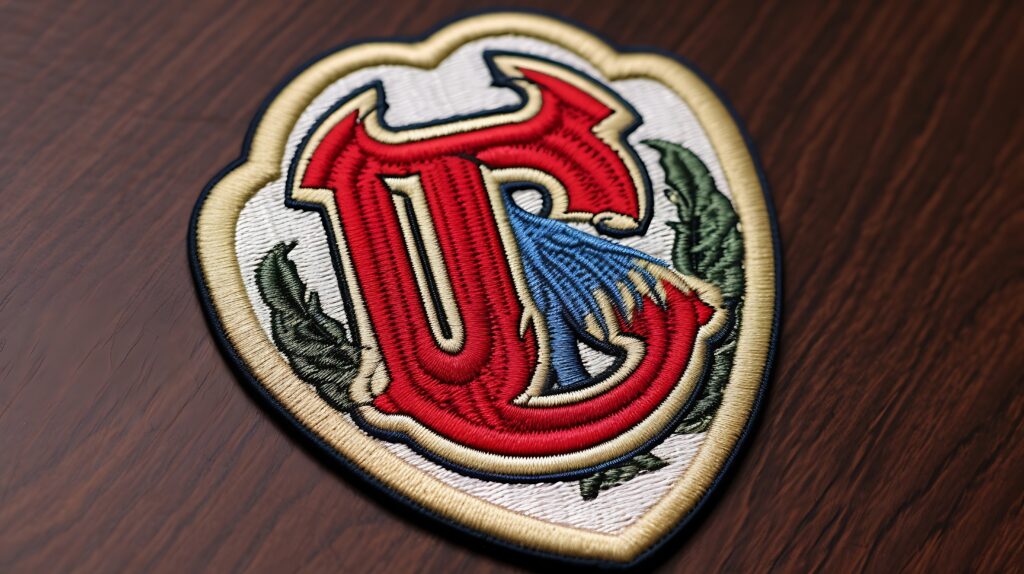
Many businesses rely on DST embroidery designs for logos, uniforms, caps, and patches.
Where Free DST Embroidery Designs Work Best
Free designs can be useful for:
- Practice projects
- Testing fabric types
- Hobby embroidery
- Sample stitching
However, not all free files are properly digitized. Poorly made DST files may cause:
- Thread breaks
- Uneven stitching
- Fabric puckering
- Misaligned layers
Before using a free file in production, always test it on scrap fabric.
How to Choose High-Quality DST Files
When selecting DST embroidery designs, look for:
- Proper stitch density (not overly thick)
- Clean underlay structure
- Correct thread sequence
- Scalable size options
- Clear preview image
If you’re downloading from free libraries, make sure the file includes stitch count information and design size details.
Popular Uses of DST Embroidery Designs
- Custom logo embroidery
- Hat embroidery
- Jacket back designs
- Monogram embroidery
- Custom embroidered patches
- Uniform branding
Both free and paid DST embroidery designs are widely used across fashion brands, sports teams, and small embroidery businesses.
SEO Insight: Why “Free DST Embroidery Designs” Is So Popular
Search terms like:
- free DST embroidery designs
- DST embroidery designs free download
are high-intent keywords. Users searching these phrases are ready to download and stitch immediately.
That makes them valuable keywords for embroidery blogs, design marketplaces, and digitizing service websites.
FAQs
1. What machines support DST embroidery ?
Most commercial embroidery machines support DST format, including Tajima, Barudan, Brother (with conversion), and others.
2. Are free DST embroidery designs safe to use?
Yes, but quality varies. Always test stitch before full production.
3. Can I edit a DST file?
DST files are limited in editing flexibility. For full editing, original digitizing files (like EMB) are preferred.
4. What is the difference between DST and PES?
DST is more universal and commercial-focused, while PES is commonly used in Brother home embroidery machines.
5. Are DST embroidery design good for custom logos?
Yes. DST is widely used for professional logo embroidery.
Final Thoughts
DST embroidery designs are essential for anyone using embroidery machines professionally or as a hobby. While designing patterns manually offers creative freedom, ready-made DST files provide unmatched efficiency and reliability.
If you’re experimenting, free embroidery designs are a great starting point. But for commercial projects, investing in professionally digitized files ensures clean stitching, better durability, and customer satisfaction.
Understanding how DST works, testing files before production, and choosing quality designs will help you avoid costly mistakes and improve your embroidery results significantly.
Whether you download DST embroidery designs free download options or create your own, the key is choosing accuracy, compatibility, and stitch optimization for the best output.


