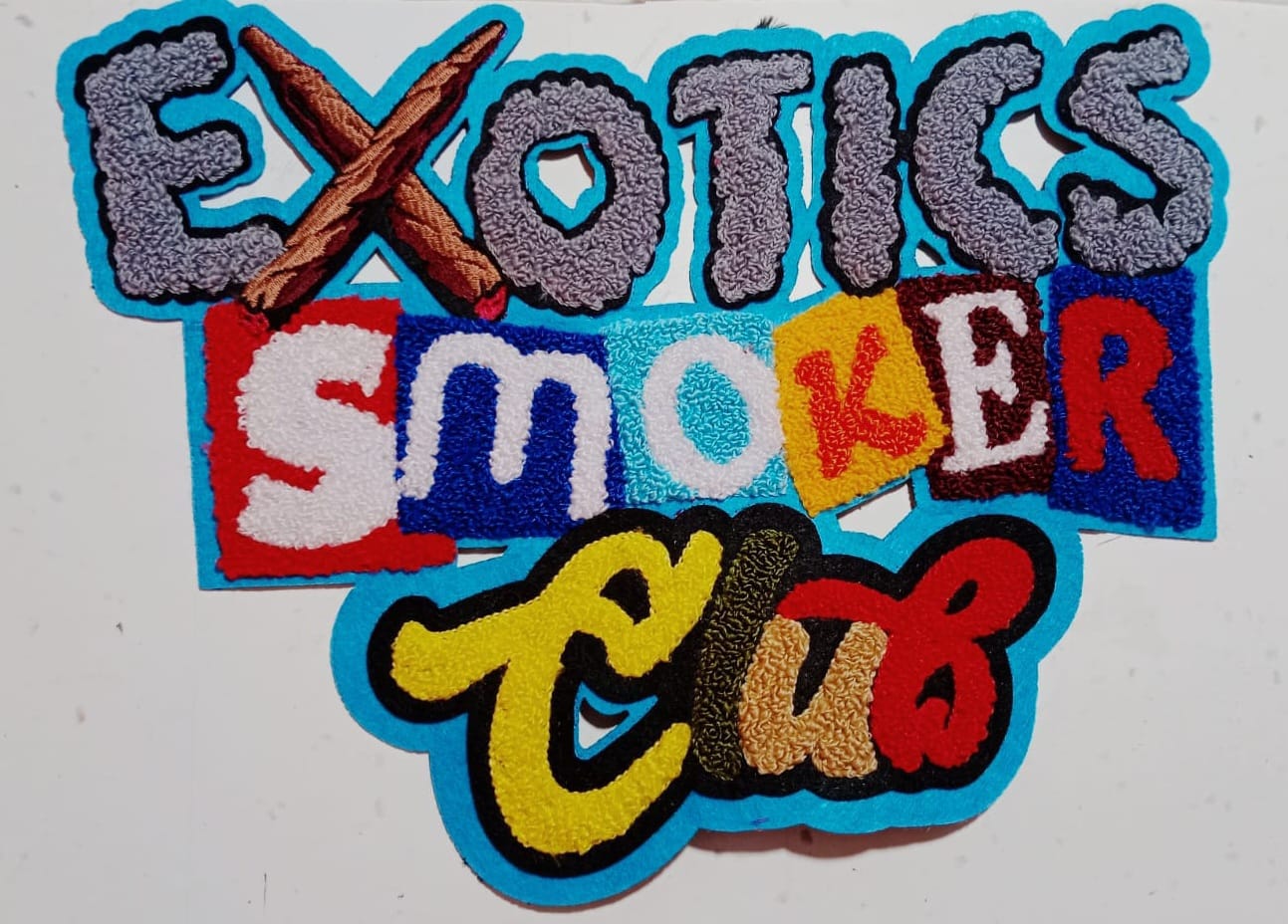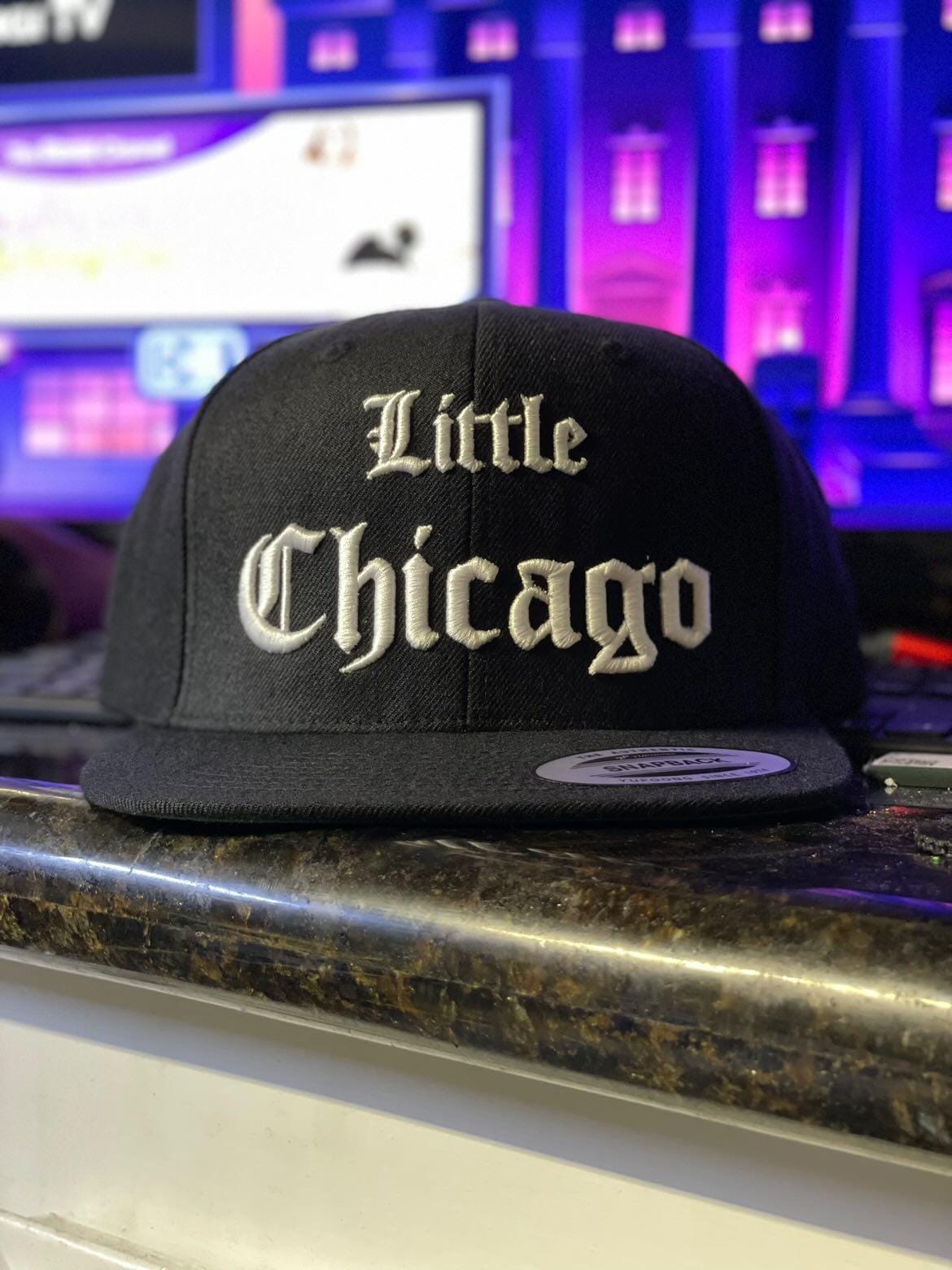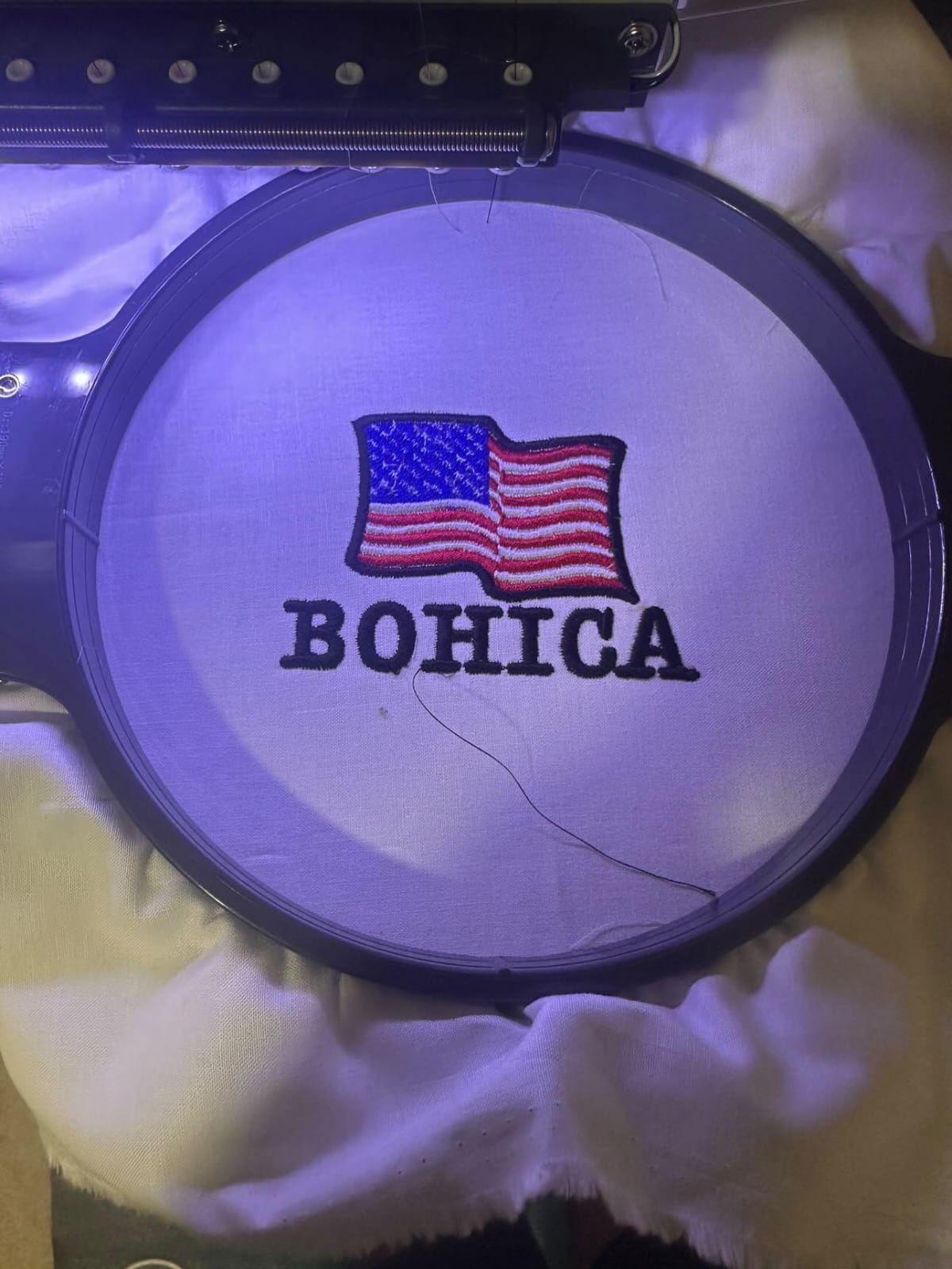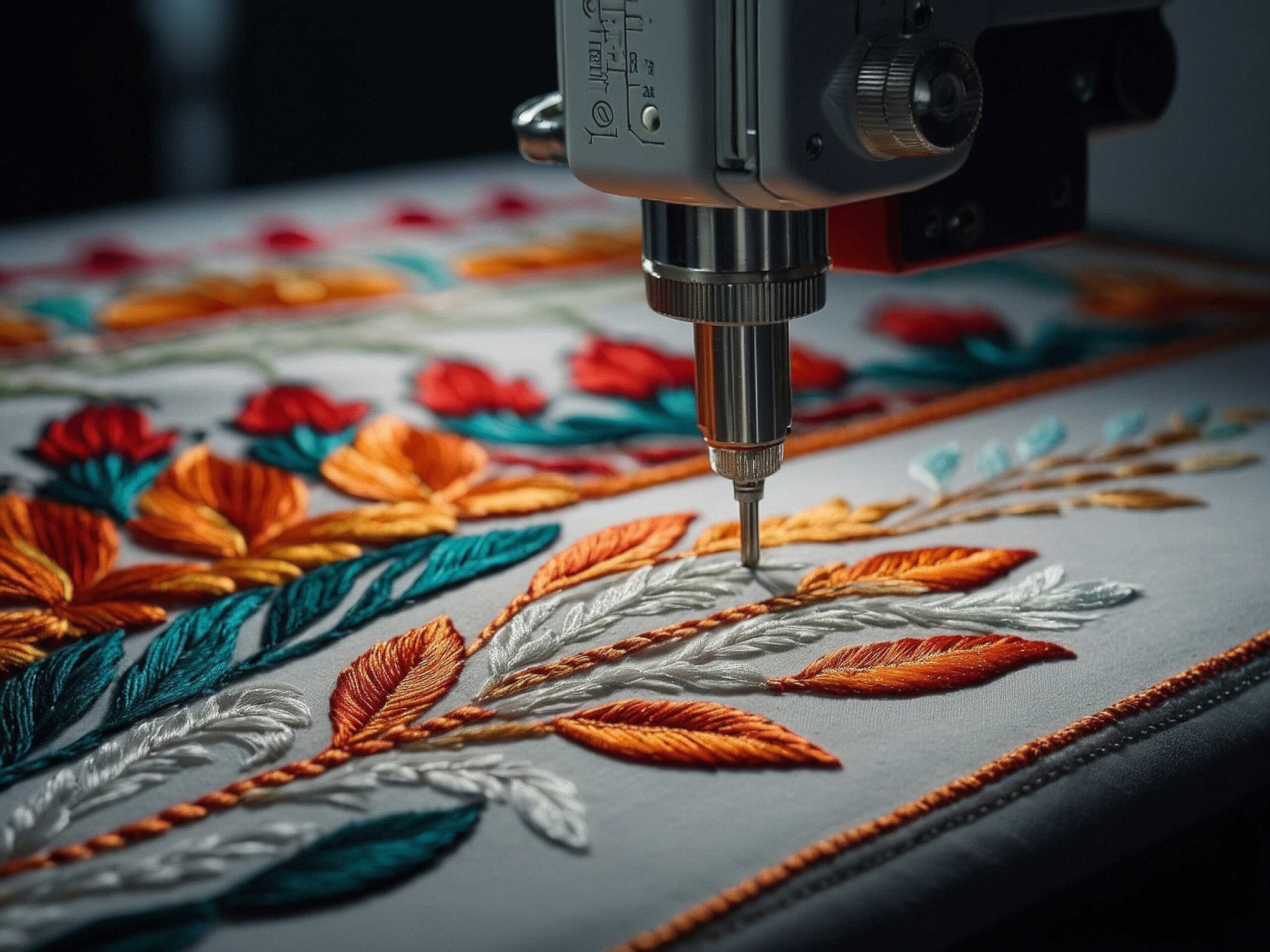

Embroidery has evolved from a hand-stitched craft into a highly precise digital process. Whether you run a small embroidery business in the UK or create custom designs as a hobby, choosing the right software to create embroidery designs can significantly impact quality, efficiency, and profitability.
With so many tools available, it can be difficult to decide which solution fits your needs. Some platforms focus on advanced digitising control, while others are beginner-friendly with simple drag-and-drop features. This guide compares leading options, explains what to look for, and highlights both premium and free software to create embroidery designs.
What Is Embroidery Design Software?
Embroidery software converts artwork into stitch files that embroidery machines can read. Instead of simply uploading an image, the software translates shapes, outlines, and fills into stitch paths, density settings, and thread directions.
Modern tools allow users to:
- Convert logos into embroidery files
- Edit stitch density and underlay
- Adjust thread colours
- Create lettering and monograms
- Preview designs before stitching
- Export machine formats (DST, PES, EXP, etc.)
The best software to create embroidery designs balances precision with usability.
Key Features to Look For
Before choosing any program, consider these essential features:
1. Digitising Control
Professional digitising tools allow manual stitch placement and density control. This is crucial for commercial projects and detailed logos.
2. File Format Compatibility
Ensure the software supports your embroidery machine’s format.
3. Editing Capabilities
Look for resizing tools, stitch recalculation, colour editing, and object management.
4. User Interface
Beginners benefit from intuitive dashboards and guided workflows.
5. Cost Structure
Some platforms require one-time purchases, while others operate on subscriptions. Free versions may offer limited functionality.
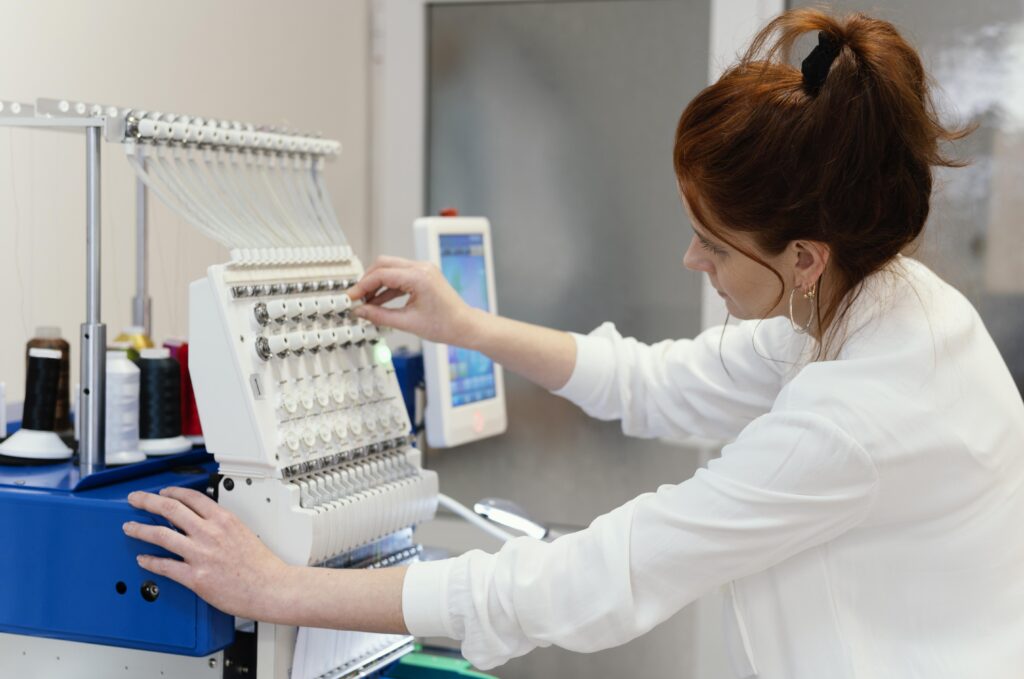
Comparison of Popular Embroidery Software Options
Many industry blogs review top embroidery tools and highlight premium solutions. While those tools are powerful, not every user needs high-end software immediately.
Here’s a broader comparison perspective:
Premium Professional Software
Professional-grade embroidery software is ideal for:
- Commercial embroidery businesses
- Complex logo digitising
- High stitch volume production
Pros:
- Advanced stitch editing
- 3D puff and specialty stitch control
- Batch processing
Cons:
- Higher cost
- Steeper learning curve
These tools are often considered the best software to creae embroidery designs for experienced digitizers who need maximum control.
Mid-Range Software
Mid-tier options balance features and affordability.
Pros:
- Good editing flexibility
- Easier to learn
- Suitable for small businesses
Cons:
- Fewer advanced digitising controls
- Limited automation features
This category works well for growing embroidery businesses that want quality without enterprise pricing.
Free Software to Create Embroidery Designs
Many beginners search for free software to create embroidery designs to start learning without financial commitment.
Common features in free tools:
- Basic auto-digitising
- Simple text and monogram creation
- Limited file export formats
Advantages:
- Cost-effective for beginners
- Great for learning basics
Limitations:
- Reduced manual control
- Watermarks or export restrictions
- Fewer stitch customization options
Free solutions are excellent for practice, hobby projects, or testing workflow compatibility before upgrading to premium software.
How This Comparison Differs from Typical “Top 10” Lists
Many online reviews focus mainly on listing popular brands and features. However, selecting embroidery software should depend on:
- Your skill level
- Type of projects (logos, patches, apparel branding)
- Production volume
- Budget
Instead of choosing based solely on brand popularity, evaluate your long-term needs. For example:
- A startup business may benefit from mid-range tools.
- A hobbyist may only require free software.
- A commercial embroidery studio likely needs full professional digitising control.
Understanding your production goals helps avoid overspending or under-investing.
Which Option Is Right for You?
Here’s a simple decision guide:
- Beginner / Hobbyist → Start with free embroidery software
- Small Business Owner → Choose mid-range digitising software
- Professional Digitizer → Invest in advanced embroidery software
If your goal is precision logo digitising and consistent stitch quality, premium software offers better control over stitch direction, density, and underlay.
If you’re learning or testing ideas, free software to create embroidery designs provides a safe starting point.
FAQs
1. What is the best software to create embroidery designs for beginners?
For beginners, user-friendly embroidery programs with auto-digitising features are ideal. Free or entry-level tools are a good starting point before upgrading.
2. Can I use free software to create embroidery designs for business?
Yes, but free software often has limited editing features. For commercial projects requiring precision, professional software is recommended.
3. Does embroidery software work with all machines?
Not all software supports every machine format. Always check compatibility (DST, PES, EXP, etc.) before purchasing.
4. Is auto-digitising accurate?
Auto-digitising works well for simple designs. Complex logos typically require manual adjustments for professional results.
5. How much does professional embroidery software cost?
Prices vary widely. Some require one-time payments, while others use subscription models.
Final Thoughts
Choosing the right software to create embroidery designs depends on your experience, production goals, and budget. While many comparison blogs emphasize top premium brands, not every user needs high-end tools from the beginning.
If you are just starting, free software to create embroidery designs can help you understand the basics of stitch creation and file handling. As your projects grow in complexity, investing in professional embroidery digitising software ensures higher accuracy, better stitch control, and improved production efficiency.