
Digitizing old photos has become a powerful way to preserve memories, restore damaged prints, and create long-lasting digital archives. But the real challenge is choosing the Best Scanner for Digitizing Photos—one that maintains sharpness, color accuracy, and detail without breaking your budget.
In today’s world, scanners are available in different shapes, resolutions, and price points. If you’re not careful, you may end up with a device that produces grainy, low-quality images. This guide will help you understand what features truly matter and how to confidently select the Best Scanner for Digitizing Photos for your needs.
Why Digitizing Photos Still Matters in 2025
Even with smartphones and cloud storage, physical photos hold sentimental and historical value. Unfortunately, prints fade, tear, and get damaged over time. That’s where scanning becomes essential.
A high-quality scanner allows you to:
- Preserve old albums and family heritage
- Restore faded or damaged images
- Share photos digitally with loved ones
- Create backups in case originals are lost
- Improve quality using editing tools
But to achieve all this, you need the Best Scanner for Digitizing Photos, not just any basic model.
Key Features to Look for in the Best Scanner for Digitizing Photos
Choosing the right device is not about price—it’s about understanding specifications. Here’s what you should consider:
1. Resolution (DPI) – The Backbone of Image Clarity
DPI (dots per inch) determines the sharpness of your scanned photo.
- Minimum for good quality: 600 DPI
- Professional level: 1200 DPI or more
If you’re scanning old prints, faded images, or small photos, go for a scanner offering 1200+ DPI. This ensures your device qualifies as one of the Best Scanners for Digitizing Photos.
2. Color Depth – For Accurate and Vibrant Colors
Color depth measures how many colors your scanner can capture.
- 24-bit: Standard, decent quality
- 48-bit: Best color accuracy and richer tones
If preserving true skin tones and natural colors matters to you, choose a 48-bit scanner. This is a must-have feature in the Best Scanner for Digitizing Photos.
3. Flatbed Design – Essential for Old and Fragile Photos
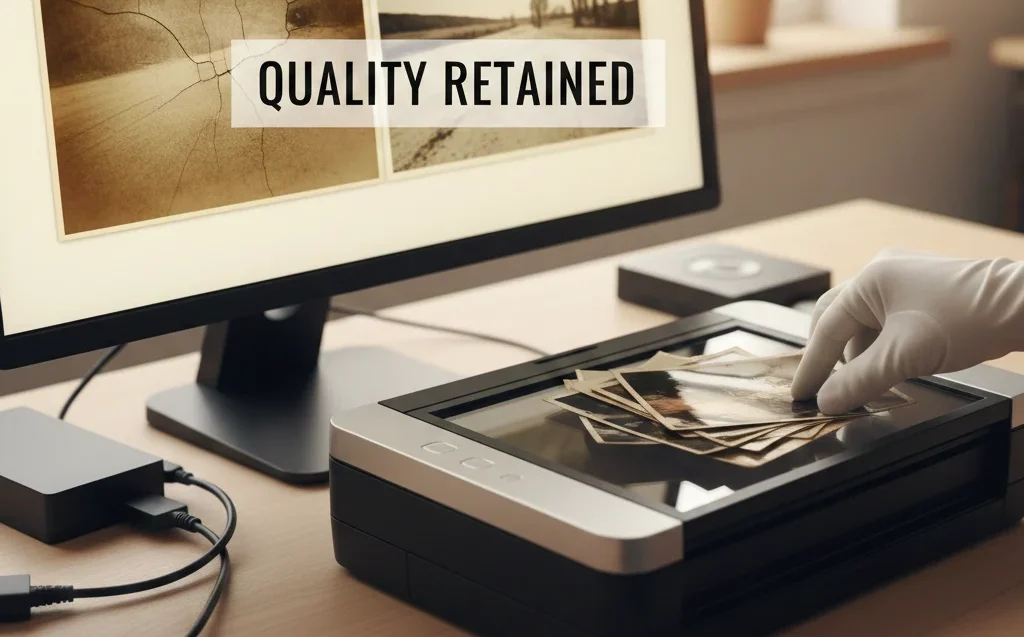
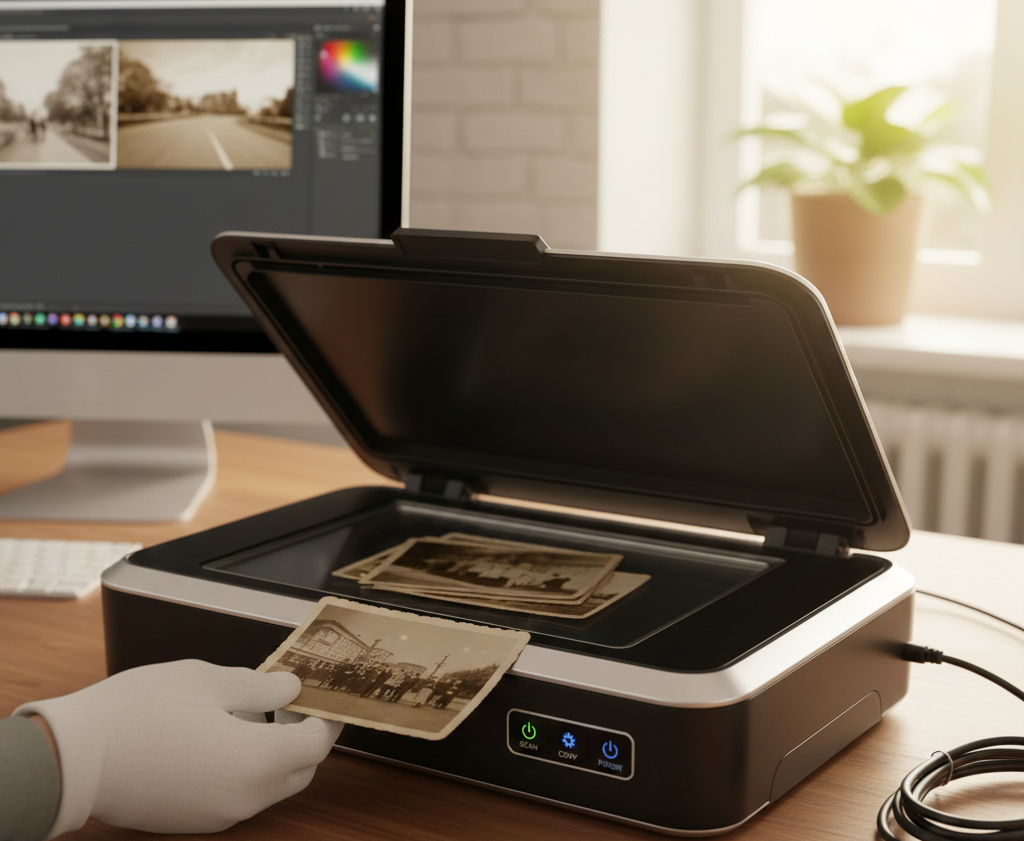
Flatbed scanners protect delicate images from bending or damage.
Advantages:
- Scan photos regardless of thickness
- Safely digitize albums, postcards, and old negatives
- No risk of roller marks or scratches
Most experts agree that flatbeds rank high among the Best Scanners for Digitizing Photos.
4. Scan Speed – Faster Isn’t Always Better
If you’re digitizing hundreds of prints, speed matters.
However, extremely fast models may compromise quality.
Look for:
- 10–20 seconds per high-quality scan
- Consistent results rather than rushed processing
A great balance of speed and detail is another indicator of the Best Scanner for Digitizing Photos.
5. Software & Editing Tools
Good scanning software can enhance results drastically.
Features to look for:
- Dust and scratch removal
- Auto-color correction
- Batch scanning
- Cropping and alignment tools
The Best Scanner for Digitizing Photos usually comes with intelligent software that saves you hours of manual editing.
6. Compatibility & Connectivity
Ensure your scanner works seamlessly with:
- Windows
- Mac
- Photo editing apps
USB-C or Wi-Fi models offer smoother workflow and better integration.
7. Price vs. Performance
You don’t need the most expensive model.
Even affordable scanners can deliver premium results if they have the right specs.
Focus on:
Resolution
Color depth
Software features
Best Types of Scanners for Digitizing Photos
Here’s a quick breakdown of popular scanner types and whether they qualify as the Best Scanner for Digitizing Photos:
Flatbed Photo Scanners (Best Overall)
High DPI
Gentle on delicate prints
Excellent color accuracy
Film/Negative Scanners
If you want to digitize negatives and slides, this is your best option.
All-in-One Printers
Convenient, but not ideal for high-quality photo digitizing.
Portable Wand Scanners
Good for documents, not recommended for photos.
How to Know You’ve Chosen the Best Scanner for Digitizing Photos
Here’s a simple checklist:
High DPI (1200+ recommended)
48-bit color depth
Flatbed design
Reliable editing software
Good scan speed
Compatibility with your devices
If your scanner meets these points, you’ve found the Best Scanner for Digitizing Photos for your needs.
Final Words
Digitizing photos is not just about scanning—it’s about preserving your family history with clarity and care. By understanding resolution, color depth, and scanner types, you can confidently choose the Best Scanner for Digitizing Photos without losing quality.
FAQs
1. What DPI is best for scanning old photos?
A minimum of 600 DPI works well, but 1200 DPI provides clearer, sharper results—especially for older or smaller prints.
2. Can I use an all-in-one printer to digitize photos?
Yes, but the quality is usually lower. For the Best Scanner for Digitizing Photos, always choose a dedicated photo scanner.
3. Do I need photo editing software after scanning?
It helps! Even with the Best Scanner for Digitizing Photos, software enhances brightness, color accuracy, and removes dust or scratches.