
Embroidery has evolved far beyond traditional hand stitching. Today, digital embroidery allows designers and businesses to create precise and detailed patterns using specialized programs. One of the most important tools in this process is PES design software, which enables users to create, edit, and convert embroidery files compatible with many embroidery machines.
Many beginners often feel confused about PES files and the software used to create them. Understanding how PES design software works—and how it compares to other embroidery design tools—can help you choose the right solution for your projects.
Understanding PES Files and Their Role in Embroidery
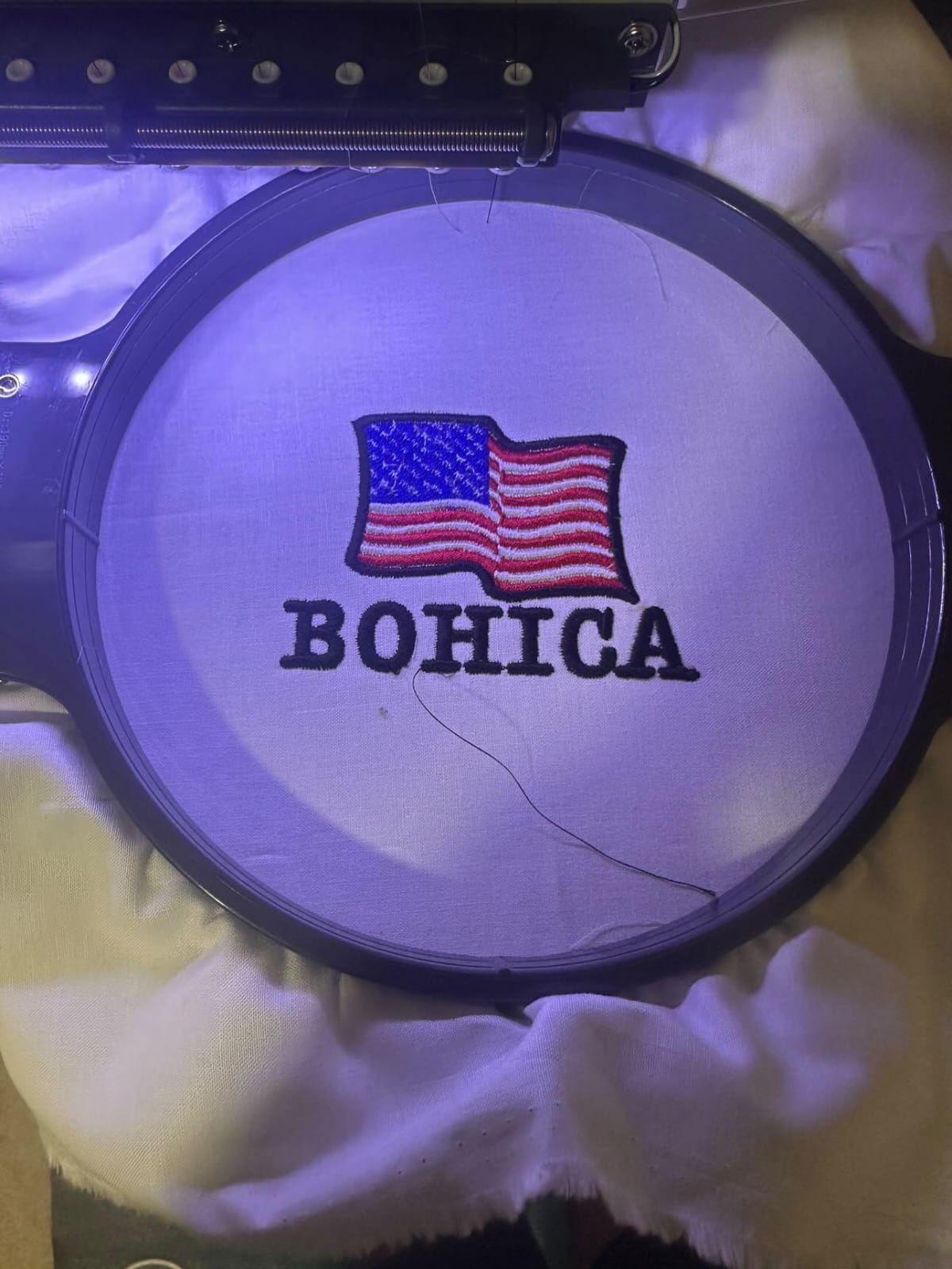
Before diving into software, it’s important to understand what a PES file actually is. PES is a file format widely used by embroidery machines, especially those produced by well-known brands like Brother and Babylock. These files contain all the instructions a machine needs to stitch a design, including stitch direction, thread color changes, and pattern details.
While many embroidery enthusiasts download ready-made PES files, professionals often prefer creating their own designs. That’s where PES design software becomes essential. It allows designers to transform artwork, logos, or illustrations into machine-readable embroidery patterns.
Why PES Design Software Is Important
The biggest advantage of using PES design software is the level of control it provides. Instead of relying on pre-made designs, you can customize every element of your embroidery project.
Some key benefits include:
- Design flexibility: Create original embroidery patterns from scratch.
- File conversion: Convert images or vector artwork into PES format.
- Editing capabilities: Adjust stitch density, thread colors, and design size.
- Machine compatibility: Ensure designs work smoothly with embroidery machines.
For businesses offering embroidery services, using proper software also improves efficiency and helps maintain consistent design quality.

PES Design Software vs Other Embroidery Design Tools
Many embroidery blogs explain PES files in detail, focusing mainly on how they function within embroidery machines. However, a more practical approach is to compare PES design software with other embroidery design solutions available today.
File Compatibility
PES design software focuses specifically on creating designs for machines that use the PES format. Some other embroidery programs support multiple file types, but they may require additional conversion steps before a design can be stitched.
Ease of Use
Beginner-friendly PES design software often includes templates, auto-digitizing tools, and preview features. In comparison, advanced embroidery design tools may offer more professional features but can be harder for beginners to learn.
Customization Features
High-quality embroidery software provides detailed editing tools for stitch patterns, density control, and design layering. This level of customization is important for complex logos or professional embroidery projects.
Free vs Paid Options
Many users search for PES design software free solutions when starting out. Free software options usually allow basic editing and file viewing. Paid software, however, typically offers advanced digitizing features and better machine compatibility.
Choosing between free and premium software depends on your experience level and how often you create embroidery designs.
Features to Look for in PES Design Software
Different embroidery software programs offer different tools and capabilities. When selecting PES design software, it’s helpful to focus on a few important features.
Image-to-Embroidery Conversion
Some programs can automatically convert images into embroidery patterns. While the results may need manual adjustments, this feature saves time when creating designs from logos or artwork.
Stitch Editing Tools
Professional embroidery projects require precise stitch control. Good software should allow users to edit stitch length, density, and direction.
Preview and Simulation
A design preview feature shows how the embroidery will look once stitched. This helps avoid mistakes before sending the design to the machine.
File Export Options
Even if your main goal is PES files, software that supports multiple formats can be helpful if you work with different embroidery machines.
Free PES Design Software Options
For beginners or hobbyists, PES design software free tools can be a good starting point. These programs typically allow users to:
- Open and view PES files
- Make basic design adjustments
- Convert simple graphics into embroidery patterns
However, free versions often have limitations. They may restrict advanced editing features or limit export options. As your embroidery skills grow, upgrading to professional software may become necessary.
Tips for Beginners Using PES Design Software
Learning embroidery design software takes time, but a few simple practices can make the process easier.
Start with simple designs instead of complex artwork. Small patterns help you understand how stitches work without overwhelming you with details.
Use vector graphics when possible. Clean lines and shapes convert better into embroidery stitches than low-quality images.
Always test designs before using expensive fabric. Running a sample stitch helps ensure the design works properly and avoids costly mistakes.
Most importantly, practice regularly. The more you experiment with software tools, the more comfortable you will become with digital embroidery design.
FAQs
What is PES design software used for?
PES design software is used to create, edit, and convert embroidery designs into PES files that embroidery machines can read and stitch.
Can beginners use PES design software?
Yes. Many embroidery programs are designed with beginner-friendly interfaces, making it easier to learn basic design and editing functions.
Is PES design software free?
Some free tools allow users to view and edit PES files, but advanced digitizing features are usually available in paid software.
Why is PES format important in embroidery?
The PES format contains detailed stitching instructions that embroidery machines use to reproduce designs accurately.
Can I convert images into PES embroidery files?
Yes. Many embroidery software programs include image-to-embroidery conversion tools that transform graphics into stitch patterns.
Final Thoughts
Digital embroidery continues to grow as technology improves, and PES design software plays a key role in that evolution. Whether you are a hobbyist experimenting with simple patterns or a professional creating detailed logos, the right software can make a significant difference in your workflow.
Free tools provide a good introduction for beginners, while advanced programs offer the customization needed for complex designs. By understanding the features and capabilities of PES design software, you can choose the option that best fits your embroidery goals and creative projects.