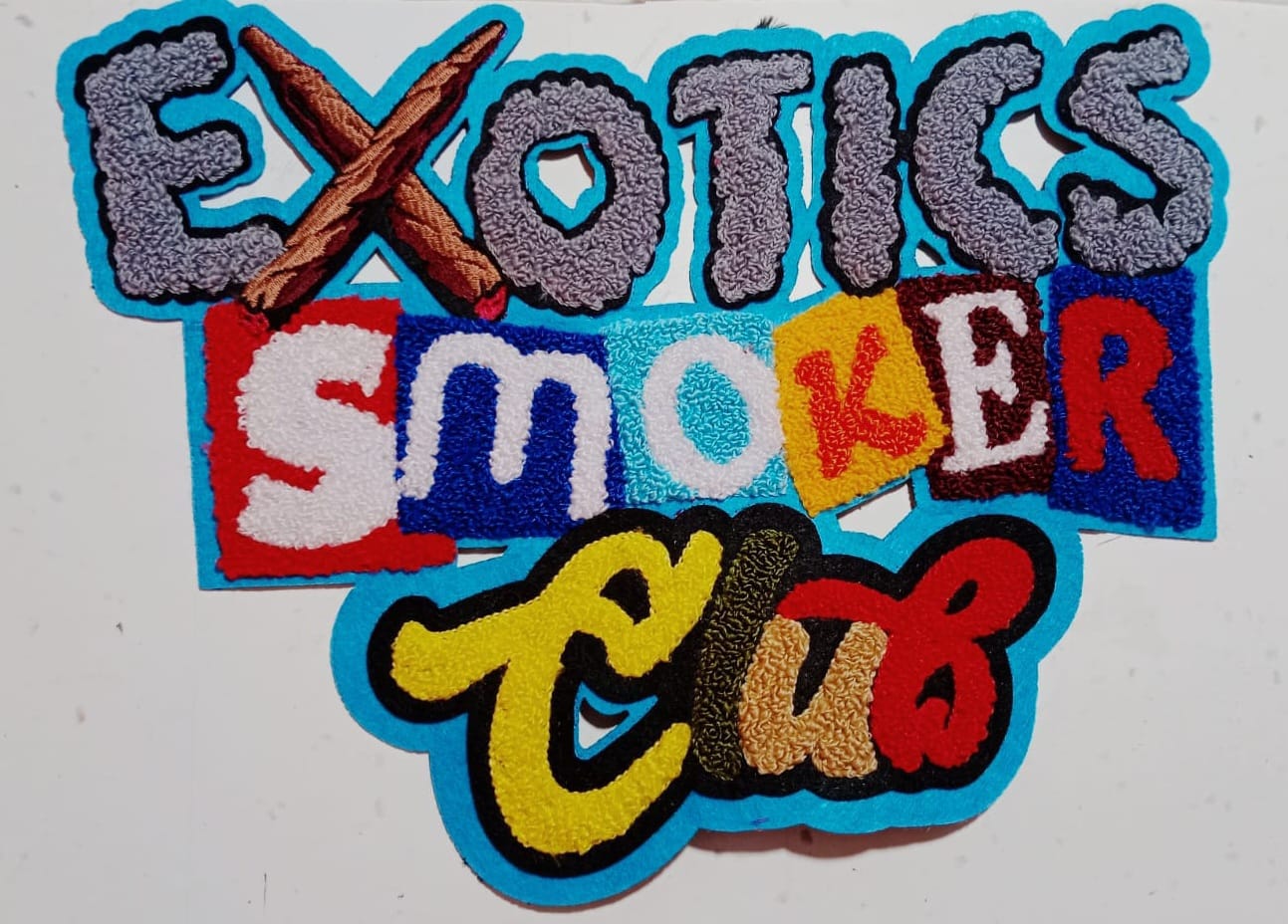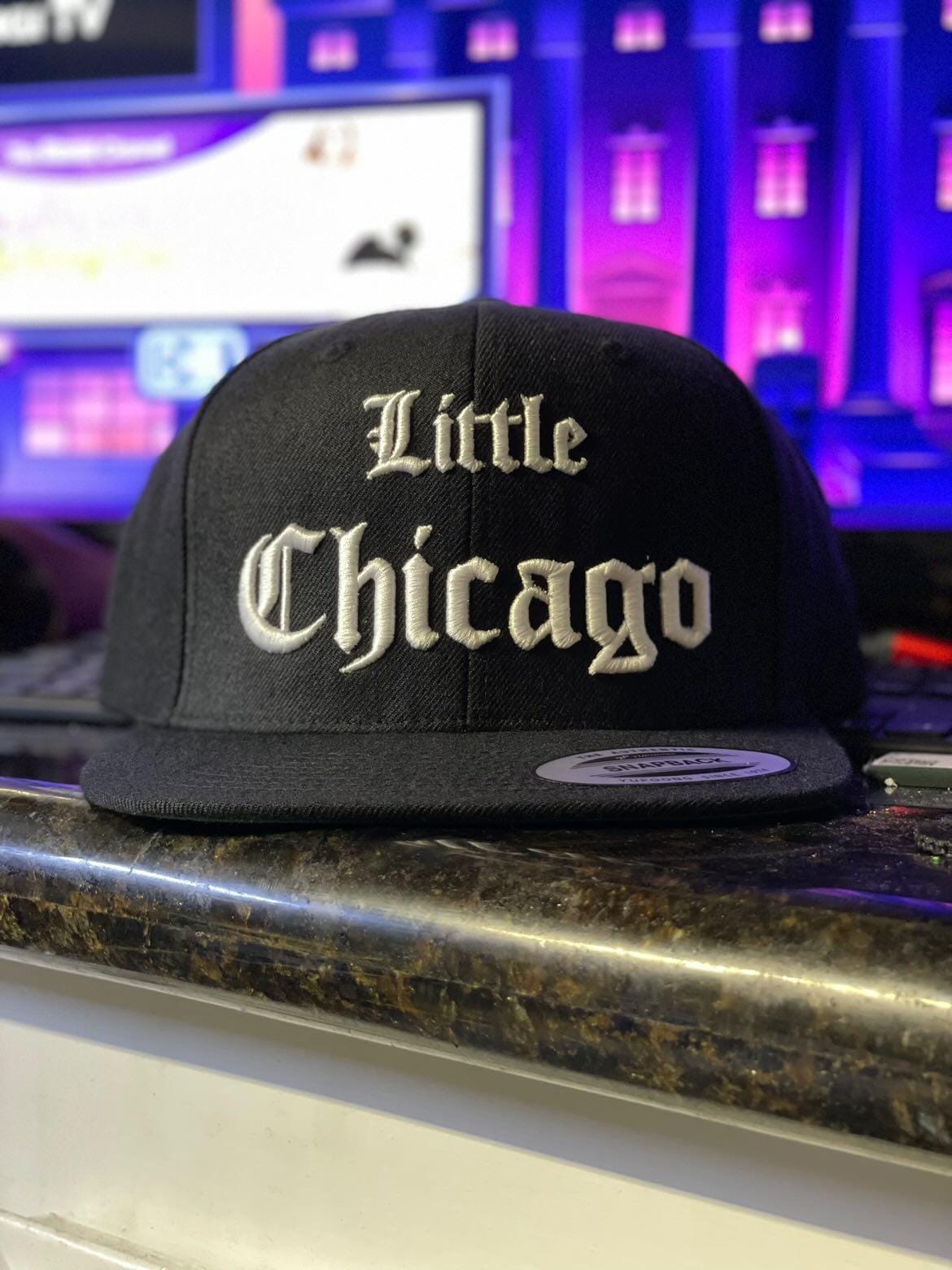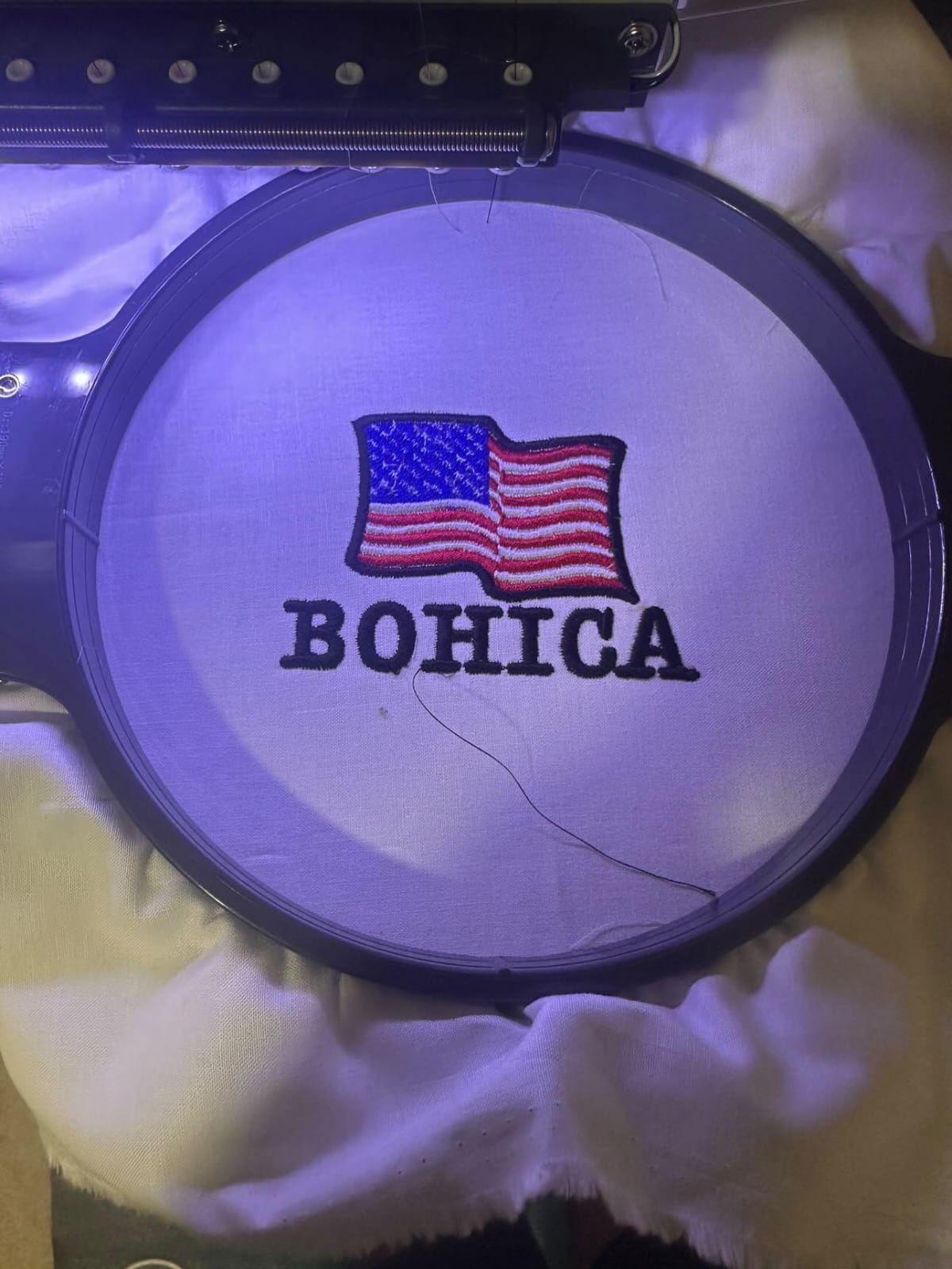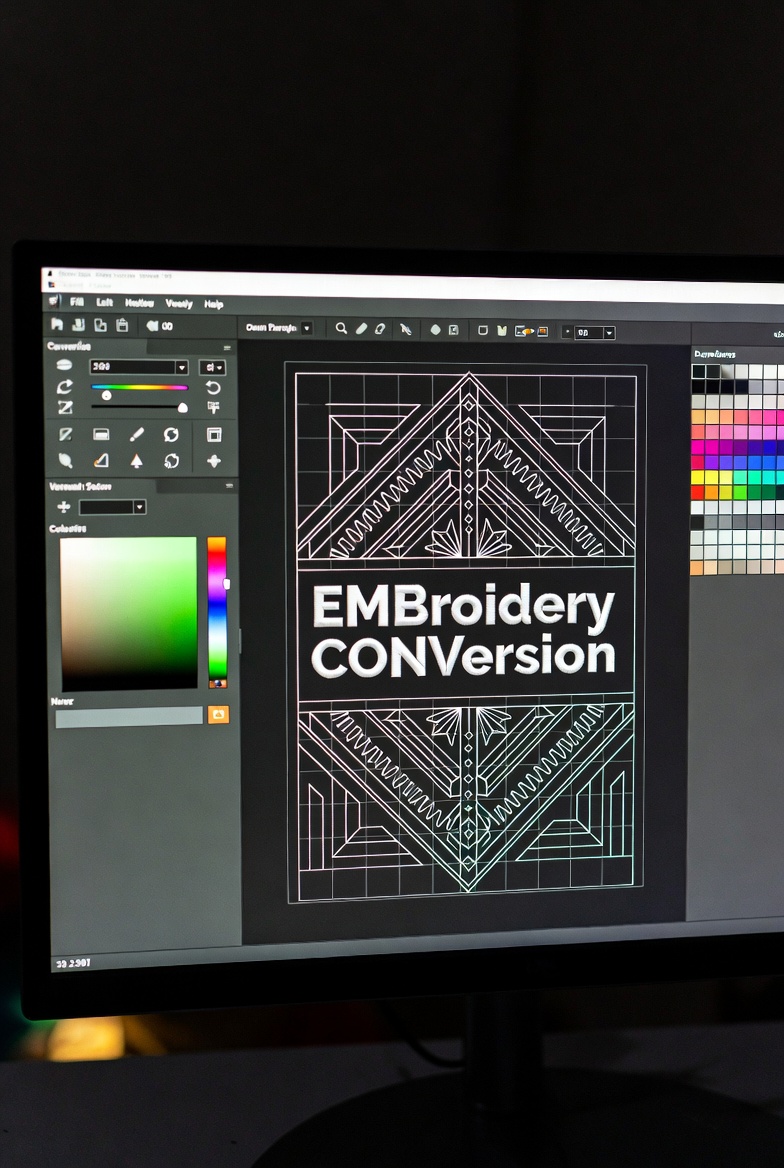

In today’s custom apparel and promotional product industry, embroidery conversion software plays a critical role in transforming artwork into stitch-ready embroidery files. Whether you run a small embroidery shop in Kent or manage large-scale commercial production in the UK, choosing the right software can directly impact quality, turnaround time, and profit margins.
This guide explains how embroidery conversion software works, what features to look for, how “free embroidery conversion software” compares to paid tools, and how leading industry solutions stack up in real-world performance.
What Is Embroidery Conversion Software?
Embroidery conversion software is a digital tool that converts image files such as JPG, PNG, PDF, or vector artwork into embroidery machine formats like DST, PES, EXP, or JEF.
Instead of manually plotting stitches, the software translates shapes, colors, and outlines into stitch paths, underlay, density settings, and thread sequences.
This process is commonly known as digitising, and high-quality software ensures:
- Clean stitch paths
- Proper density control
- Accurate color sequencing
- Reduced thread breaks
- Professional finish on fabric
Key Features to Look For
Not all embroidery conversion tools deliver the same results. When selecting software, consider these essential features:
1. Automatic & Manual Digitising Options
Good software should offer both auto-conversion and manual editing tools. Automatic tools save time, while manual controls improve accuracy for detailed logos.
2. File Format Compatibility
Ensure the software supports major formats like DST, PES, JEF, VP3, and EXP.
3. Stitch Editing & Density Control
Professional embroidery requires adjusting stitch length, pull compensation, and underlay. Without these controls, designs may look distorted on fabric.
4. Lettering & Font Libraries
For businesses offering custom names or branding, built-in embroidery fonts are essential.
5. Vector Conversion Support
Some tools also include image to vector conversion, making artwork preparation easier before digitising.
Free Embroidery Conversion Software: Is It Worth It?
Many beginners search for free embroidery conversion software to reduce startup costs. While free tools can be helpful for learning basics, they often come with limitations:
- Limited file format support
- Watermarks or stitch count restrictions
- Poor auto-digitising accuracy
- Minimal editing features
Free software may work for hobbyists or simple designs. However, commercial embroidery businesses often require advanced controls and higher stitch quality to maintain client satisfaction.
If you’re operating professionally, free solutions may lead to extra editing time, thread waste, and inconsistent output.
Comparison with Established Industry Solutions
When comparing standard embroidery conversion software to comprehensive embroidery service platforms (such as companies offering complete embroidery product and digitising solutions), there are key differences:
Software-Based Approach
- One-time or subscription cost
- Requires in-house skill and experience
- Full creative control
- Time investment for complex designs
Full-Service Embroidery Providers
- Outsourced digitising handled by experts
- Faster turnaround for bulk orders
- Professional quality assurance
- Higher per-design cost compared to in-house software
Businesses that specialize in embroidery products and digitising services often provide optimized stitch files prepared by experienced digitizers. These solutions reduce trial-and-error and ensure better fabric compatibility.
However, investing in professional embroidery conversion software gives long-term flexibility and control, especially for companies managing frequent or custom orders.
Benefits of Using Professional Embroidery Conversion Software
✔ Better Stitch Accuracy
Advanced tools calculate stitch angles and density properly, reducing puckering and fabric distortion.
✔ Faster Turnaround
Automation speeds up production without compromising quality.
✔ Cost Efficiency
Less thread waste and fewer machine errors mean reduced operational costs.
✔ Scalability
Perfect for growing embroidery businesses handling bulk or custom orders.
Who Should Use It?
Embroidery conversion software is ideal for:
- Custom apparel businesses
- Promotional product suppliers
- Print and embroidery shops
- Fashion startups
- Branding agencies
Whether you’re converting logos for uniforms or creating patches, the right software ensures consistent results.
FAQs
What is embroidery conversion software used for?
It converts artwork files into stitch-ready embroidery machine formats such as DST or PES.
Is free embroidery conversion software good for business use?
Free tools can work for simple projects, but professional businesses usually require advanced features and better stitch control.
Which file formats should embroidery software support?
Common formats include DST, PES, JEF, VP3, and EXP.
Can embroidery conversion software automatically digitise logos?
Yes, many tools offer auto-digitising features, but manual adjustments are often needed for high-quality results.
Is outsourcing digitising better than buying software?
It depends on your workflow. Outsourcing saves time, while owning software offers full control and long-term cost benefits.
Final Thoughts
Choosing the right embroidery conversion software depends on your business goals, budget, and production volume. While free embroidery conversion software can help beginners understand the basics, serious embroidery businesses benefit from advanced tools with professional editing capabilities.
Comparing software solutions with full-service embroidery providers shows that both approaches have advantages. If you prioritize control and scalability, investing in reliable software is a smart long-term strategy. If speed and expert handling matter more, outsourcing may be the better choice.
Ultimately, success in embroidery comes down to stitch quality, efficiency, and consistency — and the right conversion solution plays a major role in achieving all three.