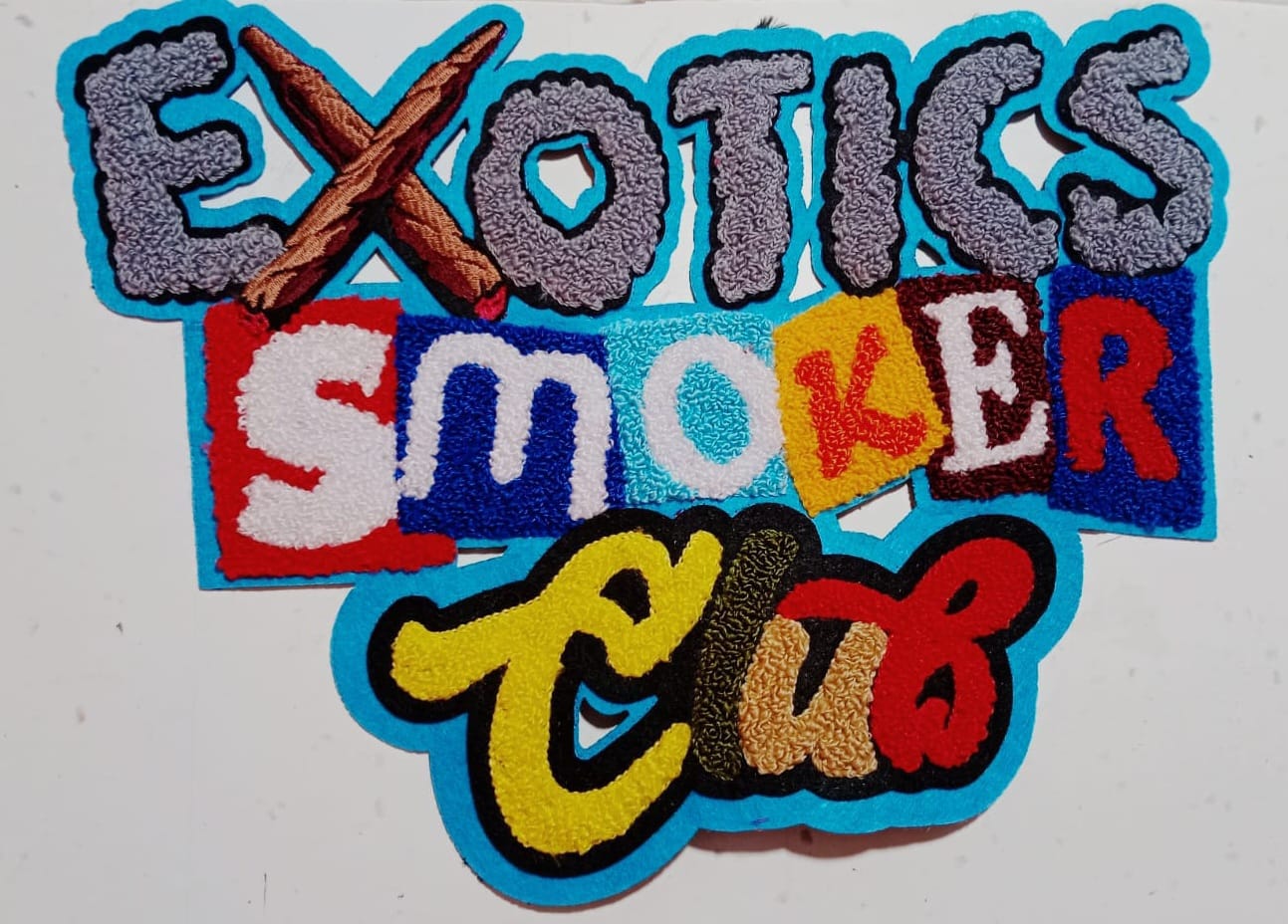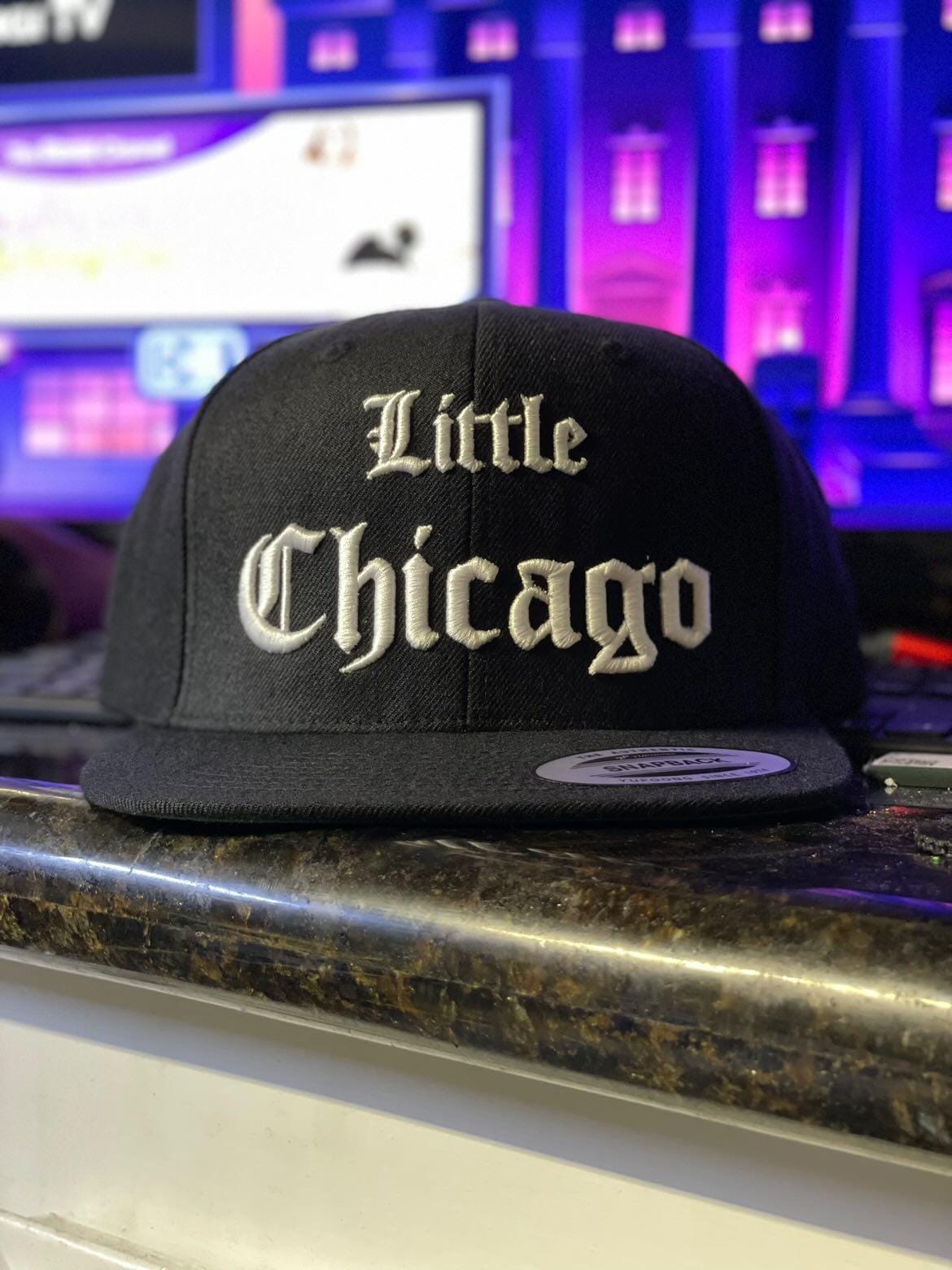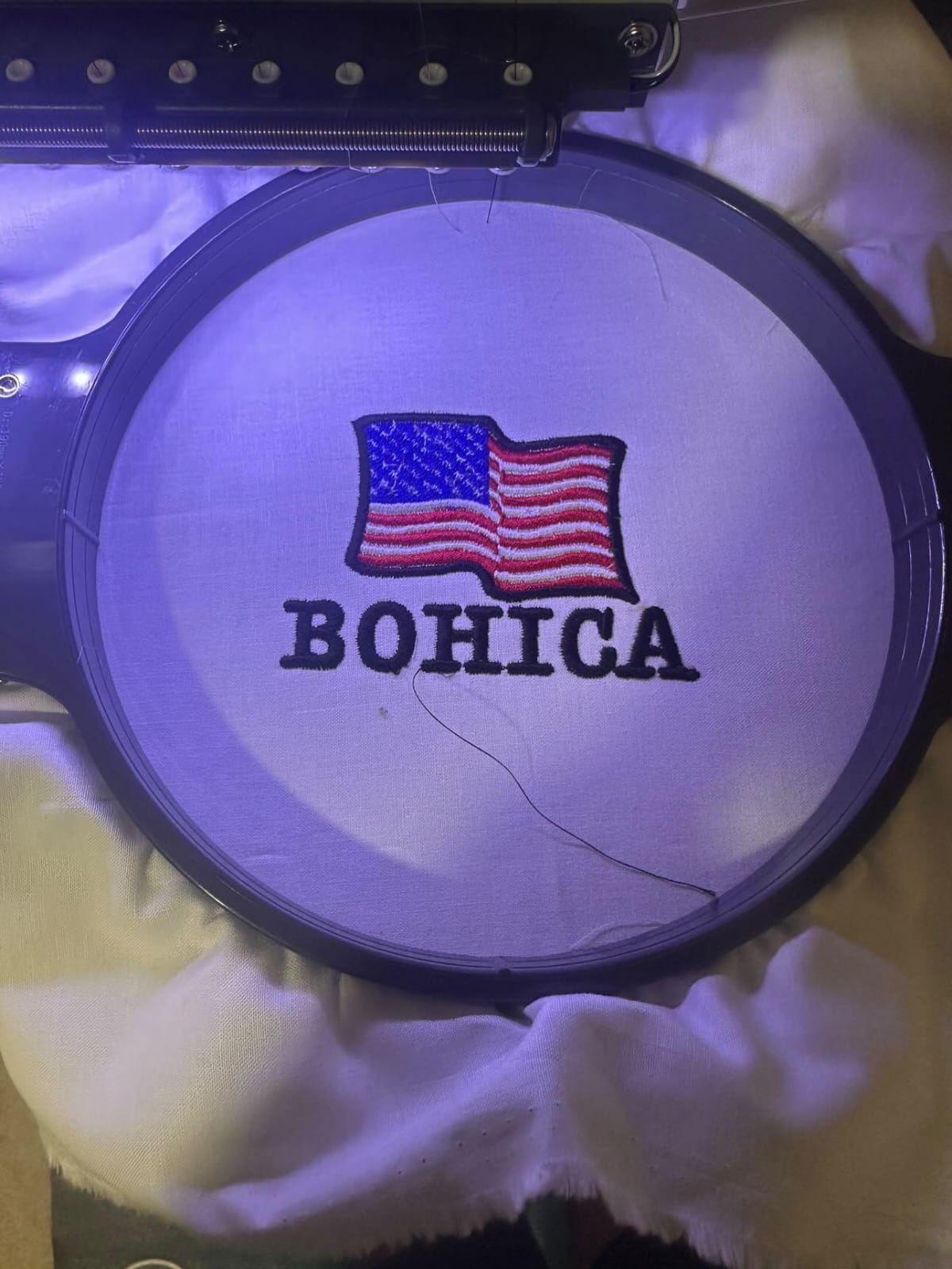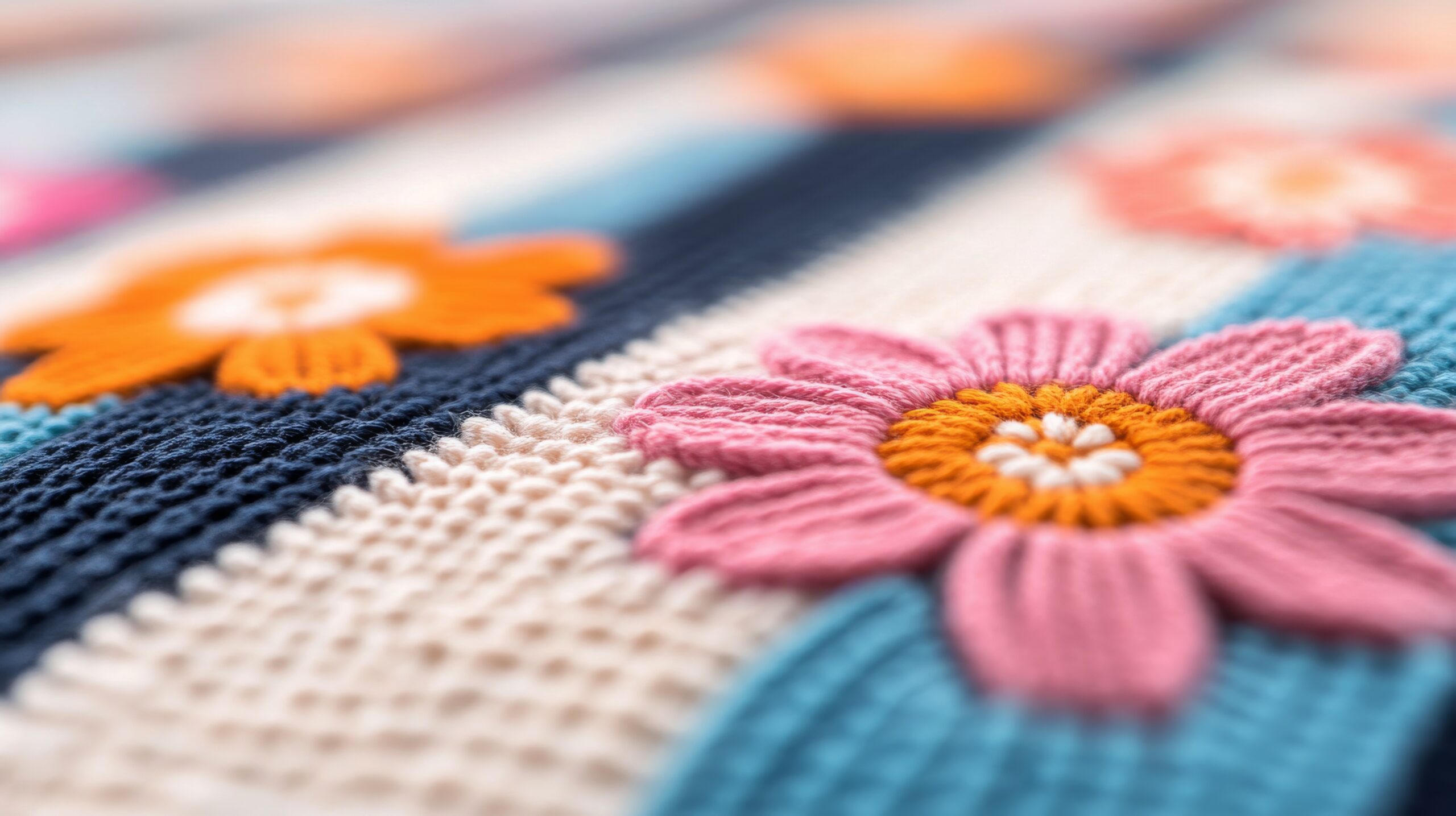

Embroidery digitizing software plays a vital role in turning artwork into stitch-ready embroidery files. Whether you are a beginner learning the basics or a professional handling commercial embroidery projects, choosing the right software can make a noticeable difference in quality, speed, and efficiency.
With many embroidery digitizing programs available today, users often struggle to decide between free tools, budget-friendly options, and professional-grade solutions. Each category serves a different purpose, and understanding these differences helps you avoid unnecessary costs and frustration.
This guide compares different types of embroidery digitizing software so you can select the best option based on your needs.
What Is Embroidery Digitizing Software?
Embroidery digitizing software is used to convert images, logos, or text into digital stitch files that embroidery machines can read. The software allows users to control stitch types, density, direction, and color sequences to ensure smooth and clean embroidery output.
Good digitizing software improves stitch accuracy, reduces thread breaks, and helps maintain fabric integrity. Poor software or incorrect digitizing can lead to distorted designs and wasted materials.
Free Embroidery Digitizing Software
Free embroidery digitizing software is often chosen by beginners who want to explore digitizing without financial commitment. These tools usually offer basic features such as simple stitch creation, limited editing options, and support for a few file formats.
While free software can help users understand embroidery fundamentals, it often lacks advanced controls, auto-digitizing accuracy, and professional support. Free tools may also restrict file saving options or add watermarks.
Best for:
- Beginners learning embroidery basics
- Hobbyists with simple designs
- Practice and experimentation
Cheapest Embroidery Digitizing Software
The cheapest embroidery digitizing software sits between free tools and high-end programs. These solutions are affordable and offer better functionality than free versions, including improved stitch control, lettering tools, and basic auto-digitizing.
Budget software is a good choice for small businesses or home-based embroiderers who need reliable results without investing heavily. However, advanced features like complex stitch editing, 3D effects, and professional automation may still be limited.
Best for:
- Small embroidery businesses
- Startups with limited budgets
- Users upgrading from free software
Professional Embroidery Digitizing Software
Professional embroidery digitizing software is designed for commercial embroidery shops and experienced digitizers. These programs provide advanced tools such as manual stitch control, complex design editing, multi-hooping support, and precise density adjustments.
Compared to beginner tools, professional software delivers higher accuracy, cleaner finishes, and better performance on a wide range of fabrics. While the learning curve and cost are higher, the long-term benefits outweigh the investment for serious users.
Best for:
- Commercial embroidery businesses
- High-volume production
- Complex logo and design digitizing
Comparison: Free vs Cheapest vs Professional Software
Free embroidery digitizing software is suitable for learning but lacks reliability for production work. Cheapest embroidery digitizing software offers a balance of affordability and functionality but may struggle with complex designs. Professional embroidery digitizing software provides complete control, precision, and scalability, making it ideal for business use.
Choosing the right option depends on your experience level, design complexity, and production goals.
How to Choose the Right Embroidery Digitizing Software
Before selecting embroidery digitizing software, consider the following factors:
- Compatibility with your embroidery machine
- Supported file formats
- Level of design complexity you need
- Budget and long-term goals
- Learning curve and usability
Investing in the right software early can save time, reduce errors, and improve embroidery quality.
FAQs
What embroidery digitizing software is easiest for beginners to learn?
Beginners usually benefit from free or low-cost embroidery digitizing software with simple interfaces and basic editing tools.
Is free embroidery digitizing software good enough?
Free software works for practice and small projects, but it may not deliver professional-quality results for commercial embroidery.
What is the cheapest embroidery digitizing software for small businesses?
Budget-friendly embroidery digitizing software offers essential tools at a lower price, making it suitable for startups and home-based businesses.
Do professionals use auto-digitizing software?
Professionals rely more on manual digitizing features rather than auto-digitizing to ensure accuracy and stitch quality.
Final Thoughts
Embroidery digitizing software is a crucial investment for anyone working with embroidery machines. Free options help beginners learn the basics, affordable tools support small businesses, and professional embroidery digitizing software delivers unmatched control and quality for commercial production.