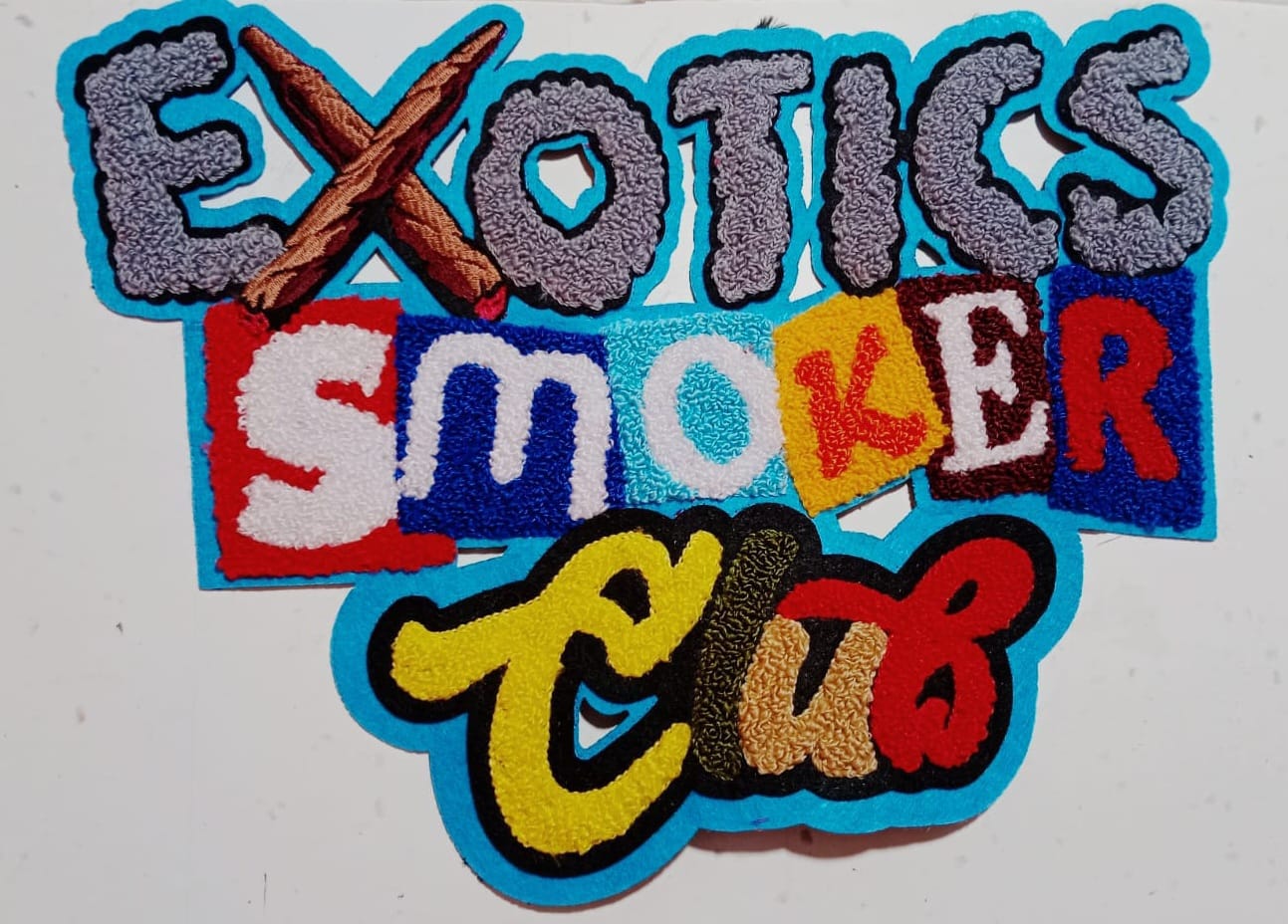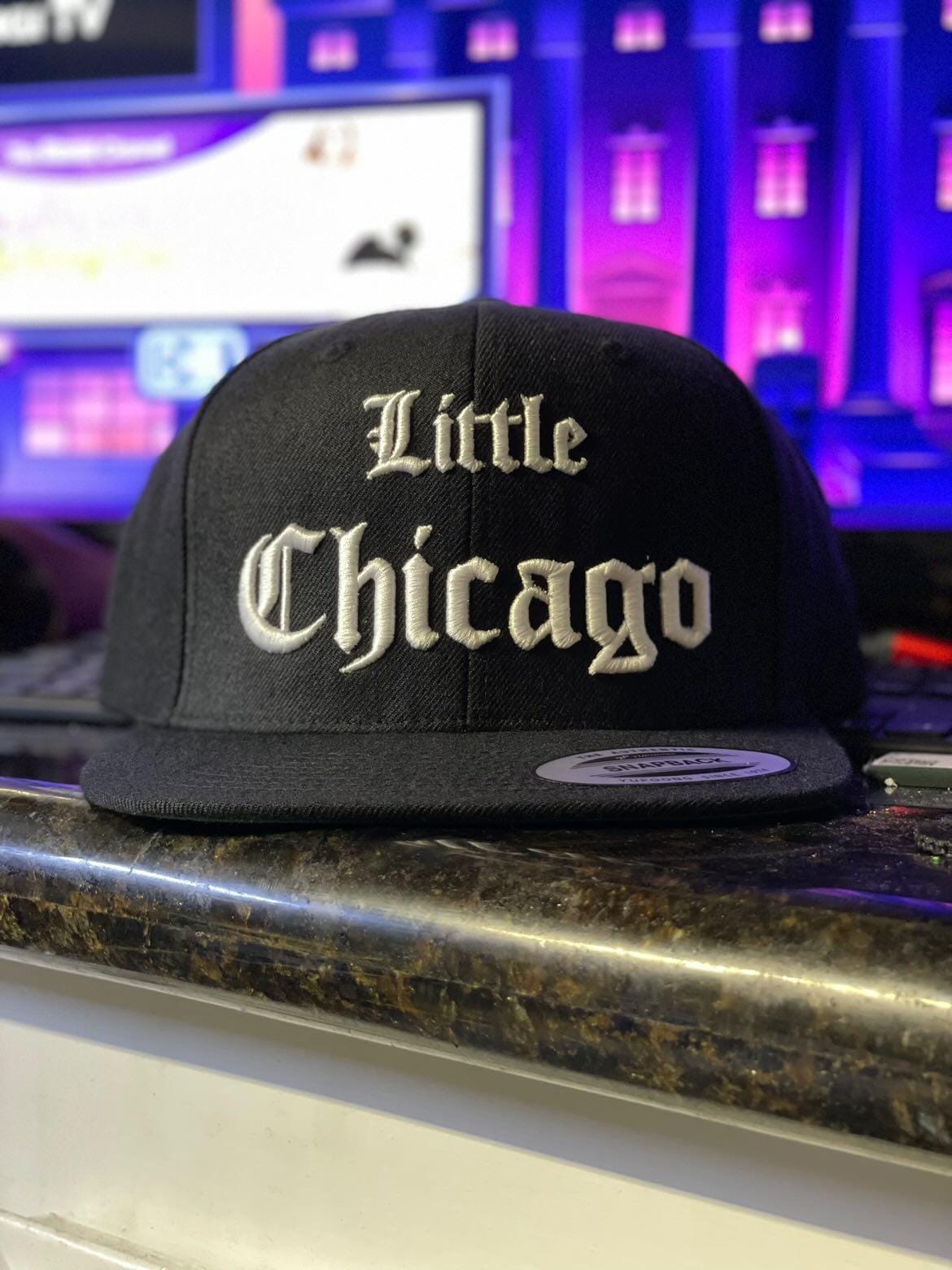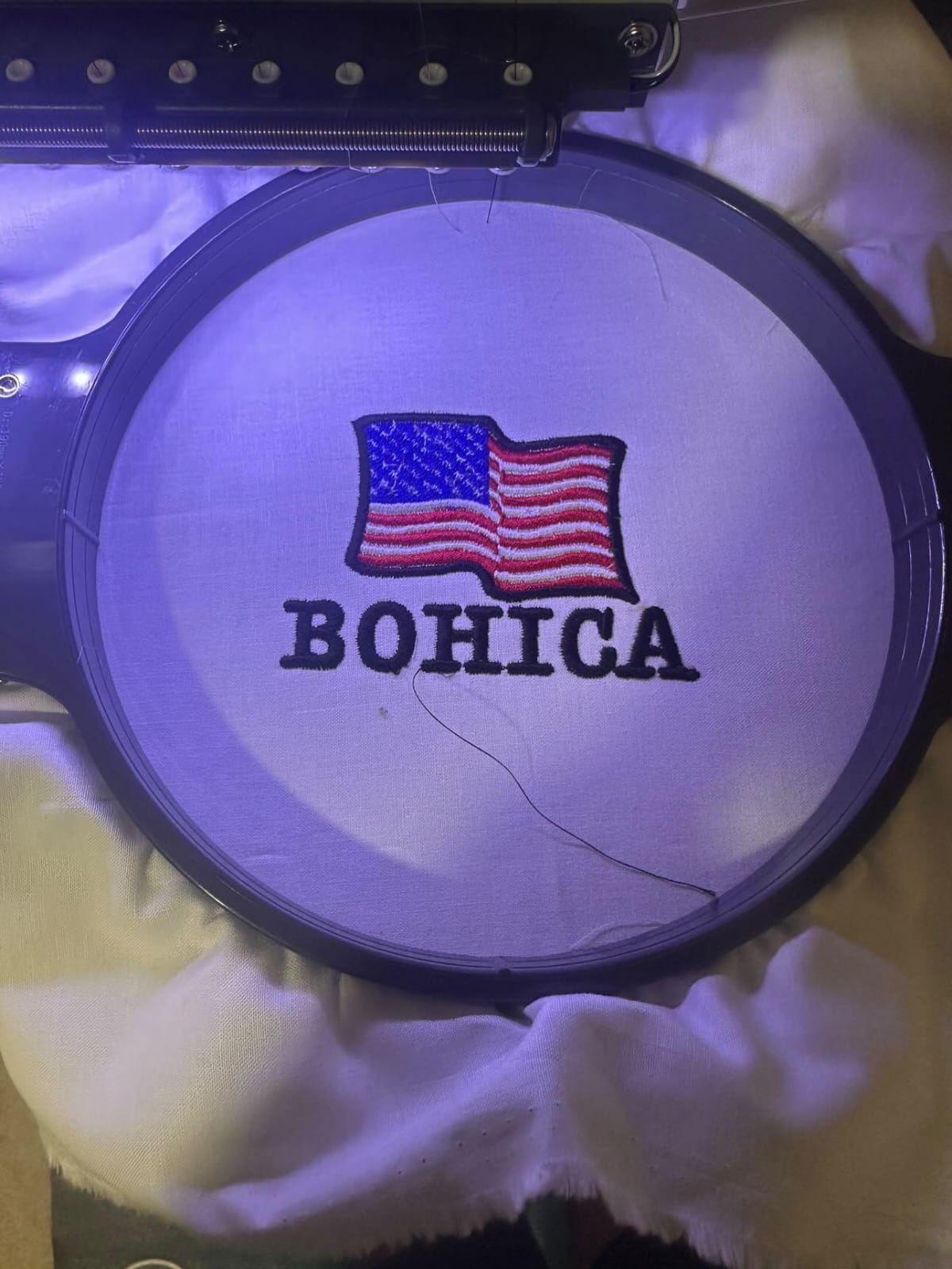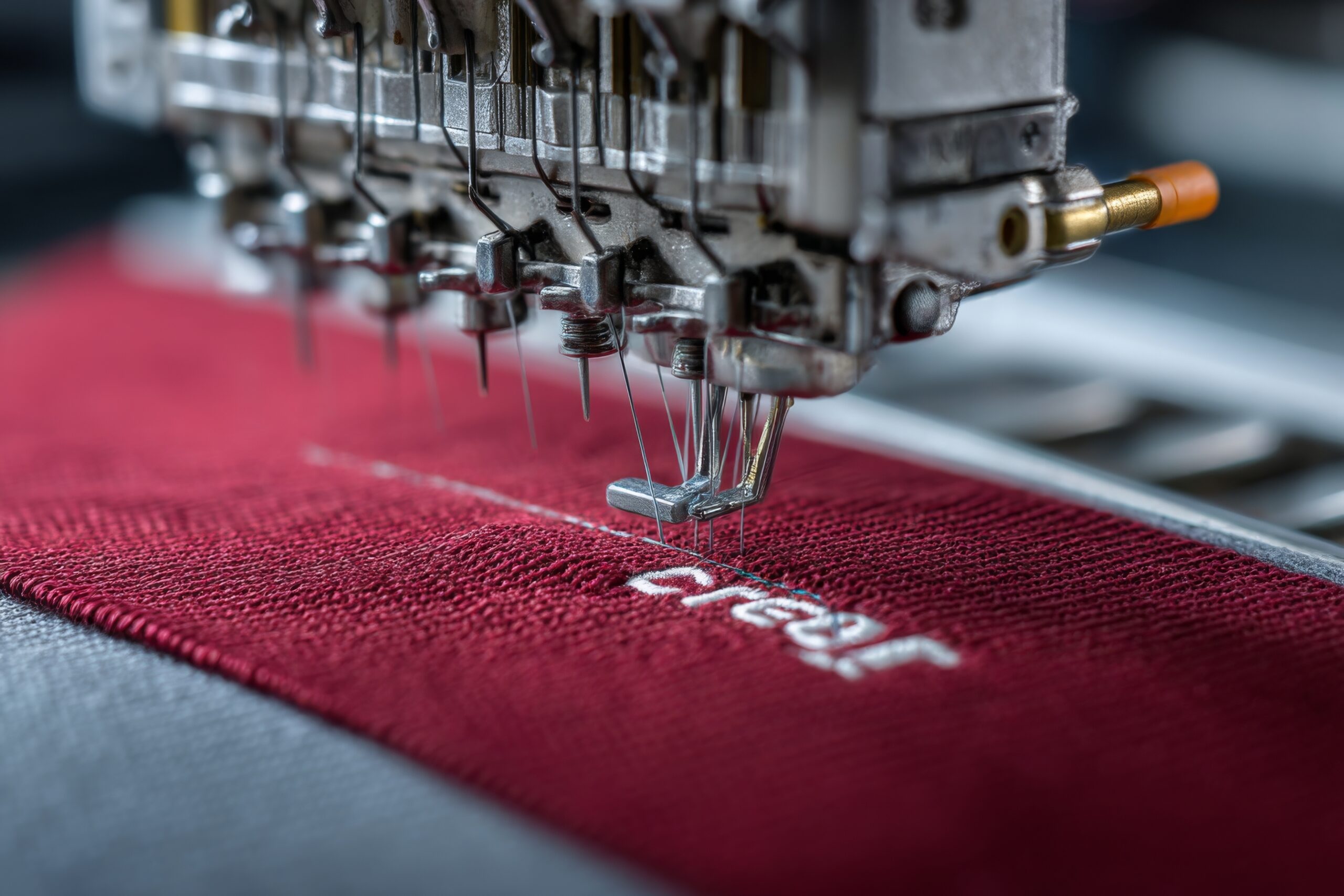

High-quality embroidery depends on proper digitizing, not just expensive machines.
Digitizing a logo for embroidery is one of the most important steps in creating high-quality embroidered designs. Whether you’re a small business owner, apparel brand, or embroidery shop, the quality of digitizing directly affects stitch accuracy, fabric performance, and final appearance.
Many people search for digitize logo for embroidery online free tools, hoping to save money. Others prefer professional digitizing services that ensure precision and consistency. This blog explains the real difference between free online digitizing, automated tools, and professional embroidery digitizing services, while comparing industry approaches similar to providers like Digitizing Ninjas.
What Does It Mean to Digitize a Logo for Embroidery?
Digitizing a logo for embroidery means converting artwork (JPG, PNG, PDF, AI) into a stitch file that embroidery machines can read. This file contains:
- Stitch type selection
- Stitch direction and density
- Underlay settings
- Thread color sequencing
- Pull compensation
Without proper digitizing, even the best embroidery machine cannot produce clean results.
Digitize Logo for Embroidery Free: Does It Really Work?
Many users try digitize logo for embroidery free options online. While these tools may look attractive, they come with serious limitations.
Common Problems with Free Online Digitizing:
- Poor stitch path planning
- No fabric-specific adjustments
- Incorrect stitch density
- Broken or overlapping stitches
- Limited file formats
- No manual quality control
Free tools usually rely on auto-digitizing, which works only for very basic designs and often fails with logos containing small text, gradients, or fine details.
Digitize Logo for Embroidery Online: Automated vs Professional
Online Auto-Digitizing Tools
These platforms convert images automatically into stitch files. They are fast but lack human judgment.
Best for:
- Very simple logos
- Test samples only
Not suitable for:
- Commercial embroidery
- Professional branding
- Complex logos
Professional Digitizing Services (Like Industry Leaders)
Professional services use manual digitizing techniques, where experienced digitizers control every stitch.
Benefits include:
- Clean edges and smooth curves
- Fabric-based stitch optimization
- Reduced thread breaks
- Better embroidery machine performance
- High-quality commercial results
This is the approach used by established embroidery digitizing brands and trusted service providers.
Free Digitizing vs Professional Digitizing (Comparison)
| Feature | Free / Auto Tools | Professional Services |
| Stitch Accuracy | ❌ Low | ✅ High |
| Fabric Optimization | ❌ No | ✅ Yes |
| Logo Detail Handling | ❌ Poor | ✅ Excellent |
| Commercial Use | ❌ Risky | ✅ Safe |
| Support & Revisions | ❌ None | ✅ Available |
If your logo represents your brand, professional digitizing always delivers better long-term value.
Why Professional Digitizing Produces Better Embroidery
Professional digitizers understand:
- How stitches behave on different fabrics
- How thread tension affects design
- How to avoid puckering and distortion
- How to reduce stitch count without losing quality
Automated tools simply cannot replace this level of control.
Digitizing Ninjas-Style Approach vs Generic Online Tools
Established digitizing companies focus on:
- Manual digitizing instead of auto conversion
- Quality checks before delivery
- Machine-ready files
- Industry standards
Generic tools focus on speed, not quality. That’s why professional services consistently outperform free solutions in real embroidery production.
Is Paid Digitizing Worth the Cost?
Yes — because:
- You avoid wasted garments
- You reduce machine downtime
- You protect your brand image
- You get reusable, scalable embroidery files
One failed embroidery run can cost more than professional digitizing itself.
Best Use Cases for Free Digitizing (When It’s OK)
Free digitizing may work if:
- You’re testing a concept
- The logo is extremely simple
- Quality is not critical
For anything client-facing or commercial, professional digitizing is strongly recommended.
FAQs – Digitize Logo for Embroidery
Q1: Can I digitize my logo for embroidery online free?
Yes, but free tools often produce low-quality results and are not suitable for professional embroidery.
Q2: What file format is best for embroidery digitizing?
DST is the most widely used embroidery file format, compatible with most machines.
Q3: How long does professional digitizing take?
Most professional services deliver within 12–24 hours, depending on design complexity.
Q4: Is manual digitizing better than auto digitizing?
Yes. Manual digitizing offers better stitch control, fabric optimization, and cleaner embroidery.
Q5: Can one digitized file be used on all fabrics?
No. Different fabrics require different stitch settings for best results.
Final Thoughts
While digitize logo for embroidery online free tools may seem appealing, they rarely deliver professional results. Embroidery is a technical process where stitch accuracy, fabric behavior, and thread control matter deeply.
Professional digitizing services — similar to established industry providers — offer reliability, consistency, and long-term value. If quality, brand image, and production efficiency matter to you, investing in professional embroidery digitizing is always the smarter choice.