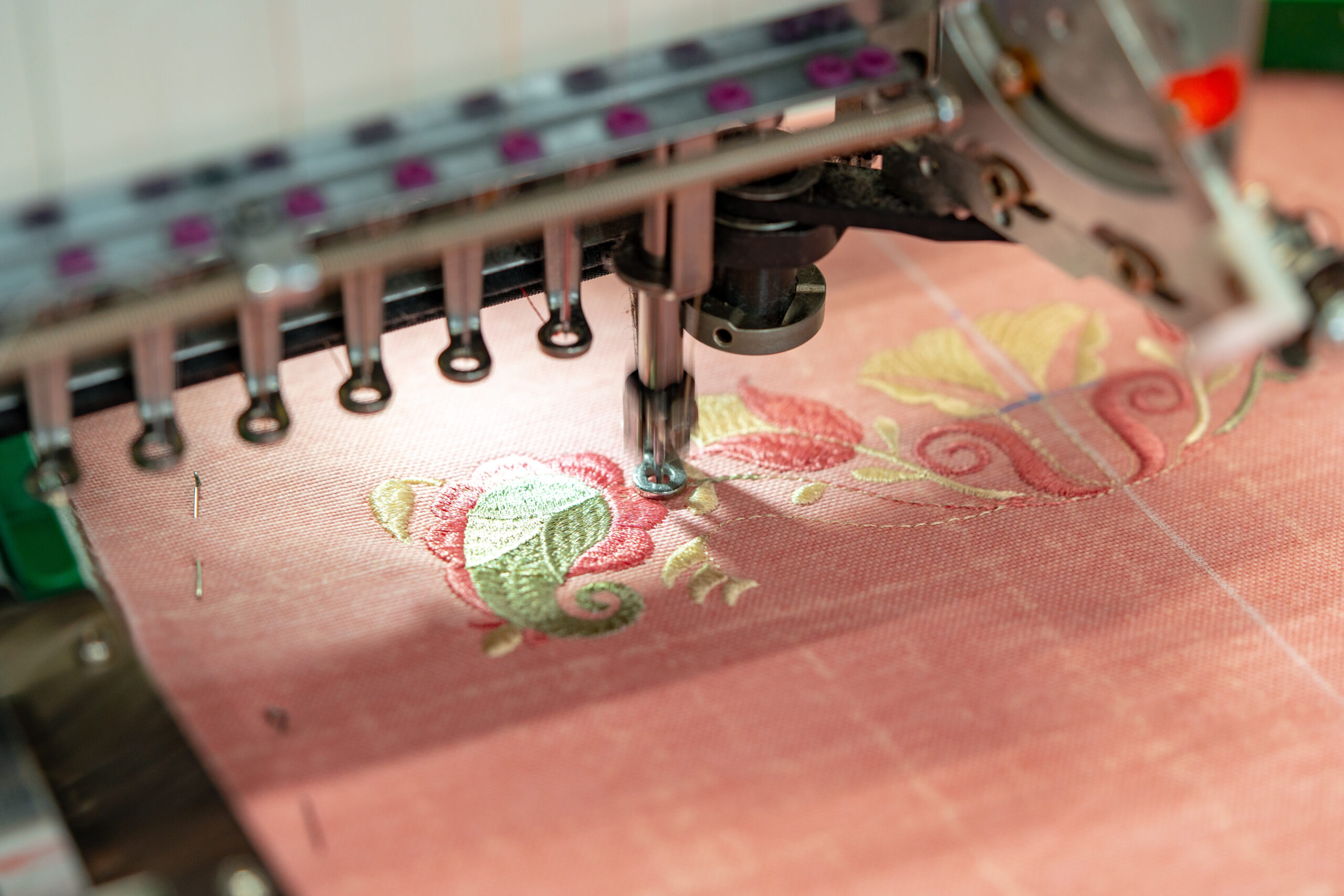

Choosing the best digitizing software for embroidery is essential for producing clean, professional, and machine-ready designs. Whether you run a home-based embroidery setup or a commercial production business, the right software directly impacts stitch quality, speed, and efficiency.
With many options available in the market, selecting the right one can feel overwhelming. This guide compares leading solutions, highlights key features, and explains what to look for in the best digitizing software for embroidery machines.
Why Digitizing Software Matters
Embroidery machines cannot read standard image files like JPG or PNG. They require stitch-based files such as DST, PES, or EXP. Digitizing software converts artwork into stitch paths, defining direction, density, underlay, and thread sequence.
Good software ensures:
- Clean stitch paths
- Proper underlay
- Reduced thread breaks
- Minimal fabric puckering
- Faster production time
Poor digitizing, on the other hand, leads to wasted materials and inconsistent results.
Top Digitizing Software Compared
1. Wilcom (Commercial Standard)
Wilcom is widely regarded as an industry leader in professional embroidery digitizing. It offers advanced manual digitizing tools, automatic digitizing features, and precise stitch control.
Strengths:
- Advanced manual stitch editing
- Powerful lettering tools
- Auto-digitizing with refinement options
- Suitable for commercial embroidery businesses
Best For: Large production houses and professionals needing full control over stitch structure.
Consideration: Higher pricing compared to entry-level software.
2. Hatch Embroidery
Hatch is designed to be more user-friendly while still offering professional tools. It is often recommended for small businesses and growing embroidery brands.
Strengths:
- Easy learning curve
- Good auto-digitizing
- Strong font library
- Clean interface
Best For: Small businesses and intermediate users.
3. Brother PE-Design
Brother’s software integrates well with Brother embroidery machines and is popular among hobbyists and semi-professionals.
Strengths:
- Machine compatibility
- Decent auto-digitizing
- Easy-to-use tools
Best For: Brother machine owners and beginners.
4. Embrilliance
Embrilliance offers modular embroidery software solutions that allow users to purchase only the features they need.
Strengths:
- Affordable pricing
- Cross-platform (Mac & Windows)
- Good editing tools
Best For: Budget-conscious users and Mac users.
Feature Comparison Overview
| Feature | Wilcom | Hatch | PE-Design | Embrilliance |
| Manual Digitizing | Advanced | Strong | Moderate | Basic |
| Auto Digitizing | Advanced | Good | Good | Basic |
| Lettering Tools | Excellent | Strong | Good | Moderate |
| Best For | Commercial | Small Biz | Hobbyists | Budget Users |
What Makes the Best Digitizing Software for Embroidery Machines?
When evaluating embroidery digitizing software, consider:
1. Stitch Control
Manual stitch control allows better precision for complex logos.
2. File Format Support
Ensure compatibility with formats like DST, PES, EXP, and JEF.
3. Auto-Digitizing Accuracy
Advanced algorithms reduce editing time.
4. Learning Curve
Beginner-friendly interfaces save training time.
5. Scalability
Choose software that grows with your business.
Which Software Should You Choose?
- For commercial embroidery shops: Wilcom remains a leading professional choice.
- For small embroidery businesses: Hatch offers balance between ease and power.
- For home-based users: PE-Design or Embrilliance may be sufficient.
The best digitizing software for embroidery machines ultimately depends on your production scale, budget, and experience level.
FAQs
1. What is the best digitizing software for embroidery?
Wilcom is often considered the top professional choice, while Hatch is popular for small businesses.
2. Is auto-digitizing reliable?
Auto-digitizing works well for simple designs but complex logos often require manual adjustments.
3. Can beginners use professional embroidery software?
Yes, but there is a learning curve. Some software offers beginner modes and tutorials.
4. What file format is most common for embroidery machines?
DST and PES are among the most widely used formats.
5. Does expensive software guarantee better results?
Not necessarily. Skill and proper digitizing techniques matter more than price alone.
Final Thoughts
Selecting the best digitizing software for embroidery is a critical decision for achieving consistent, high-quality results. While professional solutions like Wilcom dominate commercial production, user-friendly options like Hatch and PE-Design offer strong alternatives for growing businesses.
Instead of choosing based solely on price, evaluate features such as stitch control, file compatibility, automation accuracy, and scalability. The right software will not only improve stitch quality but also increase efficiency, reduce errors, and support long-term business growth.