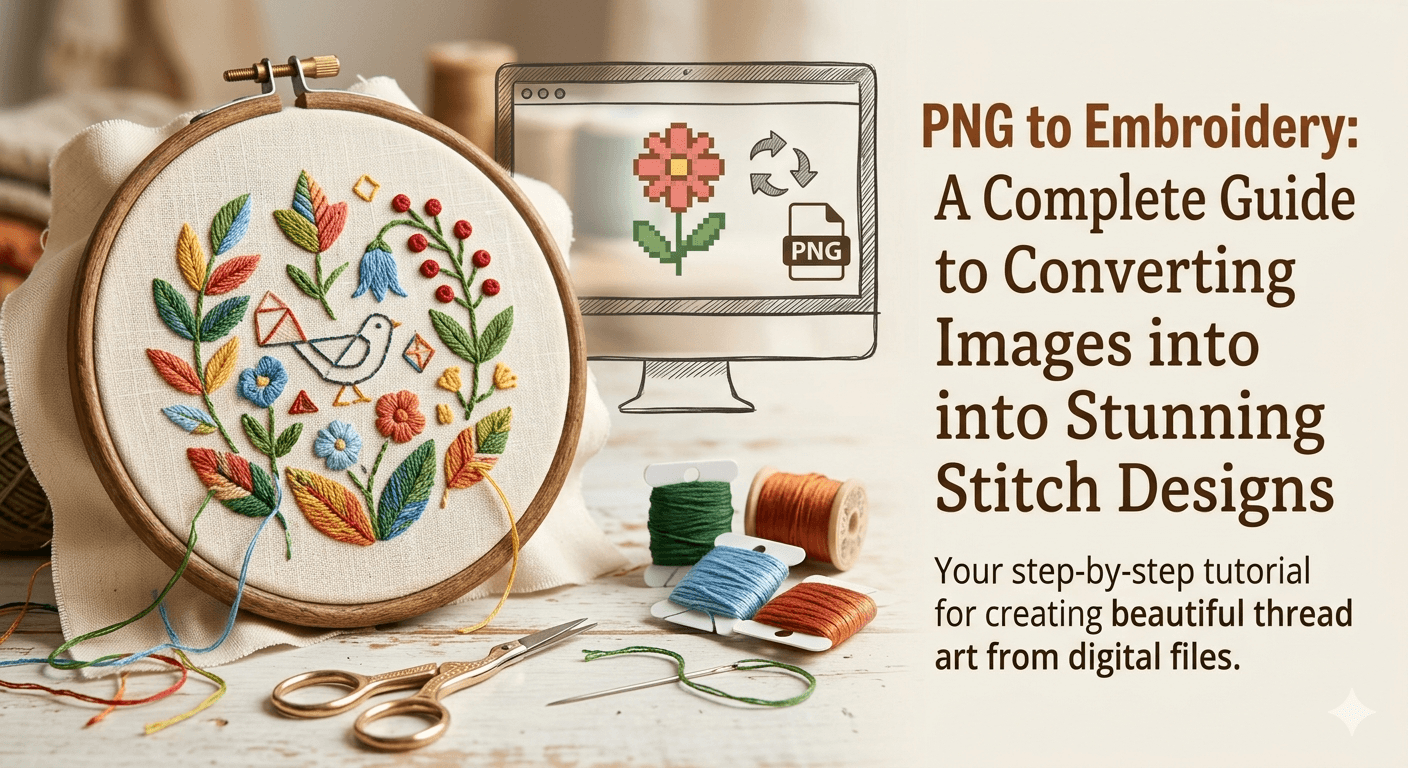

Introduction to PNG to Embroidery Conversion
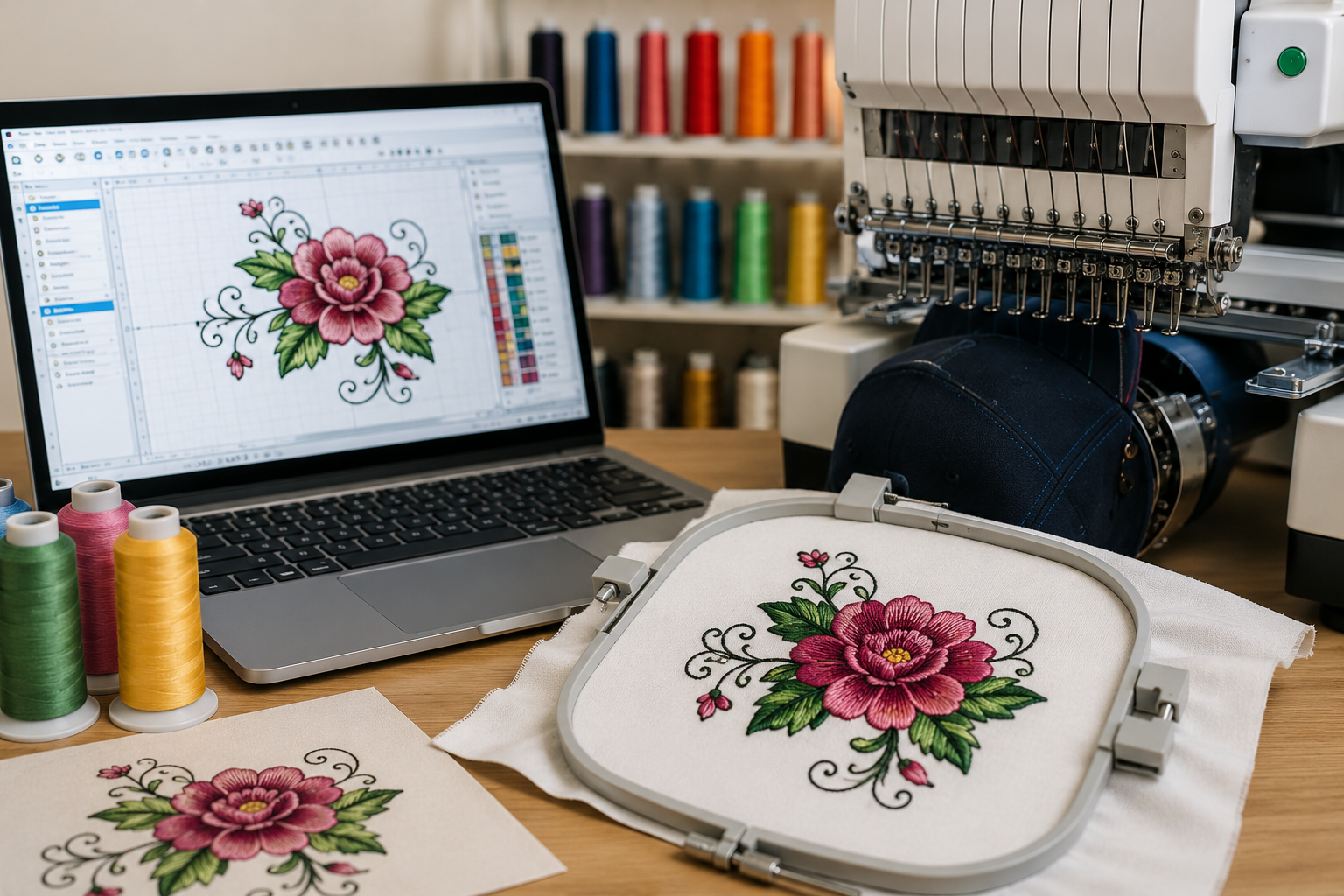
Converting a PNG image into embroidery is a powerful way to transform digital artwork into high-quality stitched designs. Whether you are a business owner, fashion designer, or hobbyist, understanding the PNG to embroidery process allows you to create custom logos, patterns, and artwork on fabrics with precision and durability. This process involves digitizing the image so that embroidery machines can interpret and stitch it accurately.
What Does PNG to Embroidery Mean?
PNG to embroidery refers to converting a raster image file (PNG format) into a stitch file that embroidery machines can read, such as DST, PES, or EXP formats. Unlike simple image conversion, embroidery digitizing requires mapping stitches, directions, density, and thread types to ensure the final output looks professional. It’s not just a format change—it’s a complete transformation of the design into a stitch-ready blueprint.
Why PNG Files Need Digitizing for Embroidery
PNG images are made up of pixels, while embroidery machines work with stitches. Without digitizing, machines cannot understand how to replicate colors, shapes, or details. Digitizing ensures that:
- The design maintains clarity and sharpness
- Stitch paths are optimized for efficiency
- Fabric compatibility is considered
- Thread colors are accurately mapped
This step is essential for achieving clean, professional embroidery results.
Step-by-Step PNG to Embroidery Process
1. Image Preparation
Before digitizing, the PNG image must be optimized. This includes removing backgrounds, enhancing contrast, and simplifying complex details. Clean and high-resolution images produce better embroidery results.
2. Importing into Digitizing Software
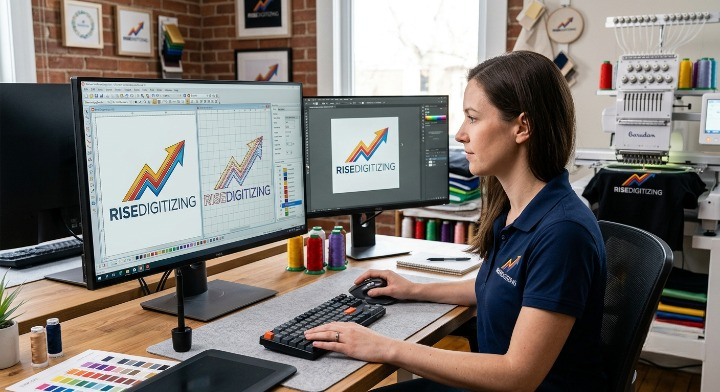
Specialized embroidery software like Wilcom, Hatch, or Brother PE-Design is used to import the PNG file. These tools allow digitizers to manually trace or auto-convert designs into stitch patterns.
3. Manual Digitizing
Manual digitizing is the most important step. Here, professionals define:
- Stitch types (satin, fill, run)
- Stitch direction
- Density and underlay
- Pathing sequence
This ensures the embroidery design looks smooth and professional.
4. Assigning Thread Colors
Each section of the design is assigned specific thread colors. Proper color matching enhances the visual appeal and brand consistency for logos.
5. Exporting to Embroidery Format
Once digitizing is complete, the file is exported into machine-readable formats like:
- DST (Tajima)
- PES (Brother)
- JEF (Janome)
These formats are compatible with different embroidery machines.
Best Software for PNG to Embroidery Conversion
Choosing the right software is crucial for quality output. Some of the best tools include:
- Wilcom Embroidery Studio (professional-grade)
- Hatch Embroidery Software (user-friendly)
- Brother PE-Design (ideal for beginners)
- Ink/Stitch (free and open-source)
Each tool offers unique features depending on your skill level and project needs.
Benefits of Converting PNG to Embroidery
PNG to embroidery conversion offers multiple advantages:
- Custom branding for businesses (logos on uniforms)
- Personalized gifts and apparel
- Long-lasting designs compared to printed graphics
- High-quality professional finish
This makes it ideal for industries like fashion, marketing, and promotional merchandise.
Common Challenges in PNG to Embroidery
While the process is highly rewarding, there are some challenges:
- Complex images with too many details may not stitch well
- Color gradients are difficult to replicate
- Improper digitizing can lead to thread breaks or distortions
- Fabric type affects final output
Professional digitizing helps overcome these issues effectively.
Tips for High-Quality Embroidery Results
To achieve the best results, follow these expert tips:
- Use high-resolution PNG images
- Keep designs simple and clean
- Choose the right stitch type for each element
- Test the design on sample fabric before final production
- Work with experienced digitizers for complex designs
PNG to Embroidery for Businesses
Businesses can greatly benefit from embroidery digitizing. From branded uniforms to promotional products, embroidery adds a premium and professional touch. Companies in fashion, sports, and corporate sectors frequently use embroidery to enhance brand visibility and durability.
Conclusion
PNG to embroidery conversion is more than just a technical process—it’s an art that combines creativity with precision. By digitizing images properly, you can transform simple PNG files into stunning embroidered designs that stand out. Whether you’re starting a business or creating custom apparel, mastering this process can open up endless opportunities in the embroidery industry.