
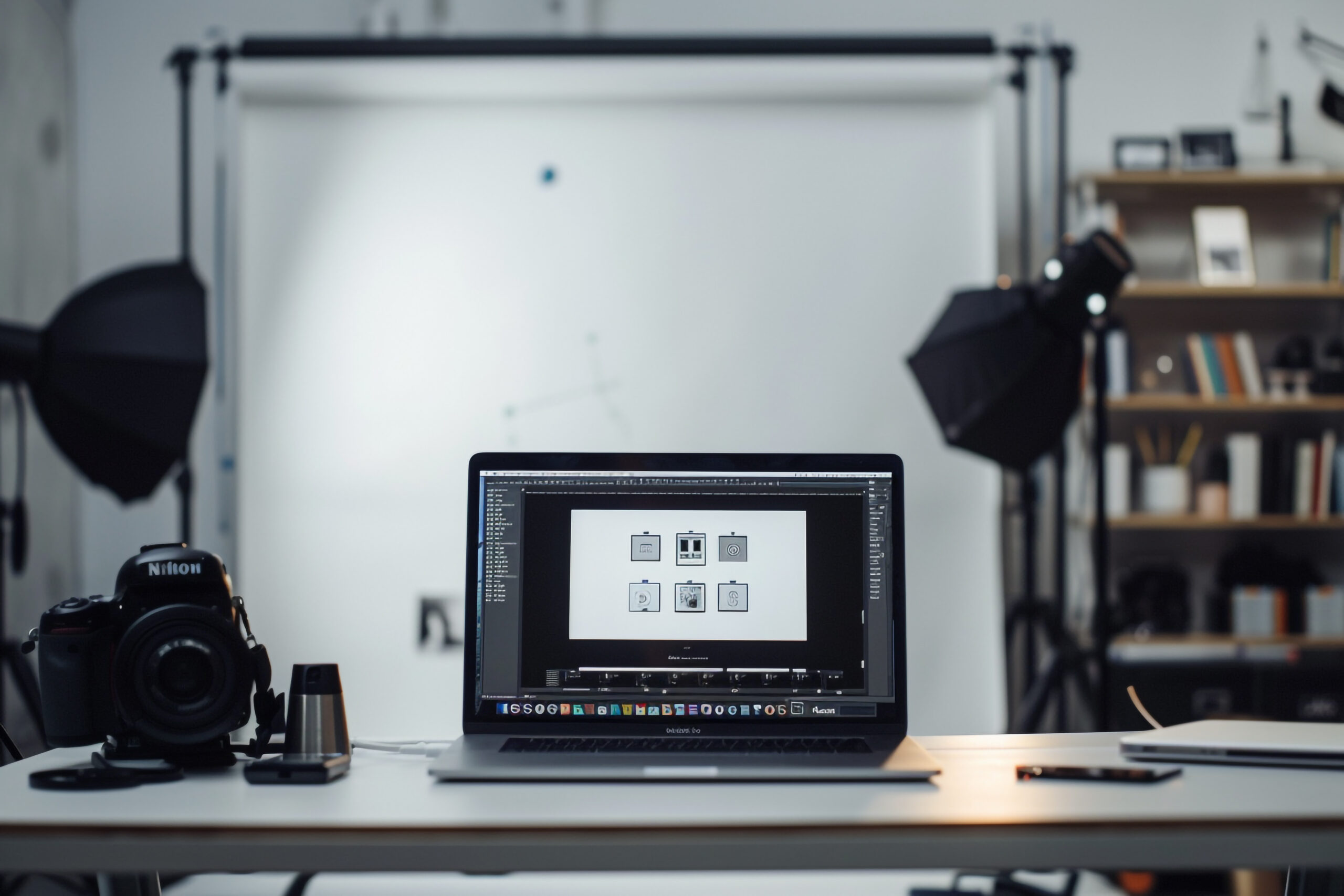

When people search for “digitize my logo”, they usually want one simple thing: to turn their logo into a stitch-ready file that an embroidery machine can actually use. But logo digitizing is not just converting an image—it’s a technical process that directly affects stitch quality, fabric performance, and final appearance.
Many beginners believe uploading a logo to an online AI tool is enough. In reality, embroidery digitizing requires planning stitch paths, choosing the right stitch types, controlling density, and adjusting for fabric stretch. This is where the difference between AI-based tools and professional digitizing services becomes very clear.
What Does “Digitize My Logo for Embroidery” Involve?
Digitizing a logo for embroidery means converting artwork into a format such as DST, PES, or EXP. These files tell the embroidery machine:
- Where to stitch
- Which stitch type to use
- How dense the stitches should be
- In what sequence the design should run
If this process is done incorrectly, the embroidery can look messy, uneven, or even damage the fabric.
Professional digitizers manually control every detail, while automated tools usually follow fixed patterns that don’t adapt well to real-world embroidery conditions.
Digitize My Logo Online Free – Is It Worth It?
Free online tools are attractive because they promise quick results with no cost. AI-based platforms like LogoAI are commonly used for logo creation and basic conversions. However, when it comes to embroidery digitizing, these tools have serious limitations.
Common Issues with Free AI Digitizing Tools:
- No fabric-specific adjustments
- Poor stitch sequencing
- Incorrect stitch density
- Limited file format support
- No testing on embroidery machines
AI tools may work for simple visual previews, but embroidery machines require precision. A logo that looks fine on screen may stitch poorly on caps, jackets, or thick fabrics.
Professional Logo Digitizing vs AI Tools (Comparison)
Accuracy
Professional digitizing ensures clean edges, smooth curves, and balanced stitching. AI tools often produce uneven results, especially for small text or complex logos.
Stitch Control
Human digitizers select satin, fill, or running stitches based on design needs. AI tools apply generic patterns without understanding fabric behavior.
File Reliability
Professionally digitized files are tested and optimized. AI-generated files often require rework before production.
Customization
Professionals can adjust designs for caps, left chest logos, or large back designs. AI tools offer little to no customization.
Cost vs Value
While free tools cost nothing upfront, poor embroidery can lead to wasted garments and extra expenses. Professional digitizing delivers consistent, production-ready results.
Why Businesses Prefer Professional Embroidery Digitizing
Businesses, apparel brands, and embroidery shops rely on precision. When logos are stitched repeatedly across multiple garments, consistency matters more than speed.
Professional digitizing helps with:
- Brand consistency
- Reduced thread breaks
- Faster machine runtime
- Better fabric compatibility
- Long-term cost savings
This is why most commercial embroidery operations avoid fully automated digitizing solutions.
When Free Tools Can Be Useful
Free or AI-based tools can still be helpful in certain situations:
- Early logo visualization
- Concept testing
- Personal or non-production projects
But for professional embroidery, they should not replace expert digitizing.
Key Things to Check Before Digitizing Your Logo
Before choosing how to digitize your logo, ask these questions:
- Will this be embroidered on different fabrics?
- Does the logo include small text or fine details?
- Do I need commercial-quality results?
- Will this design be used repeatedly?
If the answer is yes, professional digitizing is the safer option.
FAQs – Digitize My Logo
❓ What is the best way to digitize my logo for embroidery?
The best method is professional manual digitizing, where stitch types, density, and sequencing are customized for your fabric and machine.
❓ Can I digitize my logo online for free?
Yes, free tools exist, but they often lack embroidery accuracy and may cause stitching problems during production.
❓ Why does my embroidery look bad after digitizing?
Poor stitch planning, incorrect density, or wrong file format are common causes—usually from automated digitizing.
❓ Is logo digitizing a one-time process?
Yes, once done correctly, the digitized file can be reused for future embroidery projects.
❓ Are AI tools like LogoAI suitable for embroidery?
AI tools are better for logo design and previews, not for high-quality embroidery digitizing.
Final Thoughts
Searching for “digitize my logo” is the first step, but choosing the right approach makes all the difference. While free online tools may seem convenient, they often fall short when real embroidery machines are involved.
Professional logo digitizing offers accuracy, consistency, and reliable stitch quality—especially for businesses and serious embroidery projects. In the long run, investing in expert digitizing saves time, reduces errors, and ensures your logo looks exactly how it should on fabric.


