
In our fast-paced digital environment, sharp visuals are more important than ever before. It doesn’t matter if it’s a logo for a business, an embroidery custom image, or large-format printing — it is common to encounter one term: What Is a Vector File. A lot of beginners, companies, or even designers struggle to comprehend this type of file and the reason why experts insist on the use of it.
This article explains the idea that vector files in a straightforward way that is easy for beginners. It is ideal for artists, business owners, and those who work with graphic design such as printing or embroidery.
What Is a Vector File?
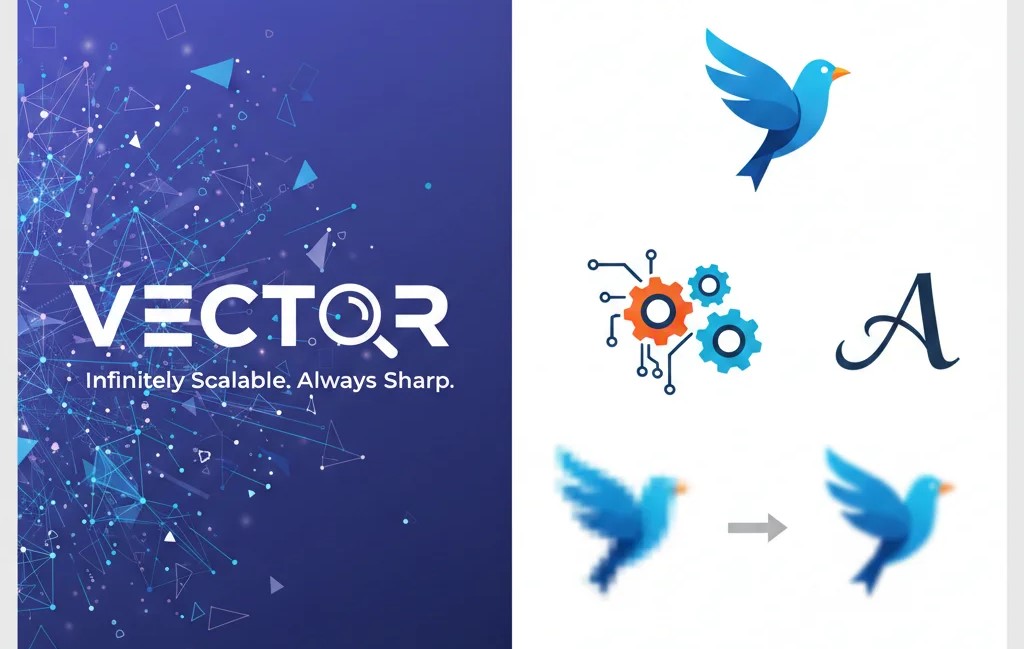
A vector file is a kind of image created using mathematical formulas rather than tiny pixels. Contrary to normal pictures (like JPG or PNG), vector images don’t lose their quality regardless of how you alter their size. They are therefore extremely valuable in professional design.
Simply put:
A vector file is a picture that can be scaled infinitely without blurring.
How Vector Files Work
Images that are vectorized are created with:
- Lines
- Curves
- Shapes
- Paths
These elements are controlled through mathematical formulas. This is why the computer draws a new version of the image whenever you change its size, while keeping it crisp and clear.
This is totally different from raster images (JPG, PNG), which are composed of fixed pixels that become more pixelated as they get larger.
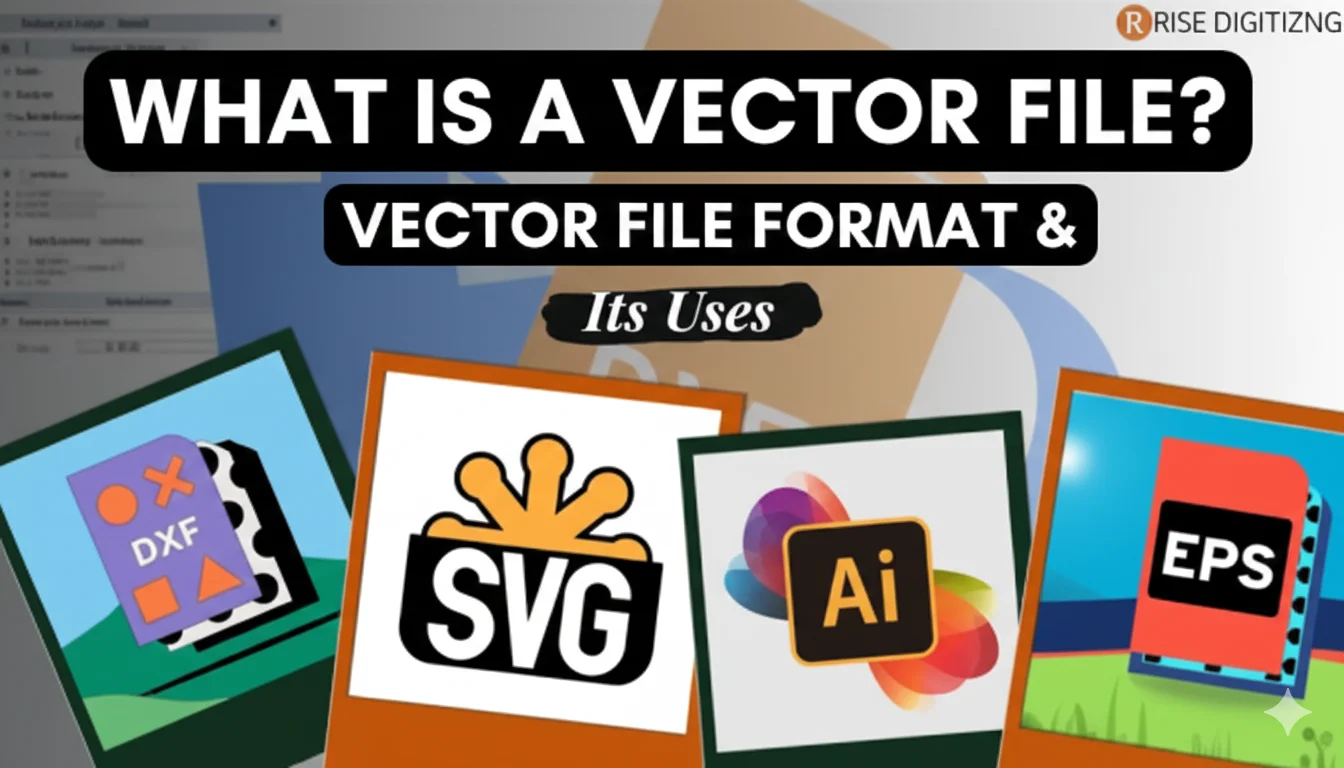
Common Vector File Formats
Printers and designers mostly utilize the following vector file extensions:
- SVG (Scalable Vector Graphics)
- AI (Adobe Illustrator)
- EPS (Encapsulated PostScript)
- PDF (When saved as vector)
- CDR (CorelDRAW)
Although formats such as JPG and PNG are ideal for websites and social media, they are not vectors and cannot be scaled without sacrificing quality.
Why Designers Use Vector Files
1. Infinite Scalability
No matter if it’s the size of a business card or a billboard, vector images scale beautifully. Designers prefer them since they remain sharp across every size.
2. Easy Editing
Designers can change shapes, colors, lines, or entire elements instantly. This flexibility saves time and guarantees accuracy.
3. Perfect for Logos
Logos must appear clean everywhere — whether on your smartphone screen or a huge banner. Only vectors provide this level of consistency.
4. Essential for Printing
Printers and digitizers must use vector formats for:
- Screen printing
- DTG printing
- Laser cutting
- Vinyl cutting
- Embroidery digitizing
Raster files don’t have the precision required.
5. Small File Size
Although vectors provide excellent quality, their file size is very small. This makes them easy to save, share, and upload.
Vector vs Raster: What’s the Difference?
| Feature | Vector | Raster |
|---|---|---|
| Made of | Mathematical paths | Pixels |
| Zoom quality | Stays sharp | Gets blurry |
| Best for | Logos, printing, embroidery | Photos, website images |
| Editable | Highly editable | Limited editing |
| File types | AI, SVG, EPS | JPG, PNG, GIF |
Understanding this difference helps businesses and designers select the best format for their needs.
Where Are Vector Files Commonly Used?
Designers use vector files across all industries. Here are the most common applications:
1. Logo Design
All professional logos are created using vectors to ensure they work across all platforms.
2. Embroidery Digitizing
Embroidery machines need clean and scalable designs. Vectors make digitizing smooth and accurate.
3. Printing Industry
From banners to brochures, printing companies require vector artwork for crisp results.
4. Apparel Branding
T-shirt printing, sportswear branding, and patch-making all depend on vector artwork.
5. Web & App Development
SVG icons load quickly and stay crisp on all screen sizes.
6. Marketing Materials
Posters, flyers, packaging, and signage all need vector-based designs.
Benefits of Using Vector Files
No quality loss
Perfect for resizing and professional usage.
Editable in a snap
You can alter colors, shapes, or lines without affecting quality.
Versatile
Ideal for printing, embroidery, digital media, and branding.
Cleaner results
Delivers sharp, professional output in every industry.
Future-proof
Vector files adapt to new technology without becoming outdated.
FAQs
1. What is a JPG or PNG vector file?
No. JPG and PNG are raster images made of pixels. They blur when zoomed in. To convert them into vectors, you need vector software or a professional designer.
2. Which vector format is best for printing?
AI, EPS, and PDF are the most suitable formats because they maintain sharp lines and support CMYK colors.
3. Can I convert a normal image into a vector file?
Yes, but it must be redrawn or traced using tools such as Adobe Illustrator or CorelDRAW. Auto-conversion works only for simple images. Complex logos require manual vectorization for accuracy.
Conclusion
Understanding What Is a Vector File is vital for anyone involved in branding, design, printing, or embroidery. Vector files provide sharp quality, perfect scaling, and professional results — making them essential for both creators and business owners. Whether you’re creating a logo, designing apparel, or sending artwork for print, always choose vector formats for the best outcome.
Always choose a professional. Rise Digitizing delivers high-end digitizing and vector conversion services at affordable prices.
Fast delivery, crisp vectors, and flawless stitch files — every time.