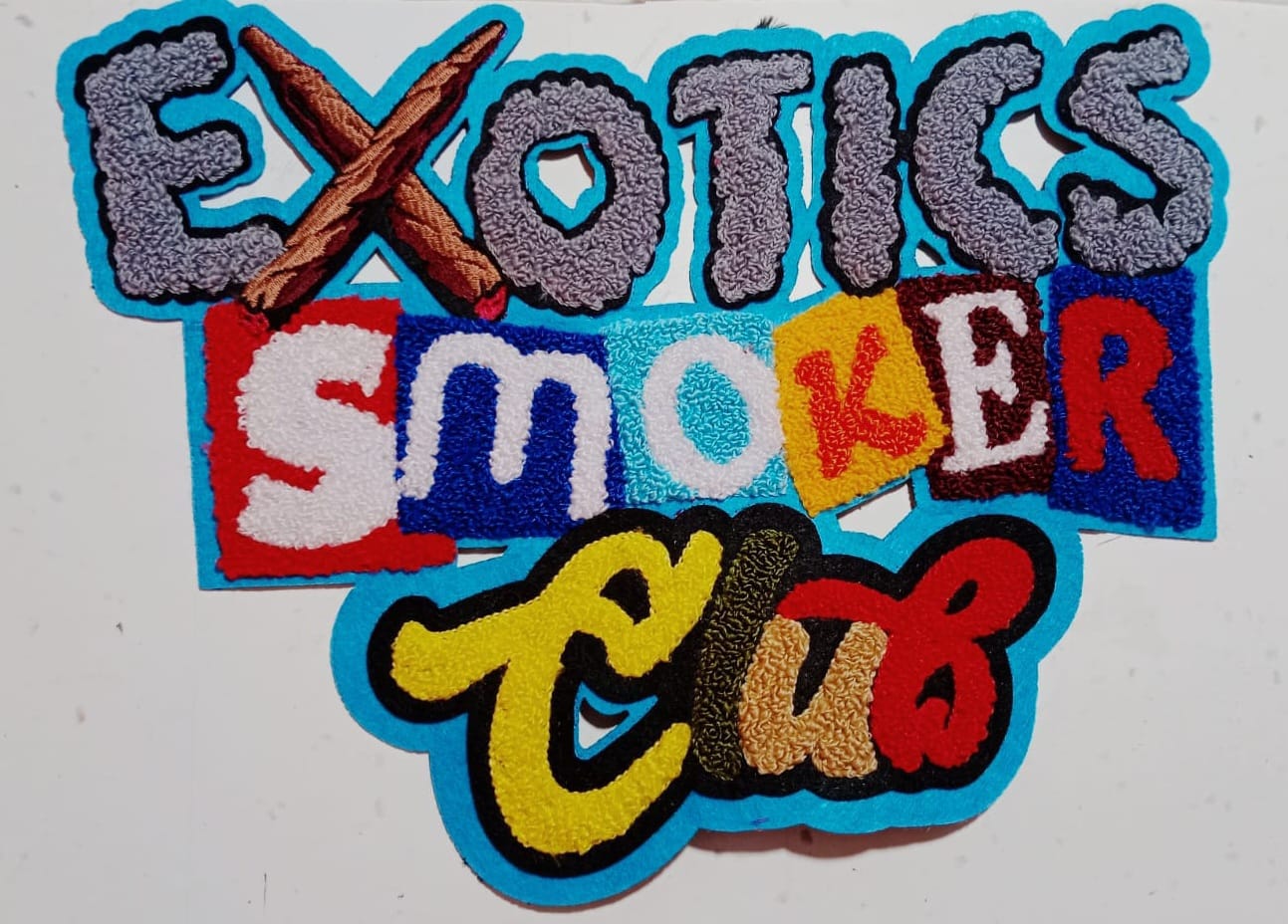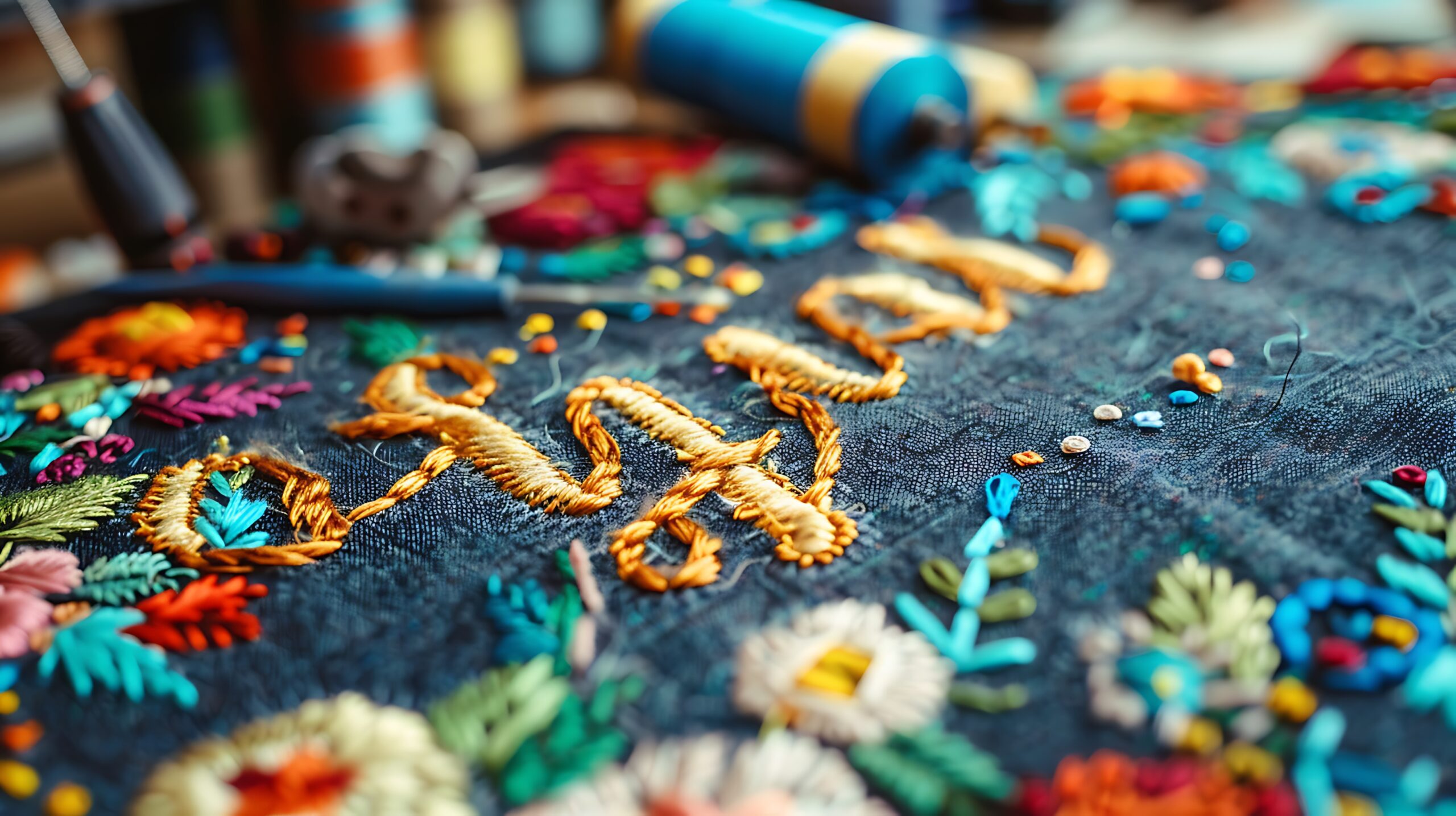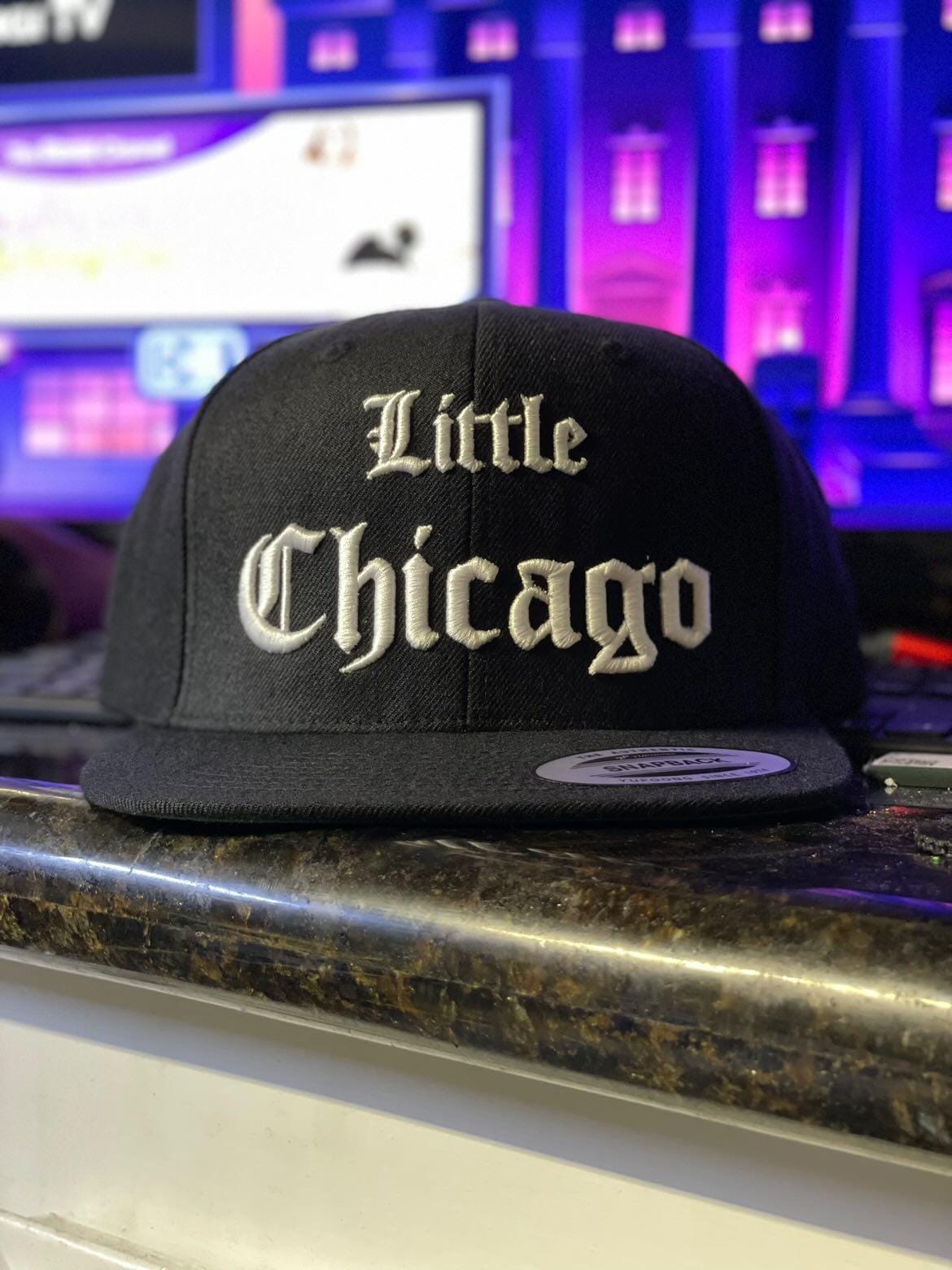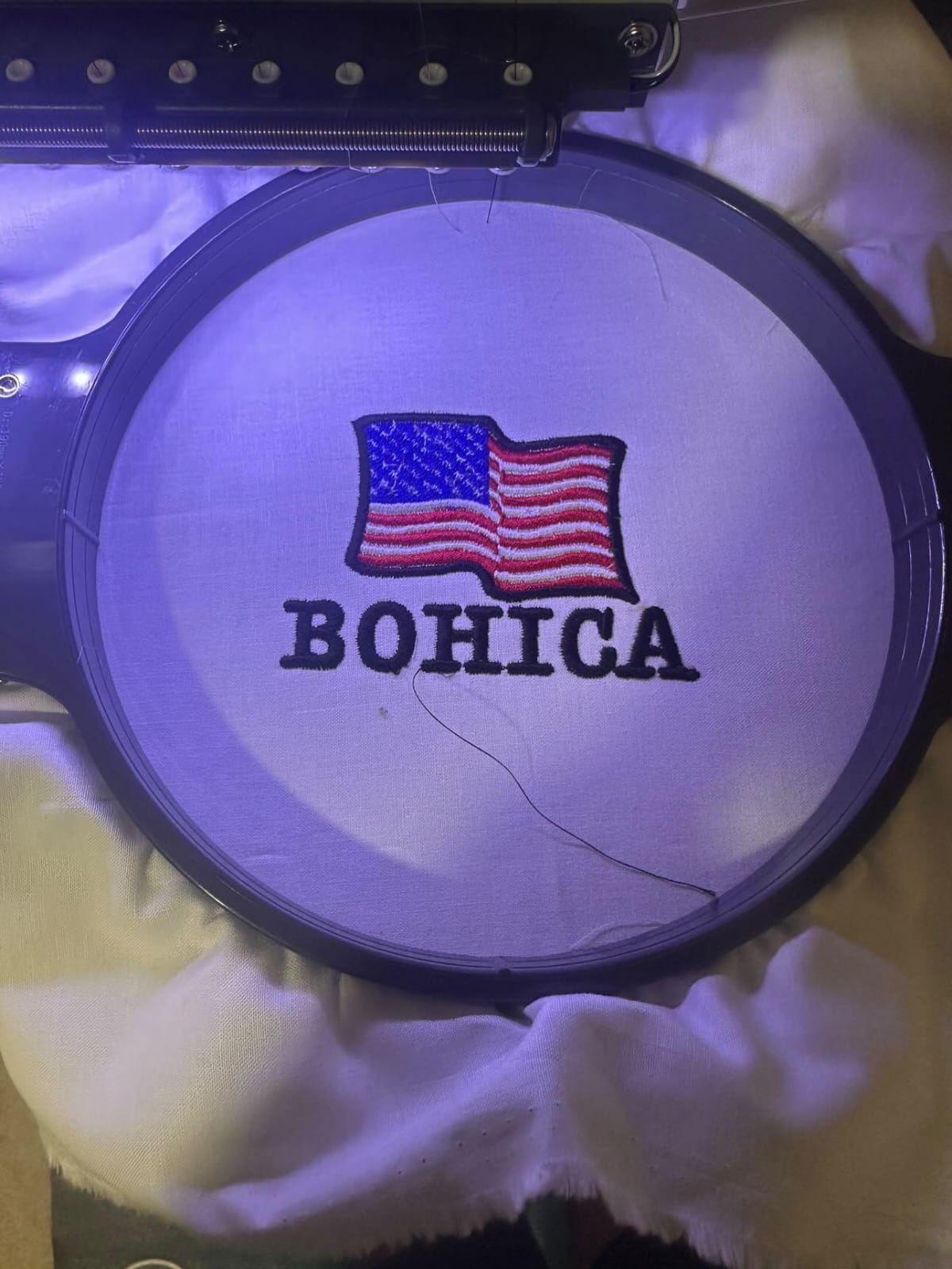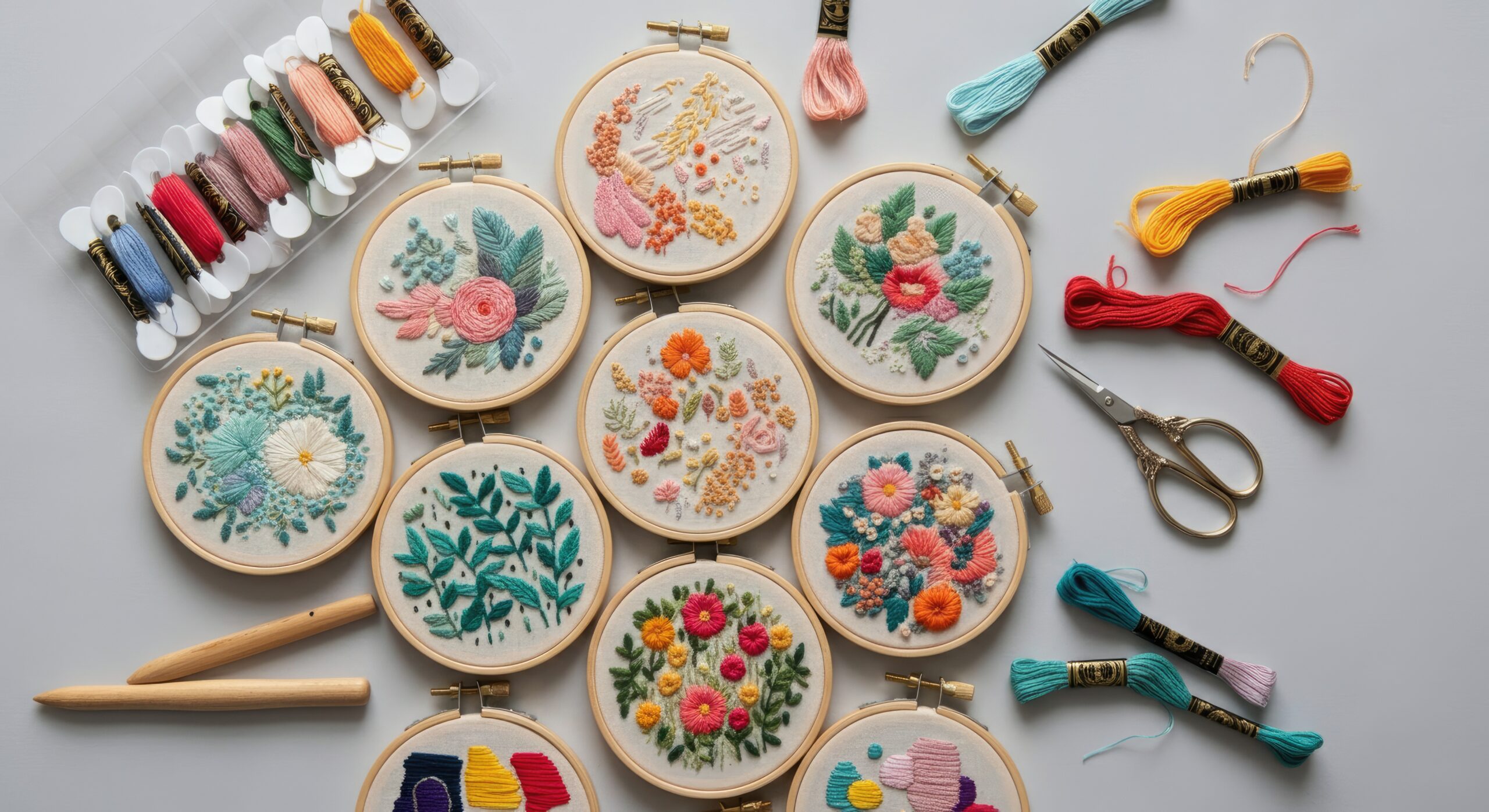

Embroidery has evolved from a traditional handcraft into a creative blend of art and technology. Today, anyone can make embroidery designs using digital tools, specialized software, or even online platforms. Whether you are starting a small embroidery business or designing for personal projects, understanding the right approach makes a big difference in quality and efficiency.
Many online guides explain basic design ideas, often focusing on sketching patterns manually. While those methods are useful for creativity, modern embroidery demands a more structured process—especially when you want professional, machine-ready results. This blog takes a broader and more practical approach, covering both traditional creativity and digital solutions like software to make embroidery designs and platforms that let you make embroidery designs online.
Understanding the Basics Before You Start
Before jumping into tools and software, it’s important to understand how embroidery designs actually work. Unlike regular graphic images, embroidery files contain stitch instructions. These instructions tell the machine:
- Stitch direction
- Thread color sequence
- Stitch type (satin, fill, running stitch)
- Density and underlay
This technical layer is what separates a simple drawing from a production-ready embroidery file.
Many beginner-focused guides emphasize drawing by hand first. That’s helpful for creativity, but if your goal is machine embroidery, you must think in terms of stitches rather than just shapes.
Traditional vs Digital Design Approach
1. Manual Design Method
Some designers begin by sketching on paper or using grid sheets. This improves understanding of stitch flow and pattern structure. However, converting hand drawings into machine files requires digitizing.
Pros:
- Great for creativity
- Builds artistic foundation
- No software needed initially
Cons:
- Time-consuming
- Not machine-ready
- Requires later digitizing step
2. Using Software to Make Embroidery Designs
Professional designers prefer embroidery digitizing software. These programs allow you to convert artwork into stitch files like DST, PES, or EXP formats.
Popular features in embroidery software include:
- Auto-digitizing tools
- Manual stitch editing
- Density control
- 3D puff effect options
- Lettering and monogram tools
Using proper software to make embroidery designs gives you complete control over stitch quality. It ensures cleaner results and reduces thread breaks during production.
This approach is more efficient compared to purely manual pattern planning because it combines creativity with technical precision.
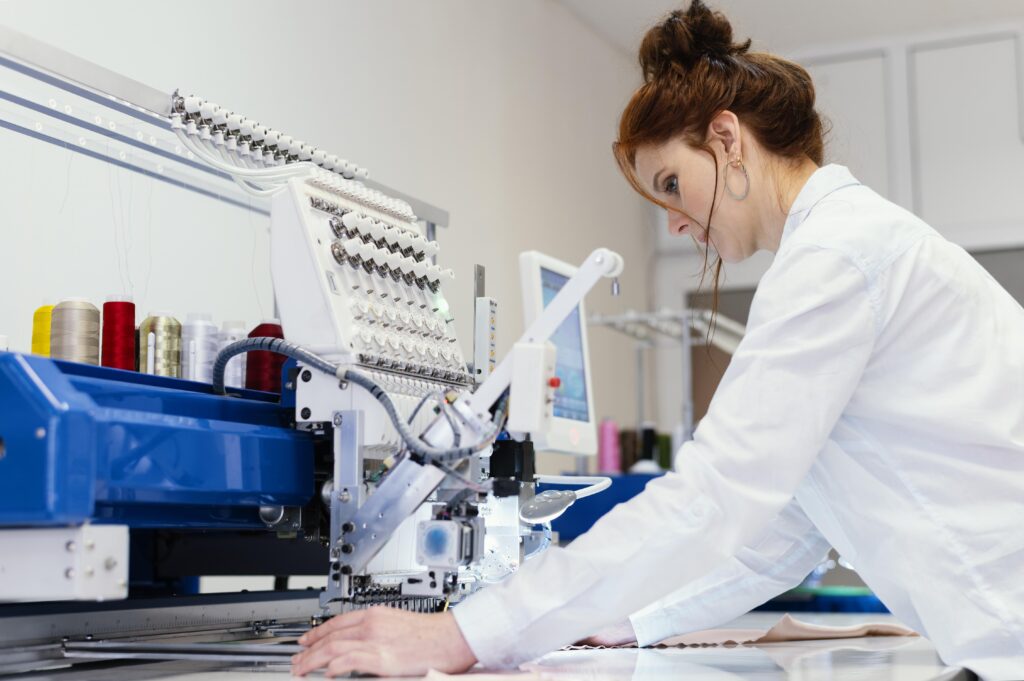
How to Make Embroidery Designs Online
If you don’t want to install heavy software, you can make embroidery designs online using cloud-based tools. These platforms allow you to:
- Upload logos
- Customize text
- Choose fonts and layouts
- Download ready-to-stitch files
Online tools are ideal for beginners and small businesses because they are:
- Easy to use
- Accessible from anywhere
- Budget-friendly
However, advanced customization options may be limited compared to professional desktop software.
Step-by-Step Process to Make Embroidery Designs
Here’s a refined workflow that balances creativity and production quality:
Step 1: Define Your Design Purpose
Is it for caps, jackets, uniforms, or patches? Fabric type affects stitch density and style.
Step 2: Create or Import Artwork
You can draw from scratch or upload a vector image. Clean and simplify the artwork before digitizing.
Step 3: Choose Stitch Types
- Satin stitch for text and borders
- Fill stitch for large areas
- Running stitch for outlines
Step 4: Adjust Stitch Density
Too dense = fabric puckering
Too loose = design gaps
Step 5: Test the Design
Always run a sample stitch-out before full production.
This professional workflow gives better results compared to basic pattern-only approaches.
Why Digital Design Is More Efficient Today
Compared to guides that focus only on creative sketching methods, modern embroidery design requires:
- Technical stitch planning
- Fabric compatibility awareness
- Machine optimization
- File format understanding
Digital methods ensure faster turnaround and consistent results, especially for commercial embroidery businesses.
Common Mistakes When Making Embroidery Designs
- Using too many colors unnecessarily
- Ignoring fabric stretch
- Overlapping stitches improperly
- Not testing the design before final production
Avoiding these mistakes improves design quality and reduces production costs.
FAQs
1. What is the best software to make embroidery designs?
Professional digitizing software offers advanced stitch control and editing tools. The best option depends on your experience level and budget.
2. Can I make embroidery designs online for free?
Yes, some online platforms offer basic tools. However, advanced features may require paid subscriptions.
3. Do I need drawing skills to create embroidery designs?
Basic design sense helps, but software tools make it easier even for beginners.
4. What file format is used for embroidery machines?
Common formats include DST, PES, EXP, and JEF, depending on your machine type.
5. How long does it take to create an embroidery design?
Simple designs may take 30–60 minutes, while complex logos can take several hours.
Final Thoughts
Learning how to make embroidery designs today means combining creativity with technology. While traditional sketch-based methods build artistic skills, modern embroidery demands digital precision. Using professional software to make embroidery designs or reliable platforms to make embroidery designs online allows you to create clean, production-ready files efficiently.
If your goal is personal crafting, manual techniques may be enough. But for commercial embroidery, digitizing knowledge and proper software tools are essential. The right balance of creativity and technical accuracy will help you produce designs that not only look good on screen but stitch perfectly on fabric.