
In the world of digital design and high-quality printing, the terminology can get a bit tangled. If you are preparing artwork for a large-scale banner or a precision embroidery project, you’ve likely come across the TIFF extension. But one question frequently stumps even seasoned marketers: Is a TIFF file a vector format?
The short answer is no. A TIFF file is a raster (bitmap) format, not a vector format.
Understanding the “why” behind this is crucial for ensuring your brand assets look crisp, professional, and scalable across all mediums—from a tiny business card to a massive storefront fascia.
Raster vs. Vector: Understanding the Difference
To understand why a TIFF isn’t a vector, we need to look at how images are constructed.
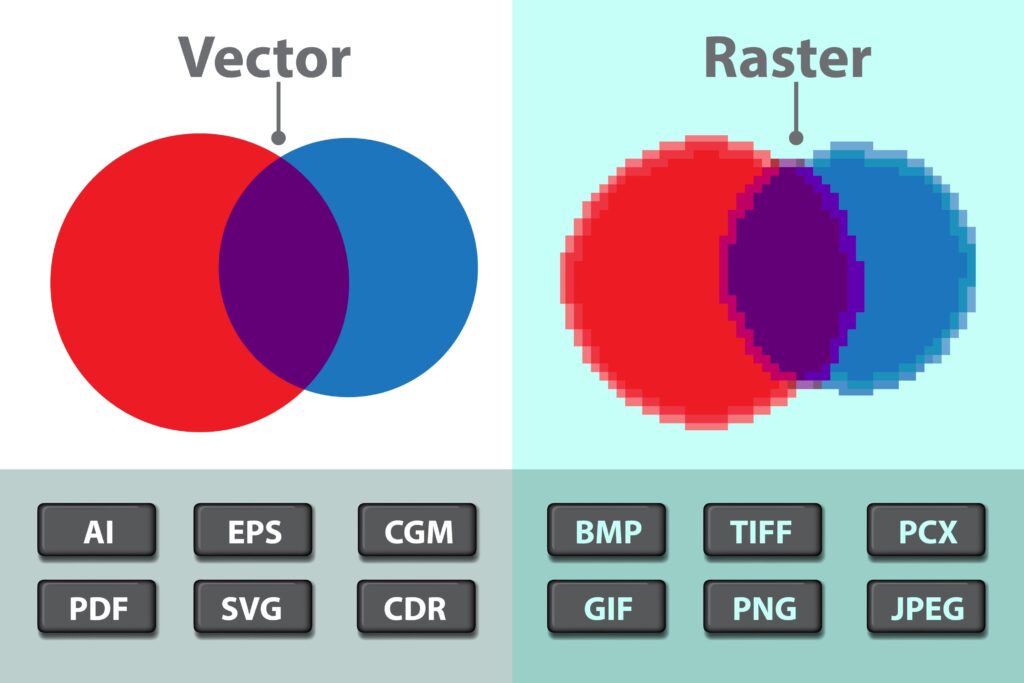
1. Raster Images (The World of Pixels)
A raster image, like a TIFF, JPEG, or PNG, is composed of a fixed grid of colored squares called pixels.
- Resolution Dependent: Because they have a set number of pixels, raster images lose quality when you try to enlarge them. This results in “pixelation” or blurriness.
- Ideal For: Complex photographs and detailed digital paintings where color transitions need to be seamless.
2. Vector Images (The World of Math)
Vector files (like AI, EPS, or SVG) don’t use pixels. Instead, they use mathematical equations to define points, lines, and curves.
- Infinite Scalability: You can scale a vector logo to the size of a skyscraper, and it will remain perfectly sharp.
- Ideal For: Logos, typography, and technical illustrations.
What Exactly is a TIFF File?
TIFF stands for Tagged Image File Format. It is the “heavyweight champion” of the raster world. Unlike JPEGs, which compress data and lose quality (lossy compression), TIFFs are primarily lossless.
This means they retain every bit of detail and color depth from the original image. This makes them the industry standard for:
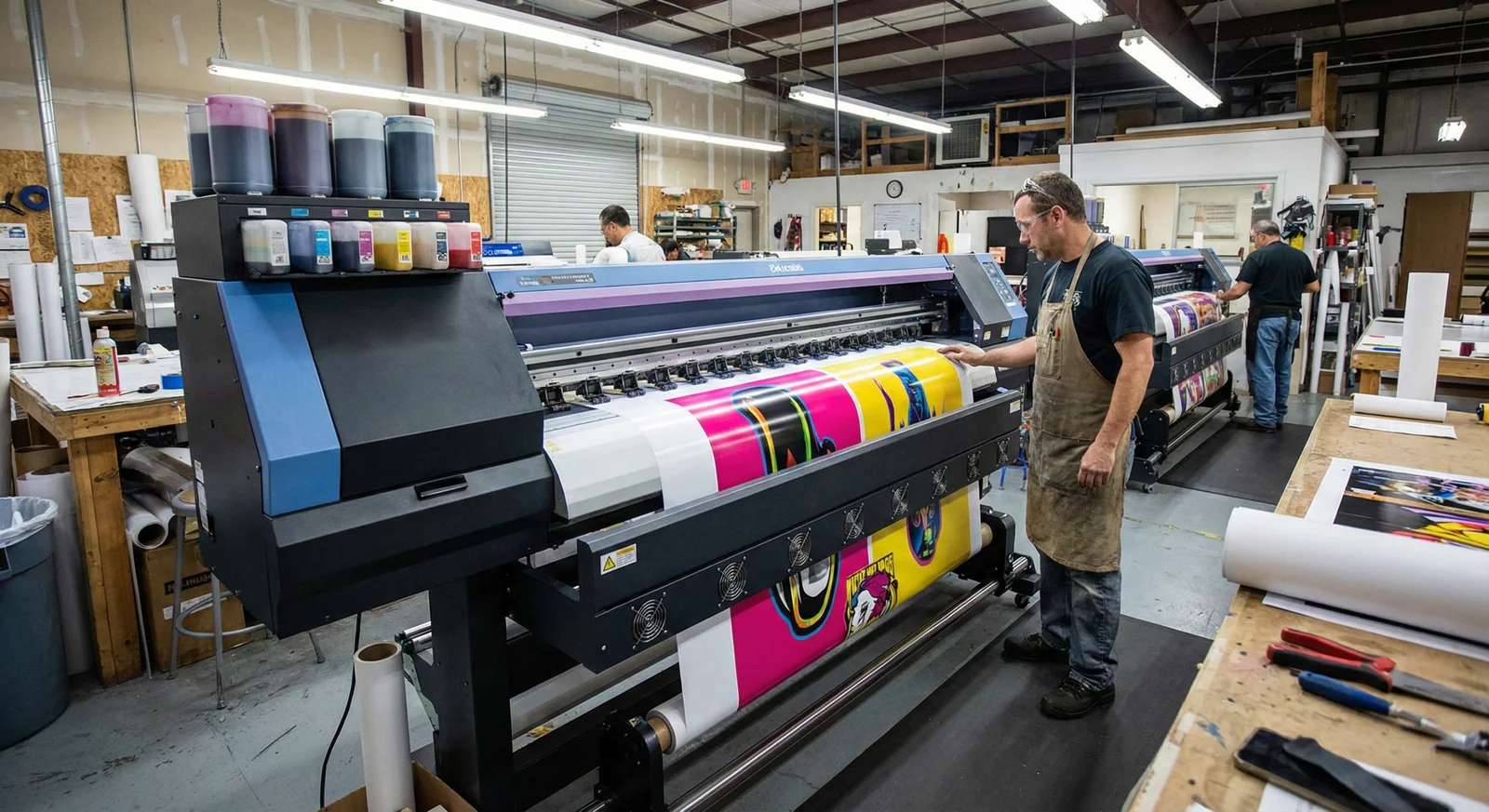
- Commercial Printing: High-quality brochures and magazines.
- Archiving: Saving master copies of digital photos.
- Professional Photography: Managing high-dynamic-range images before final export.
Can a TIFF “Act” Like a Vector?
While a TIFF is technically a raster file, it is incredibly versatile. Professional software like Adobe Photoshop allows you to save “layers” within a TIFF. While these layers can contain paths (vector data), the final output intended for viewing or printing remains a pixel-based grid.
If you send a TIFF to a printer for a job that requires a vector—such as vinyl vehicle wraps or 3D lettering—the printer may struggle because the machine needs the mathematical “paths” of a vector to tell the blade where to cut.
Why the Distinction Matters for Your Brand
Using the wrong format can lead to “Brand Dilution.” Imagine your logo appearing blurry on a high-visibility jacket or a mesh banner because a low-resolution TIFF was scaled up too far.
At RiseDigitizing, we recommend maintaining a “Vector-First” workflow for your core brand assets. Once your design is perfected in a vector format, you can export it into a high-resolution TIFF for specific printing needs without ever losing that original sharpness.
FAQ: Common Questions About File Formats
1. Can I convert a TIFF to a Vector?
Yes, but it isn’t a simple “Save As.” You must use software to “trace” the pixels and turn them into mathematical paths. This process is called vectorization.
2. When should I use a TIFF instead of a JPEG?
Always use a TIFF when you are heading to a professional printer. JPEGs create “artifacts” (tiny digital blurred spots) every time you save them, whereas TIFFs keep the image pristine.
3. What are the best vector formats?
The most common professional vector formats are .AI (Adobe Illustrator), .EPS (Encapsulated PostScript), and .SVG (Scalable Vector Graphics for web).
4. Why is my TIFF file so large?
Because TIFFs are lossless and often contain multiple layers and high color depth, they can be significantly larger than JPEGs. This is the price you pay for uncompromising quality!
5. Is TIFF good for SEO?
Generally, no. TIFF files are too large for web use and will slow down your page load speed. For SEO-friendly websites, it is better to use WebP or optimized JPEGs, while keeping your TIFFs for the printing press.
Final Thoughts
While a TIFF is not a vector format, it remains an essential tool in your marketing toolkit. By knowing when to use the mathematical precision of a vector and when to leverage the rich detail of a TIFF, you ensure your brand always looks its best.
Ready to elevate your brand’s digital and physical presence? Stay tuned to RiseDigitizing for more insights into the world of design and professional production.