
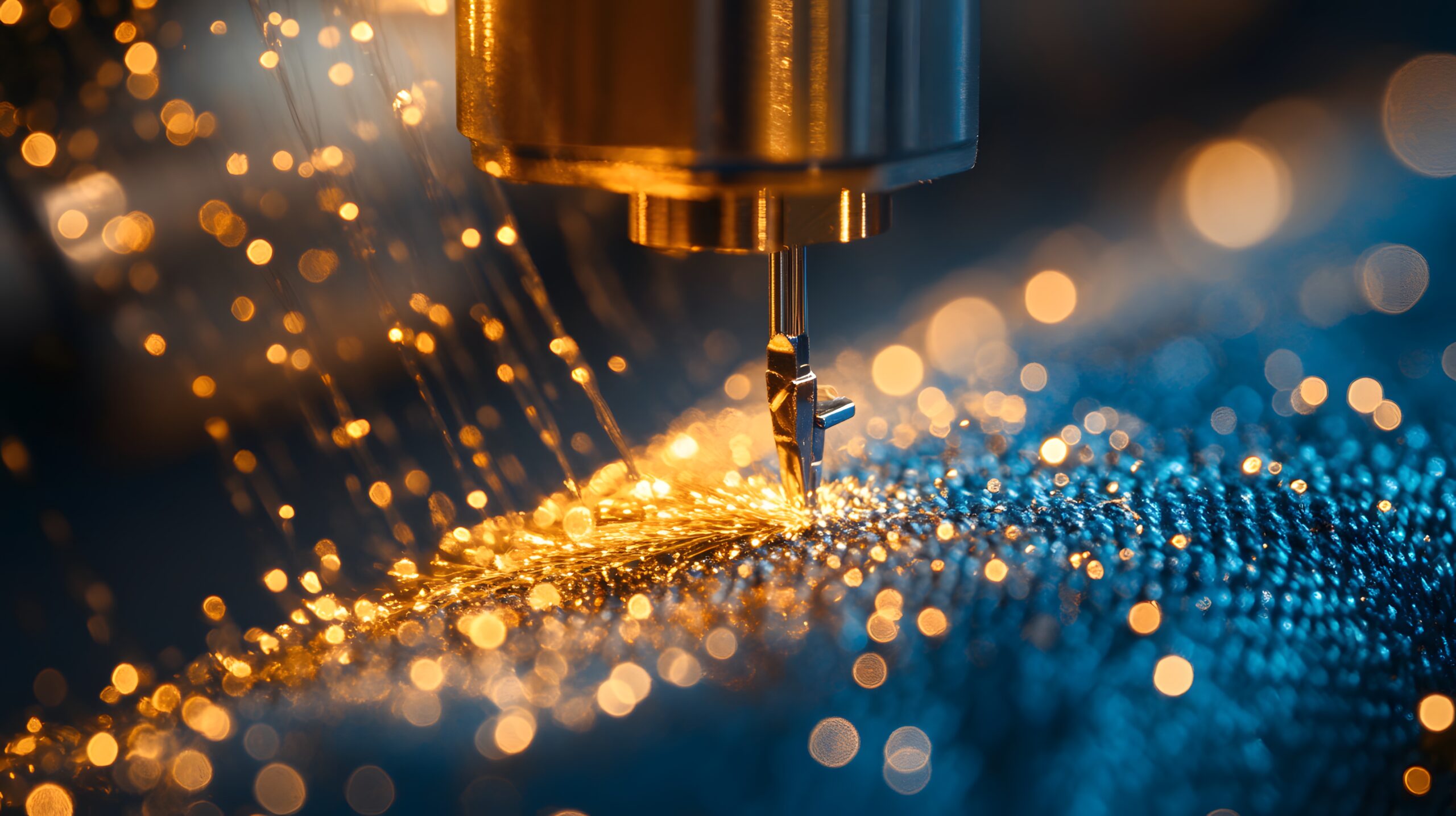

Embroidery has moved far beyond manual stitching. Today, digitising software plays a central role in transforming artwork into machine-ready embroidery files. Whether you’re running a commercial embroidery setup or just starting at home, choosing the right software determines stitch quality, efficiency, and overall production cost.
In this guide, we’ll explore different types of embroidery digitising software, compare beginner-friendly options with advanced tools, and highlight what makes a solution suitable for different users. We’ll also examine how feature depth, usability, and pricing vary across platforms—especially when compared with popular beginner-focused recommendations in the market.
What Is Digitising Software?
Digitising software converts images, logos, or artwork into stitch files that embroidery machines can read (such as DST, PES, EXP, etc.). Instead of simply converting an image automatically, high-quality software allows manual control over stitch types, density, direction, pull compensation, and underlay settings.
This level of control is especially important for:
- Commercial embroidery businesses
- Custom logo embroidery
- 3D puff designs
- Detailed monograms
- Bulk production work
Types of Embroidery Digitising Software
1. Beginner-Friendly Software
These tools are designed for hobbyists or small businesses. They often include auto-digitising features and simplified interfaces. While they’re easier to learn, they may offer limited manual control.
Best for:
- Home embroidery users
- Small Etsy sellers
- Basic logo conversions
2. Professional Embroidery Digitising Software
Advanced platforms provide full manual stitch control, editing tools, and professional-level output. They usually support multiple embroidery machine brands and file formats.
Best for:
- Commercial embroidery shops
- Large production houses
- Complex and detailed designs
3. Free Digitising Software for Embroidery
Some providers offer free digitising software for embroidery, but these often come with limitations:
- Limited file exports
- Watermarked outputs
- Basic editing tools
- Trial restrictions
Free options are good for testing, but they may not meet professional production standards.
Key Features to Look For
When selecting digitising software for embroidery machines, focus on these features:
- Manual stitch editing
- Underlay control
- Density adjustment
- Auto-digitising accuracy
- File format compatibility
- Machine preview simulation
- Lettering & monogram tools
- 3D puff support
The more control you have, the better your embroidery results will be.
Comparison with Beginner-Focused Recommendations
Many beginner-oriented guides suggest software that prioritizes simplicity and affordability. These platforms often promote:
- Easy auto-digitising
- Simple drag-and-drop interface
- Quick setup
- Lower upfront cost
While these are helpful for beginners, such tools may lack:
- Advanced stitch direction control
- Detailed underlay settings
- Precision density customization
- Professional-grade output consistency
For small hobby use, these beginner options are sufficient. However, businesses planning to scale may eventually need professional embroidery digitising with advanced capabilities.
In contrast, higher-tier software focuses more on stitch accuracy, commercial output quality, and machine compatibility rather than just beginner simplicity.
Free vs Paid Digitising Software
Free Software
Pros:
- No upfront cost
- Good for practice
- Basic design conversion
Cons:
- Limited stitch control
- Restricted file export
- Lower embroidery quality
Paid Software
Pros:
- Full manual control
- High-quality stitch output
- Commercial-grade features
- Regular updates & support
Cons:
- Higher cost
- Learning curve
If embroidery is part of your business model, investing in reliable digitising software for embroidery machines often delivers better long-term value.
Who Should Use Which Type?
| User Type | Recommended Option |
| Hobbyist | Beginner or free digitising software |
| Small Business | Mid-range embroidery digitising |
| Commercial Production | Professional-grade digitising |
Your choice depends on production volume, complexity of designs, and budget.
FAQs
1. What is the best digitising software for beginners?
Beginner-friendly embroidery digitising software with auto-digitising features and simple controls is usually best for newcomers. These tools simplify stitch creation and reduce the learning curve.
2. Is there any reliable free digitising software for embroidery?
Yes, some free digitising software for embroidery exists, but it often has limitations in features, export formats, or stitch control. It’s suitable for practice but not ideal for professional production.
3. What is the difference between auto-digitising and manual digitising?
Auto-digitising converts artwork automatically with minimal input, while manual digitising allows full control over stitch direction, density, and underlay. Manual digitising produces more professional results.
4. Can digitising work with all embroidery machines?
Most professional embroidery machines supports multiple file formats, but compatibility depends on your machine brand and model.
5. Is paid embroidery digitising software worth it?
If you run a commercial embroidery business or produce bulk designs, paid software offers better accuracy, advanced tools, and long-term efficiency.
Final Thoughts
Choosing the right digitising software depends on your experience level, production needs, and long-term goals. While beginner-focused tools emphasize simplicity and affordability, professional embroidery digitising prioritizes precision, stitch control, and commercial output quality.
If you’re experimenting or learning, free or entry-level tools may be enough. But if embroidery is part of your business strategy, investing in reliable digitising software for embroidery machines ensures better design quality, fewer production errors, and greater customer satisfaction.


