
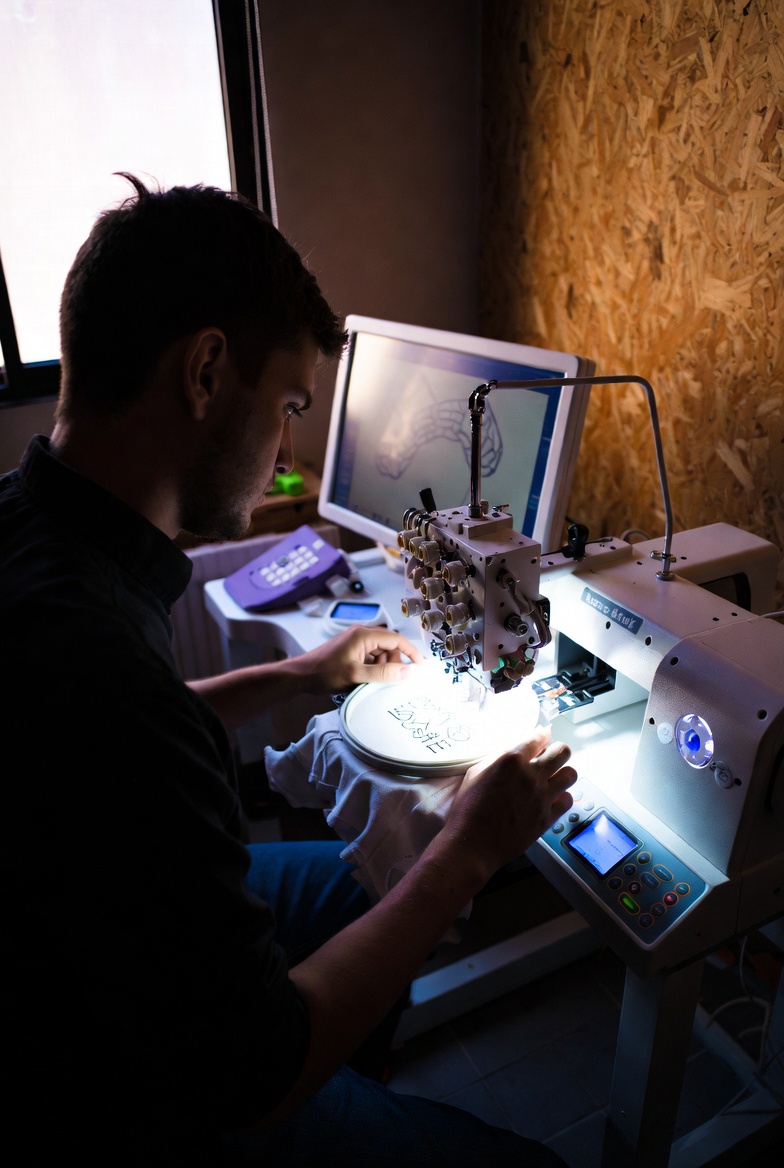

Free digitizing has become one of the most searched terms among embroidery businesses, hobbyists, and startup apparel brands. Whether you’re launching a custom embroidery service or testing designs at home, finding reliable free digitizing online tools or free digitizing software can help you reduce costs while maintaining quality.
Many websites list embroidery tools, including popular blogs that review free embroidery programs. However, not all free tools are equal. Some are basic converters, while others provide advanced stitch editing features. In this guide, we’ll compare available options, highlight their strengths and limitations, and help you choose the right solution.
What Is Free Digitizing?
Digitizing is the process of converting artwork into a stitch file that embroidery machines can read (such as DST, PES, or EXP formats). Professional digitizing software can be expensive, which is why many users search for free digitizing alternatives.
Free digitizing solutions typically fall into three categories:
- Downloadable free digitizing software
- Free digitizing online platforms
- Trial versions of premium embroidery software
Each option has pros and cons depending on your skill level and project needs.
Free Digitizing Software vs. Online Tools
Some embroidery blogs focus mainly on downloadable desktop software. These programs often provide more control over stitch types, density, and underlay settings. However, many require installation and may only offer limited features in free versions.
On the other hand, free digitizing online platforms are easier to access. You simply upload your artwork and adjust basic settings in your browser. These tools are ideal for beginners or quick logo conversions but may not provide advanced manual editing.
Key Differences
| Feature | Free Digitizing Software | Free Digitizing Online |
| Installation Required | Yes | No |
| Advanced Stitch Control | Often Available | Limited |
| Beginner Friendly | Moderate | High |
| File Conversion | Yes | Yes |
| Custom Stitch Editing | Better | Basic |
If you are just starting out, online tools may be easier. If you want more professional results, desktop software is usually stronger.
Popular Free Digitizing Programs (Compared)
Several embroidery blogs list top programs for beginners. While those guides provide useful overviews, they often focus heavily on software features rather than real-world usability.
Here’s a more practical comparison approach:
1. Open-Source Digitizing Software
- Completely free
- Good for basic embroidery files
- Limited automation
- Requires learning curve
Best for hobbyists who want manual control.
2. Free Trial Professional Software
- Advanced stitch settings
- Clean interface
- Limited trial period
- Watermarked exports in some cases
Best for testing professional workflows before investing.
3. Browser-Based Free Digitizing Online Tools
- Fast and simple
- No installation required
- Limited stitch customization
- Good for quick logo conversion
Best for small businesses that need fast turnaround.
Compared to some embroidery blogs that emphasize technical breakdowns, it’s important to consider speed, ease of use, and output quality—not just features.
Limitations of Free Digitizing
While free digitizing solutions can be helpful, they have clear limitations:
- Limited stitch types
- Poor auto-digitizing for complex artwork
- Less control over density and underlay
- No advanced lettering tools
- Restricted file exports
If you’re working on commercial projects or detailed logos, manual digitizing by an experienced professional often delivers better results.
When Free Digitizing Is a Good Option
Free digitizing works well when:
- You’re learning embroidery basics
- You need simple text designs
- You are testing logo placement
- You want to convert small artwork quickly
For detailed 3D puff embroidery, complex gradients, or high-end branding work, professional digitizing services provide cleaner stitch paths and better machine performance.
How to Choose the Right Free Digitizing Tool
Before choosing any free digitizing software, ask yourself:
- Do I need manual stitch editing?
- Am I working on commercial embroidery?
- Do I require multiple file formats?
- How complex is my artwork?
If your design is simple text or a basic logo, a free digitizing online platform may be enough. If you need advanced stitch control, desktop software is a better choice.
FAQs
1. What is the best free digitizing software?
The best option depends on your needs. Open-source embroidery programs are good for beginners, while trial versions of professional software provide more advanced features.
2. Can I do professional embroidery with free digitizing online tools?
You can create basic designs, but for commercial-quality results, advanced manual digitizing is usually required.
3. Is free digitizing safe to use?
Most reputable software is safe, but always download from official sources to avoid malware.
4. What file formats do free tools support?
Common formats include DST, PES, and EXP. However, some free versions restrict export options.
5. Why does my embroidery look messy after digitizing?
This often happens due to incorrect stitch density, poor underlay settings, or automatic digitizing errors.
Final Thoughts
Free digitizing can be a valuable starting point for beginners and small embroidery businesses. Whether you choose free digitizing online platforms or downloadable free digitizing software, the key is understanding the limitations.
Compared to many embroidery blogs that list software options without discussing practical workflow challenges, it’s important to evaluate ease of use, output quality, and long-term scalability.
If you’re just experimenting or creating simple designs, free tools are a great option. However, for complex logos, high-end apparel branding, and consistent machine performance, investing in professional digitizing services often delivers better and more reliable results.


