
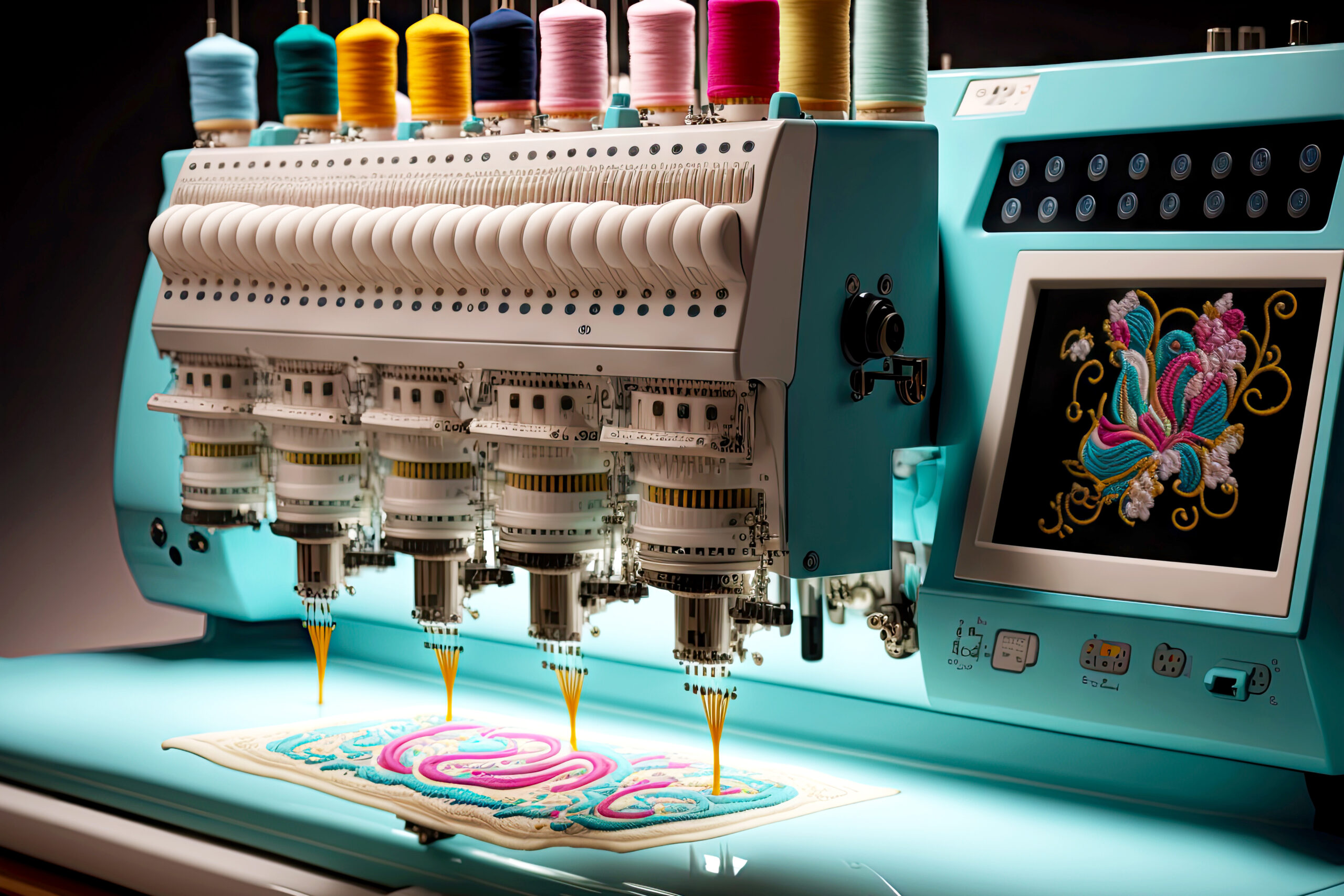

Choosing the right digitizing software for embroidery machines can completely transform the quality of your designs. Whether you’re running a commercial embroidery business or working on personal projects, the software you use determines stitch precision, design flexibility, and production efficiency.
Today, there are many options available — from high-end professional systems to free digitizing software for embroidery machines. Understanding the differences helps you invest wisely and avoid costly mistakes.
What Is Digitizing Software for Embroidery Machines?
Digitizing software converts artwork, logos, or images into stitch files that embroidery machines can read. Instead of simply uploading an image, the software assigns stitch types, directions, density, and sequencing to ensure smooth production.
Without proper digitizing, designs can look uneven, distorted, or poorly stitched. That’s why selecting the best digitizing software for embroidery machines is essential for quality results.
Key Features to Look For
Before comparing options, here are the most important features to consider:
- Auto-digitizing tools
- Manual stitch editing
- Lettering and monogram tools
- File format compatibility (DST, PES, EXP, etc.)
- 3D puff and specialty stitch support
- Speed and workflow efficiency
- Pricing and upgrade options
Professional embroidery businesses usually require advanced stitch control, while hobbyists may prefer simple, beginner-friendly interfaces.
Professional Software vs Budget-Friendly Options
When comparing embroidery digitizing platforms, professional software like Wilcom is often considered an industry benchmark. It offers advanced manual controls, high stitch precision, strong lettering tools, and powerful editing capabilities. Large embroidery companies and production houses frequently rely on such systems because of their reliability and output consistency.
However, professional-grade software often comes with a higher price tag. For small businesses or beginners, this may not always be practical.
On the other hand, there are more affordable alternatives that provide essential digitizing tools without overwhelming complexity. These programs may lack some advanced automation and 3D simulation features, but they are suitable for startups and independent creators.
Best Digitizing Software for Embroidery Machines
When discussing the best digitizing software for embroidery machines, the answer depends on your needs.
For commercial production:
- Advanced stitch customization
- High-quality auto-digitizing
- Multi-head machine compatibility
- Professional font libraries
For small businesses:
- Affordable pricing
- Easy learning curve
- Basic logo conversion tools
For hobbyists:
- Simple interface
- Built-in design templates
- Lightweight editing tools
Professional systems lead in performance and scalability, while mid-range options provide excellent value for growing embroidery businesses.
Free Digitizing Software for Embroidery Machines
Many beginners search for free digitizing software for embroidery machines. While completely free professional tools are rare, some programs offer limited free versions or trial periods.
Free tools are useful for:
- Learning digitizing basics
- Editing existing embroidery files
- Simple lettering and resizing
However, they often have limitations such as:
- Restricted export formats
- Limited stitch control
- Watermarked outputs
- Reduced design complexity
If you plan to run a business, investing in a reliable paid solution usually saves time and improves stitch quality.
Feature Comparison Overview
Here’s a general comparison between high-end professional software and mid-range or free options:
Professional Software
- Advanced stitch editing
- Better auto-digitizing accuracy
- 3D puff and specialty effects
- Full commercial licensing
- Higher cost
Mid-Range Software
- Good balance of features
- Suitable for small businesses
- Moderate pricing
Free Software
- Basic editing tools
- Learning-friendly
- Limited production capabilities
If your focus is large-scale commercial embroidery, professional tools offer long-term value. For startups, mid-tier solutions are often more practical.
Which Software Should You Choose?
Your choice should depend on:
- Business size
- Budget
- Design complexity
- Machine compatibility
- Production volume
If you handle detailed logos daily, professional embroidery digitizing tools are worth the investment. If you’re just starting out, begin with affordable or free digitizing software for embroidery machines and upgrade as your skills grow.
FAQs
What is the best digitizing software for embroidery machines?
The best option depends on your needs. Professional software is ideal for commercial production, while mid-range tools suit small businesses and beginners.
Can I use free digitizing software for embroidery machines professionally?
Free software is suitable for learning and basic edits, but it may not provide the stitch precision needed for high-quality commercial projects.
Is expensive embroidery software worth it?
For high production volume and complex designs, professional software improves accuracy, reduces thread breaks, and increases efficiency.
What file formats should embroidery software support?
Look for compatibility with DST, PES, EXP, JEF, and other common machine formats.
Final Thoughts
Selecting the right digitizing software for embroidery machines is not just about price — it’s about long-term performance and design quality. Professional solutions dominate in precision and automation, making them ideal for serious embroidery businesses. However, smaller operations can still achieve strong results with mid-range tools.
If you’re just entering the industry, start with manageable software, build your skills, and upgrade as your workload increases. The right software ultimately improves stitch quality, reduces errors, and strengthens your embroidery business reputation.


